Weekly Wiki

Greetings
This is Frank in Seeed Studio and welcome to the Seeed Studio weekly wiki! Each Monday, I will introduce you our latest wiki, including the ones related to our new products, the interesting projects published by Seeed Studio, and the tutorials, introductions, etc... You name it.
✨ For each week, when a collaborator contributes a project or fixes something important, we put the stars at the end of title of "Weekly Wiki" for more people be able to see their efforts👍.
Today is June 1st, and a brand new week has begun! Check out what Seeed Studio did last week!
Latest Wiki Launched
Seeed Jetson DevelopTool Overview
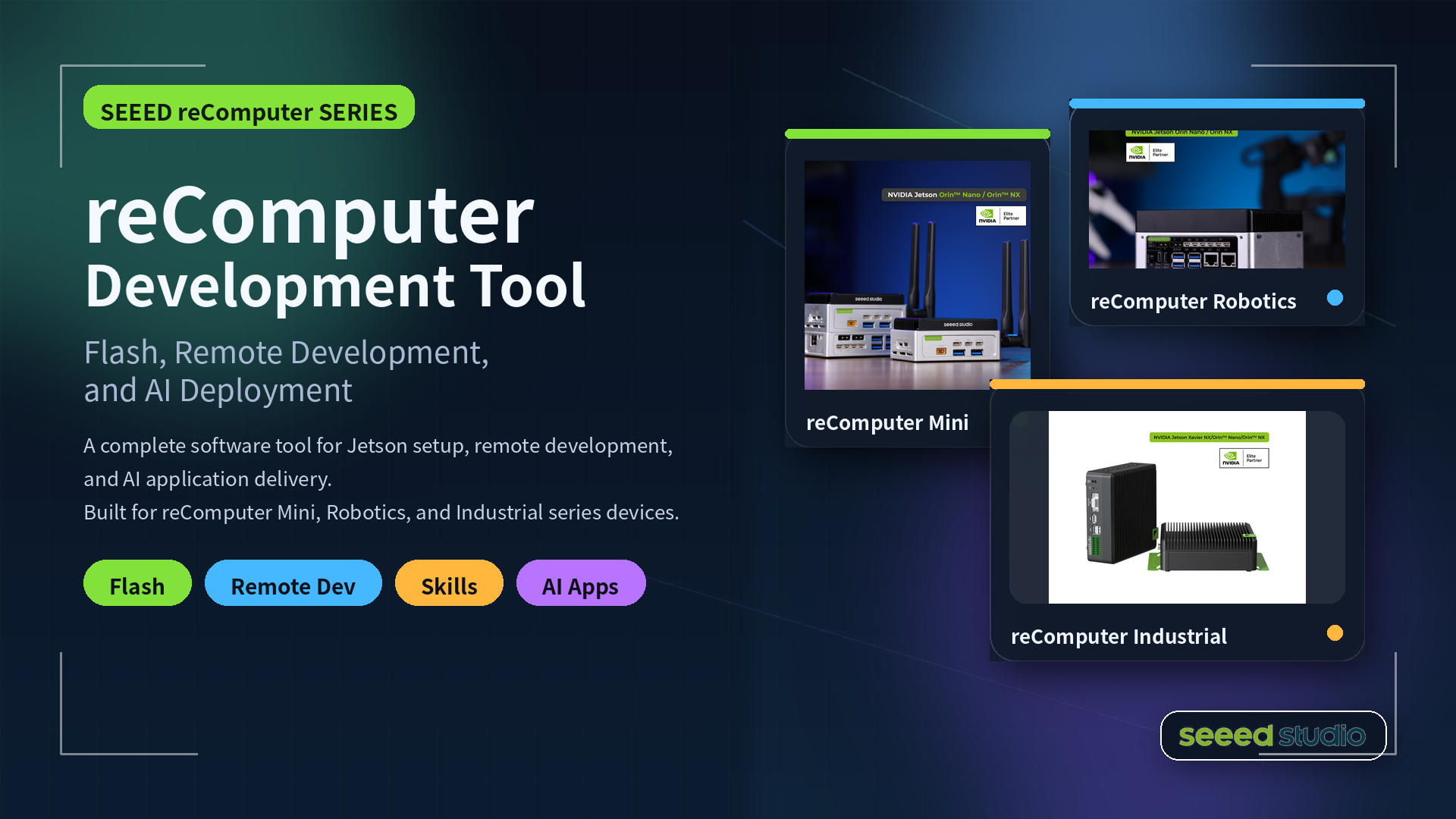
Seeed Jetson DevelopTool is an all-in-one AI development workbench designed for Seeed Studio Jetson products. It consolidates the most common Jetson development workflows — from first-time firmware flashing to AI app deployment — into a single desktop GUI application.
ROS2 Voice Pipeline on reSpeaker XVF3800
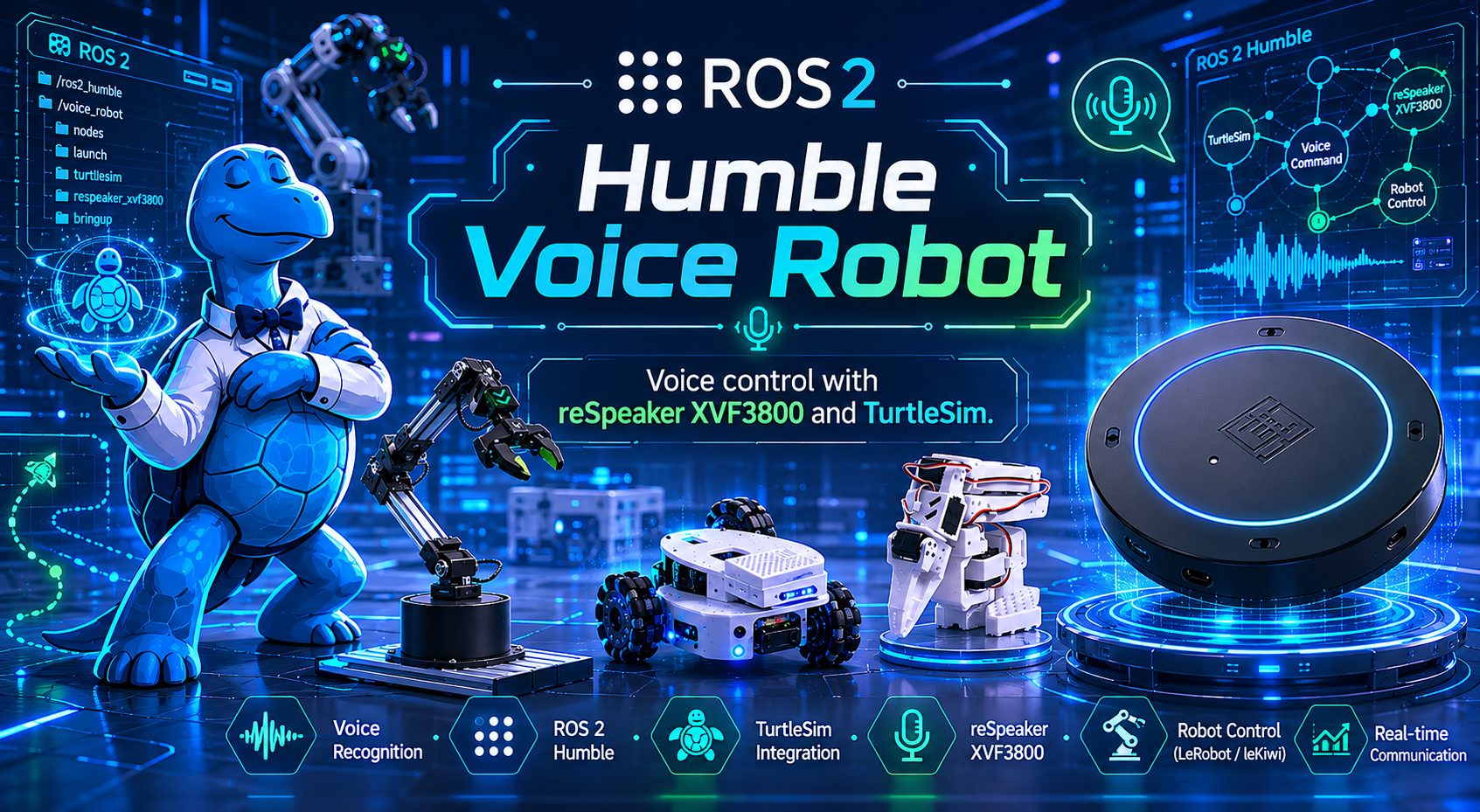
This project turns your voice into TurtleSim control using a reSpeaker XVF3800 microphone array and ROS2. Say “Hey Jarvis” followed by a command, and Jarvis records audio, transcribes it with Groq Whisper, interprets intent with Groq LLaMA, and responds with Groq Orpheus TTS. It is designed for fast setup with Ubuntu and ROS2 Humble, making voice-driven robot experiments easy to run.
ROS2 Voice Pipeline on reSpeaker Flex
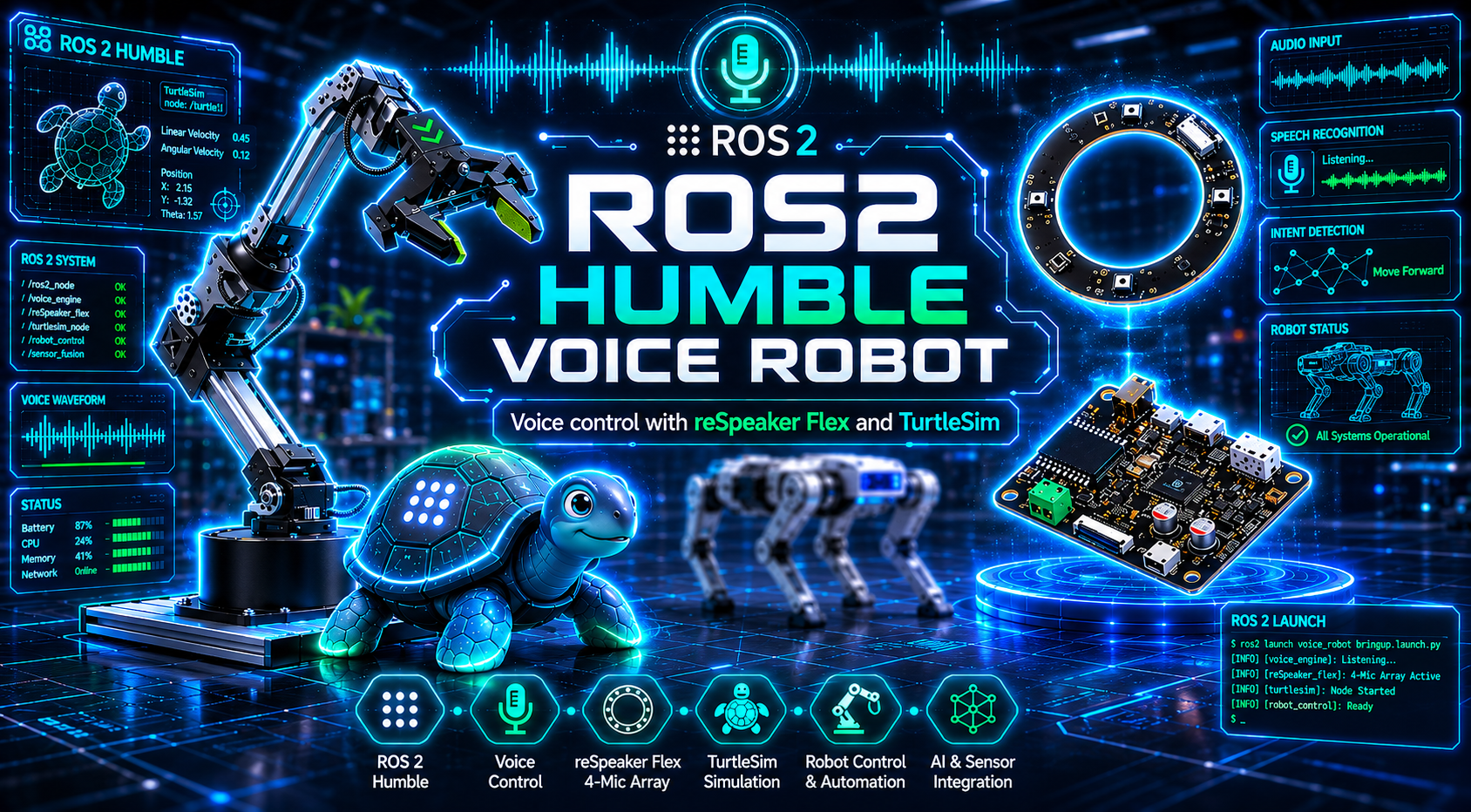
This project turns your voice into TurtleSim control using a reSpeaker Flex microphone array and ROS2. Say “Hey Jarvis” followed by a command, and Jarvis records audio, transcribes it with Groq Whisper, interprets intent with Groq LLaMA, and responds with Groq Orpheus TTS. It is designed for fast setup with Ubuntu and ROS2 Humble, making voice-driven robot experiments easy to run.
Arduino Cookbook: RTC, Low Power, Audio & Touch (reTerminal E Series)
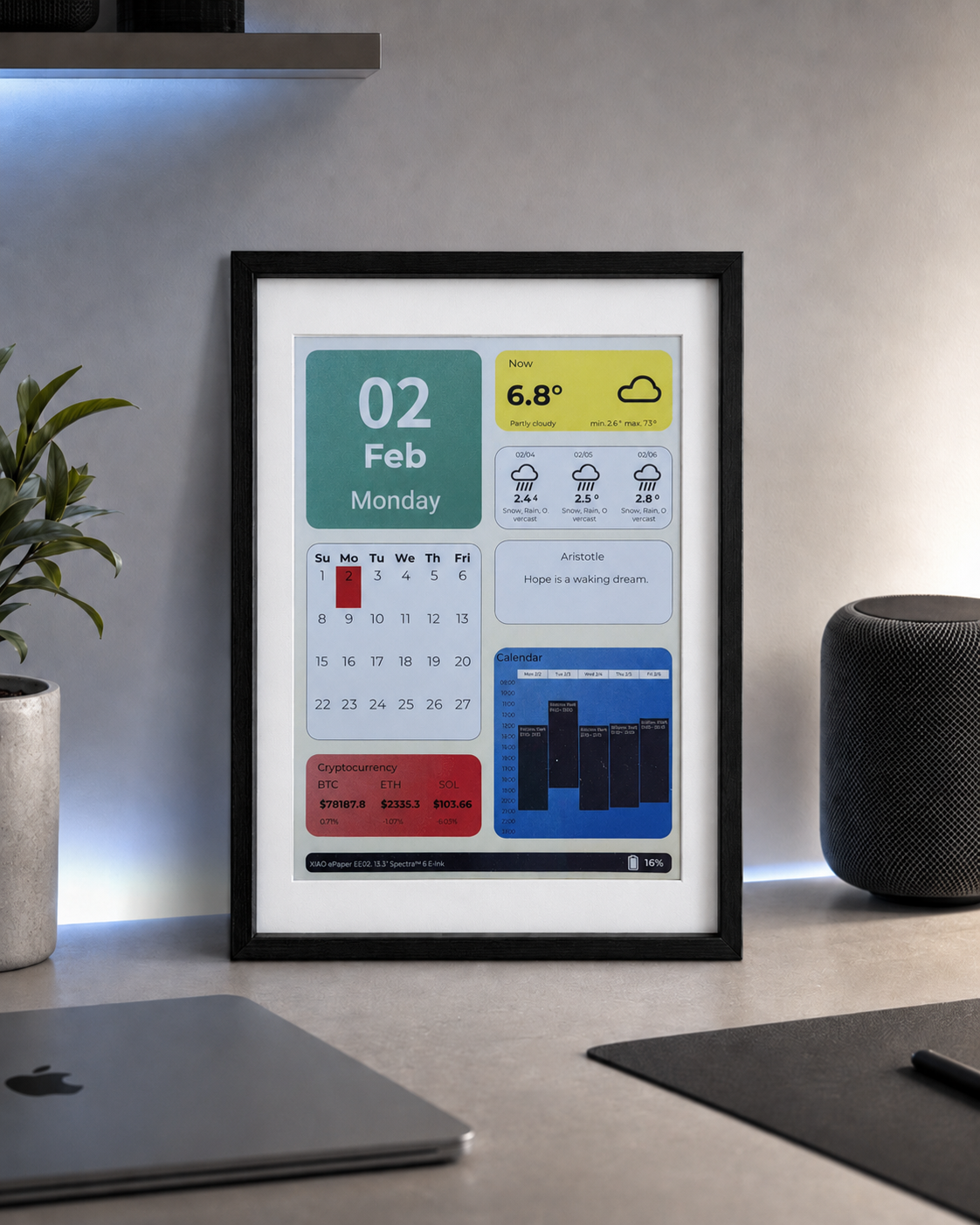
This document explains how to use Arduino peripheral features on the reTerminal E Series, including RTC setup, low-power mode, PDM microphone recording, and E1003 touch screen examples, with hardware compatibility notes and sample code.
Using Stream Deck to Control reCamera Gimbal
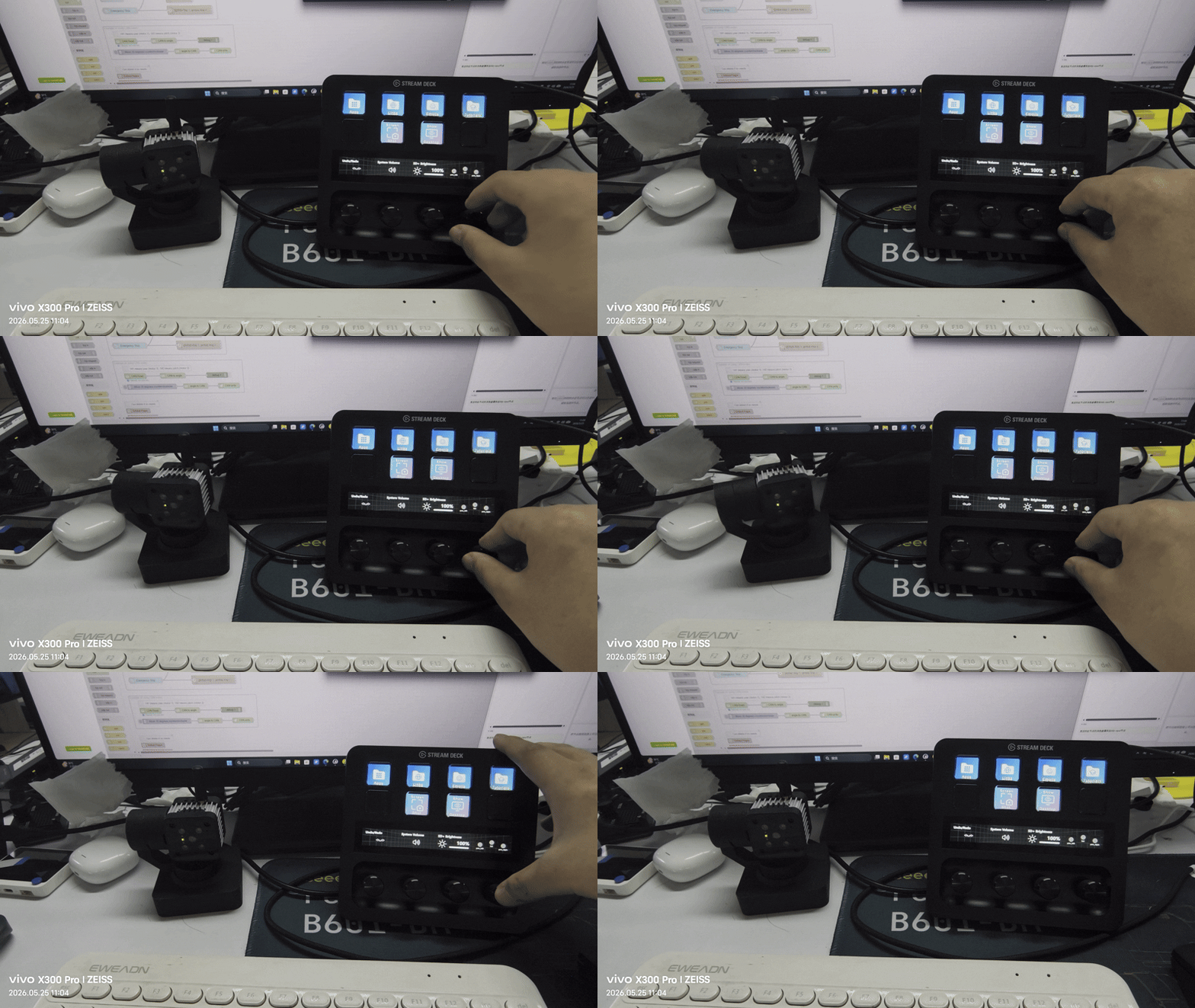
This wiki demonstrates how to control the reCamera Gimbal using a Stream Deck. By sending commands via the HTTP protocol from the Stream Deck, you can control the reCamera Gimbal to rotate to specific angles, turn the fill light on/off, play audio, and perform other operations.
How to Install Antenna for reComputer Super and Classic
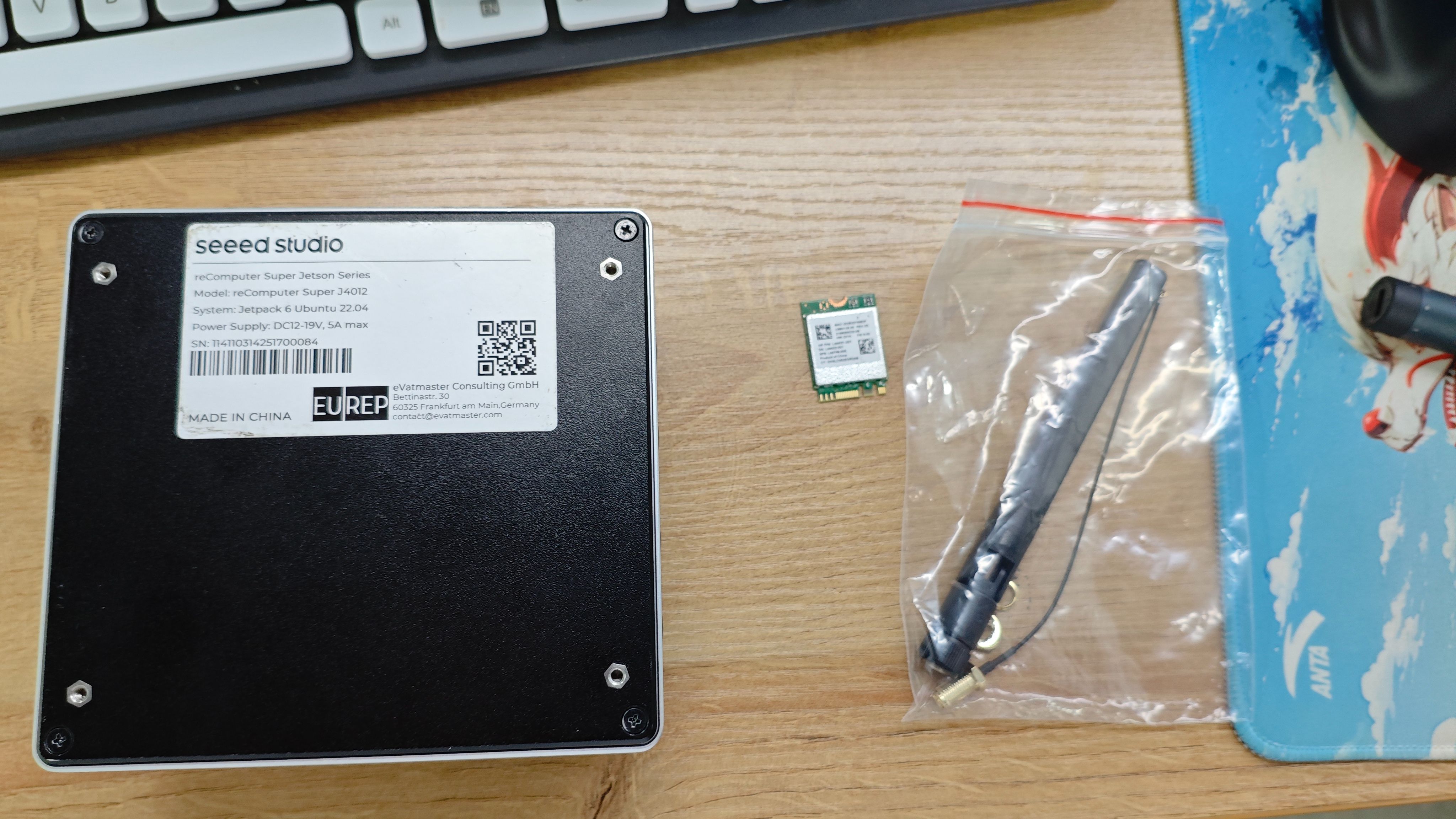
This guide walks you through installing antennas on the reComputer Super series and the reComputer Classic series. The procedures differ between the two product lines, so please follow the section that matches your device.
reSpeaker Flex with XIAO Feature Updates
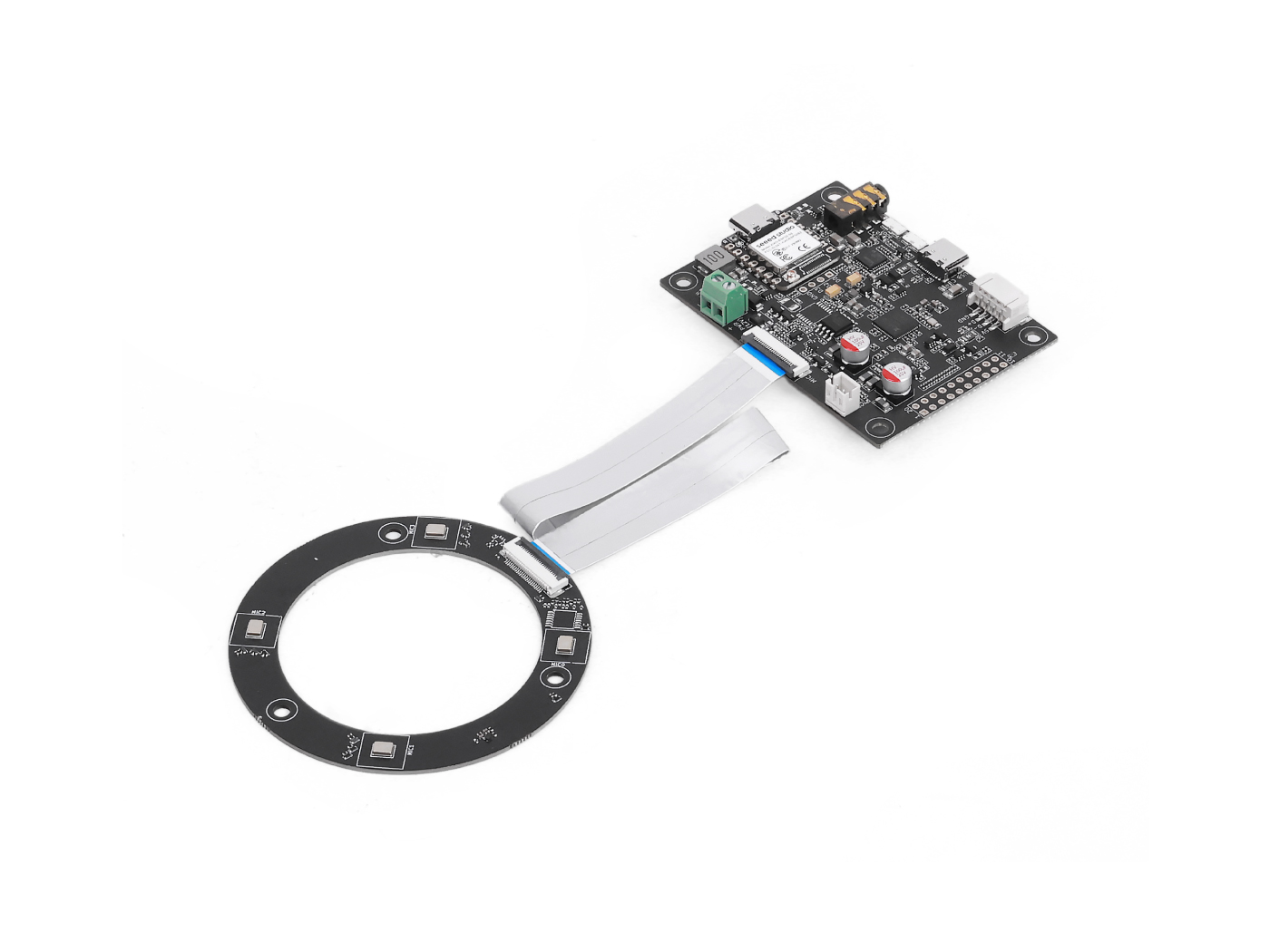
We updated a series of documents for reSpeaker Flex with XIAO, covering audio testing, streaming, and device control features. The new guides include I2S record and playback, UDP/HTTP/MQTT streaming, DoA and VAD examples, and volume control, helping users quickly validate device capabilities and build connected audio applications.
- reSpeaker Flex Record and Playback Audio Using I2S
- UDP streaming reSpeaker Flex with Xiao ESP32S3
- HTTP Streaming reSpeaker Flex with Xiao ESP32S3
- MQTT Streaming reSpeaker Flex with Xiao ESP32S3
- DoA and VAD reSpeaker Flex with Xiao ESP32S3
- Volume controlling reSpeaker Flex with Xiao ESP32S3
The Efforts of Contributor
- Check on GitHub for more information.
- We will be really appreciate if you can share your ideas with us!
Past Weekly wiki
Click here
- weekly wiki on 2025.1.06th
- weekly wiki on 2025.1.13th
- weekly wiki on 2025.1.20th
- weekly wiki on 2025.1.27th
- weekly wiki on 2025.2.10th
- weekly wiki on 2025.2.17th
- weekly wiki on 2025.2.24th
- weekly wiki on 2025.3.03rd
- weekly wiki on 2025.3.10th
- weekly wiki on 2025.3.17th
- weekly wiki on 2025.3.24th
- weekly wiki on 2025.3.31st
- weekly wiki on 2025.4.07th
- weekly wiki on 2025.4.14th
- weekly wiki on 2025.4.21st
- weekly wiki on 2025.4.28th
- weekly wiki on 2025.5.05th
- weekly wiki on 2025.5.12th
- weekly wiki on 2025.5.19th
- weekly wiki on 2025.5.26th
- weekly wiki on 2025.6.02nd
- weekly wiki on 2025.6.09th
- weekly wiki on 2025.6.16th
- weekly wiki on 2025.6.23rd
- weekly wiki on 2025.6.30th
- weekly wiki on 2025.7.07th
- weekly wiki on 2025.7.14th
- weekly wiki on 2025.7.21st
- weekly wiki on 2025.7.28th
- weekly wiki on 2025.8.04th
- weekly wiki on 2025.8.11th
- weekly wiki on 2025.8.18th
- weekly wiki on 2025.8.25th
- weekly wiki on 2025.9.01st
- weekly wiki on 2025.9.08th
- weekly wiki on 2025.9.15th
- weekly wiki on 2025.9.22nd
- weekly wiki on 2025.9.29th
- weekly wiki on 2025.10.13th
- weekly wiki on 2025.10.20th
- weekly wiki on 2025.10.27th
- weekly wiki on 2025.11.03rd
- weekly wiki on 2025.11.10th
- weekly wiki on 2025.11.17th
- weekly wiki on 2025.11.24th
- weekly wiki on 2025.12.01st
- weekly wiki on 2025.12.08th
- weekly wiki on 2025.12.15th
- weekly wiki on 2025.12.22nd
- weekly wiki on 2025.12.29th
- weekly wiki on 2026.1.05th
- weekly wiki on 2026.1.12th
- weekly wiki on 2026.1.19th
- weekly wiki on 2026.1.26th
- weekly wiki on 2026.2.02nd
- weekly wiki on 2026.2.09th
- weekly wiki on 2026.3.02nd
- weekly wiki on 2026.3.09th
- weekly wiki on 2026.3.16th
- weekly wiki on 2026.3.23rd
- weekly wiki on 2026.3.30th
- weekly wiki on 2026.4.06th
- weekly wiki on 2026.4.13th
- weekly wiki on 2026.4.20th
- weekly wiki on 2026.4.27th
- weekly wiki on 2026.5.11th
- weekly wiki on 2026.5.18th
- weekly wiki on 2026.5.25th