Weekly Wiki

Greetings
This is Frank in Seeed Studio and welcome to the Seeed Studio weekly wiki! Each Monday, I will introduce you our latest wiki, including the ones related to our new products, the interesting projects published by Seeed Studio, and the tutorials, introductions, etc... You name it.
✨ For each week, when a collaborator contributes a project or fixes something important, we put the stars at the end of title of "Weekly Wiki" for more people be able to see their efforts👍.
Today is September 21st, and a brand new week has begun! Check out what Seeed Studio did last week!
Latest Wiki Launched
Control reBot Arm using voice with reSpeaker Clip
This wiki explains how to control the reBot Arm B601-DM using natural voice commands with reSpeaker Clip. It covers real-time audio streaming, voice activity detection, speech-to-text, and LLM-based intent recognition. You will also learn how to set up the project and run voice-controlled actions on either a simulated or real robotic arm.
reComputer Rugged J401 for Industrial Vision

This wiki introduces several ways computer vision can be used on industrial forklifts. The example uses reComputer Rugged J401 as the edge controller. Its IP66 enclosure, M12 connectors, vibration resistance, four PoE ports, and Jetson Orin NX allow it to sit close to the cameras and run the vision workloads locally.
Deploy TensorRT-Model-Connect on Jetson AGX Orin
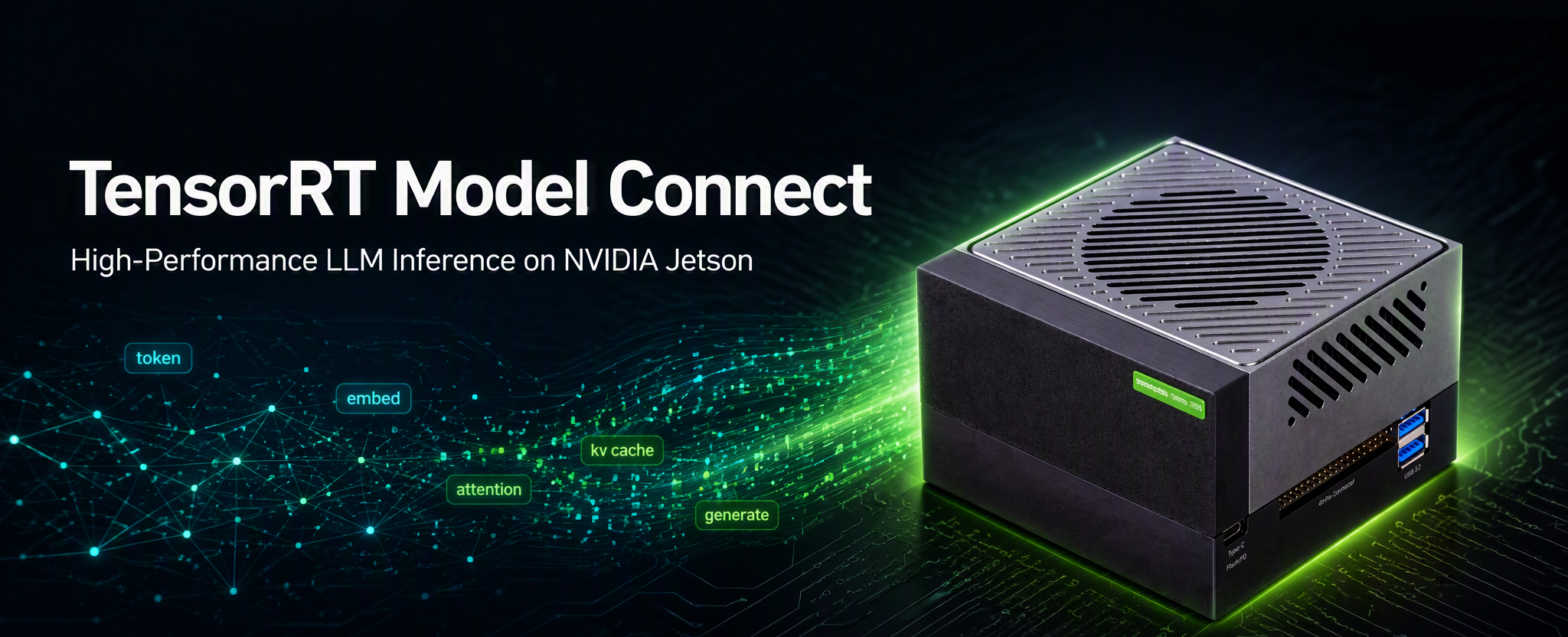
This wiki shows how to run NVIDIA TensorRT-Model-Connect (TRTMC) on a Seeed reComputer powered by Jetson AGX Orin. After the native runtime is built, the path is short: start from a Hugging Face checkpoint, produce a TensorRT .bundle on the device, and run text generation. There is no separate x86 host and no ONNX export step.
Deploy ONVIF on reCamera
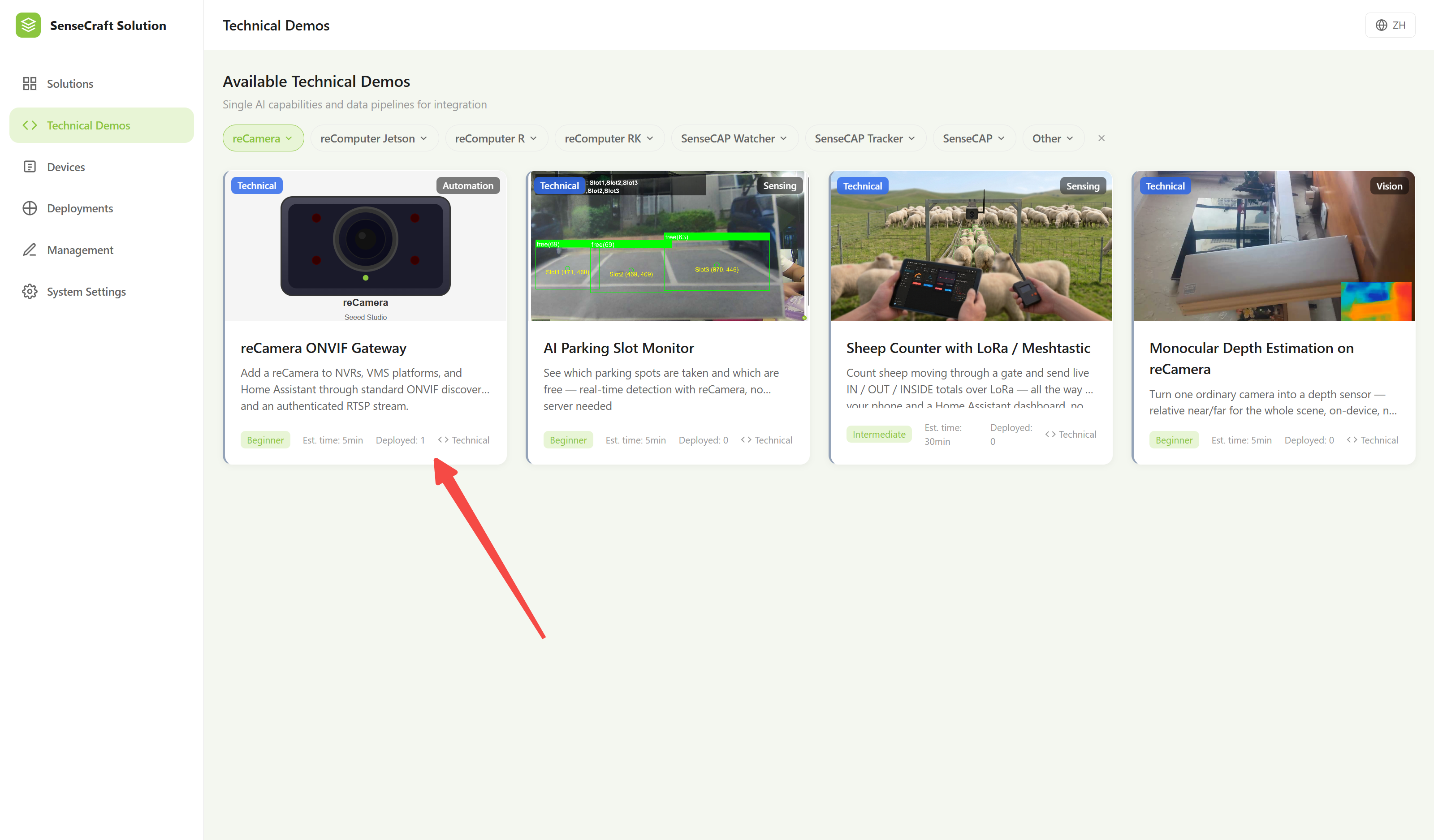
This wiki explains how to deploy ONVIF on reCamera for local network discovery and video streaming. It covers deploying the ONVIF service with SenseCraft Solution and verifying the RTSP video stream. You will also learn how to connect reCamera to ONVIF-compatible clients such as Home Assistant, Frigate, NVRs, and VMS platforms.
AI Image Transmission over MeshCore with MeshTracker X1
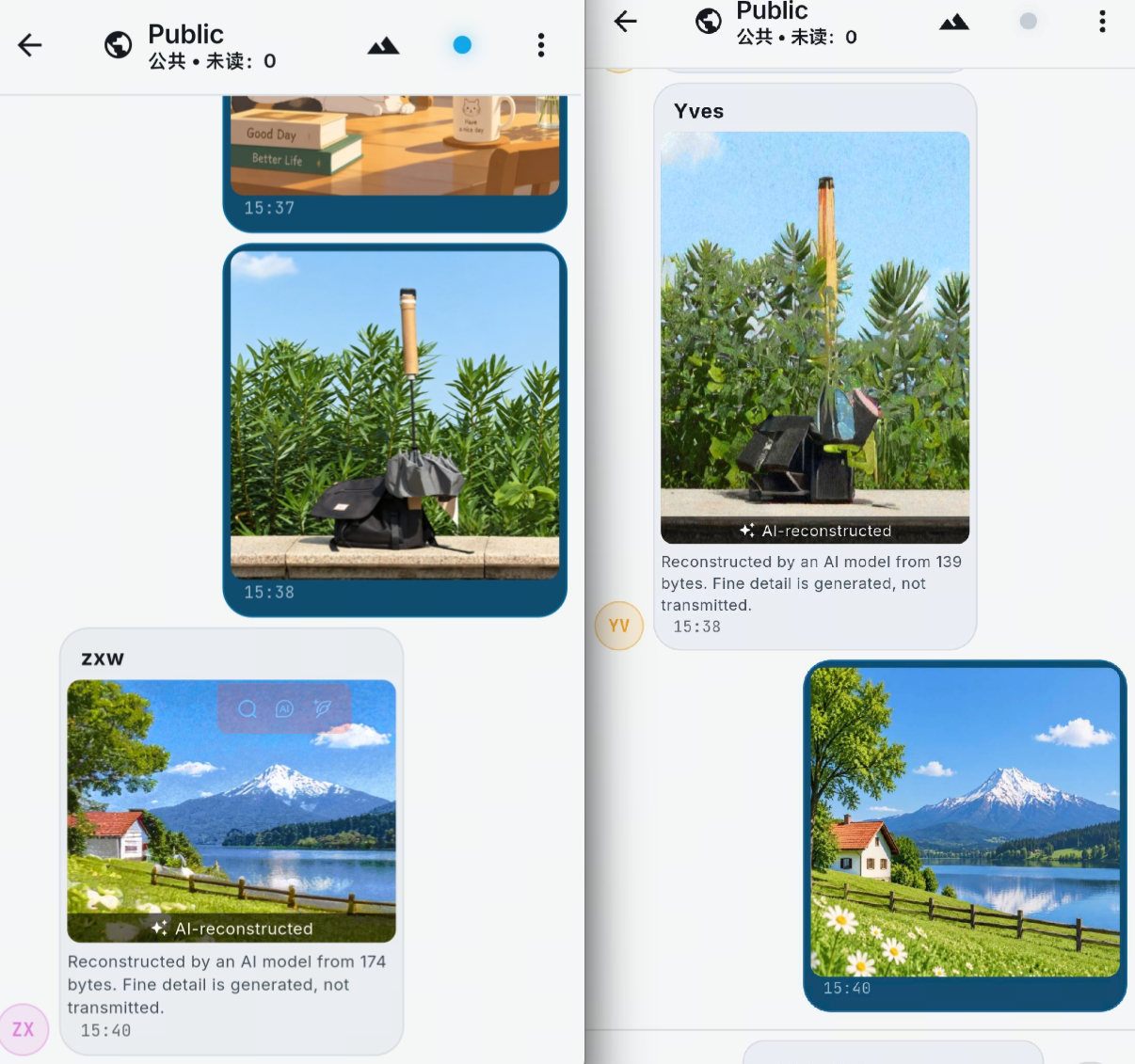
This wiki explains how to transmit images over a MeshCore network using MeshTracker X1 and MeshCore Open. It uses AI-based ultra-low bitrate image compression to reduce images to compact data that can be transmitted over low-bandwidth LoRa mesh networks and reconstructed on the receiving device. This makes visual information sharing possible for outdoor exploration, emergency response, remote monitoring, and other off-grid scenarios.
The same Image Transmission feature is also available for SenseCAP Card Tracker T1000-E, Wio Tracker L1, and Wio Tracker L2.
EasySkyMesh IoT Firmware for Wio Tracker L1
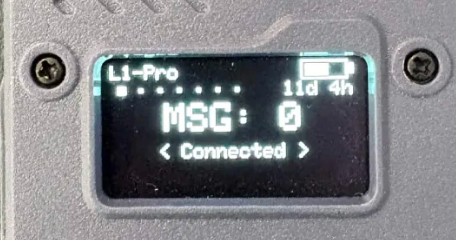
This wiki explains how to install and use EasySkyMesh IoT firmware on the Wio Tracker L1. It covers firmware flashing, power-saving features, and configuration for different MeshCore roles. You will also learn how to connect supported I2C sensors for low-power monitoring and IoT applications.
The Efforts of Contributor
- Check on GitHub for more information.
- We will be really appreciate if you can share your ideas with us!
Past Weekly wiki
Click here
- weekly wiki on 2025.1.06th
- weekly wiki on 2025.1.13th
- weekly wiki on 2025.1.20th
- weekly wiki on 2025.1.27th
- weekly wiki on 2025.2.10th
- weekly wiki on 2025.2.17th
- weekly wiki on 2025.2.24th
- weekly wiki on 2025.3.03rd
- weekly wiki on 2025.3.10th
- weekly wiki on 2025.3.17th
- weekly wiki on 2025.3.24th
- weekly wiki on 2025.3.31st
- weekly wiki on 2025.4.07th
- weekly wiki on 2025.4.14th
- weekly wiki on 2025.4.21st
- weekly wiki on 2025.4.28th
- weekly wiki on 2025.5.05th
- weekly wiki on 2025.5.12th
- weekly wiki on 2025.5.19th
- weekly wiki on 2025.5.26th
- weekly wiki on 2025.6.02nd
- weekly wiki on 2025.6.09th
- weekly wiki on 2025.6.16th
- weekly wiki on 2025.6.23rd
- weekly wiki on 2025.6.30th
- weekly wiki on 2025.7.07th
- weekly wiki on 2025.7.14th
- weekly wiki on 2025.7.21st
- weekly wiki on 2025.7.28th
- weekly wiki on 2025.8.04th
- weekly wiki on 2025.8.11th
- weekly wiki on 2025.8.18th
- weekly wiki on 2025.8.25th
- weekly wiki on 2025.9.01st
- weekly wiki on 2025.9.08th
- weekly wiki on 2025.9.15th
- weekly wiki on 2025.9.22nd
- weekly wiki on 2025.9.29th
- weekly wiki on 2025.10.13th
- weekly wiki on 2025.10.20th
- weekly wiki on 2025.10.27th
- weekly wiki on 2025.11.03rd
- weekly wiki on 2025.11.10th
- weekly wiki on 2025.11.17th
- weekly wiki on 2025.11.24th
- weekly wiki on 2025.12.01st
- weekly wiki on 2025.12.08th
- weekly wiki on 2025.12.15th
- weekly wiki on 2025.12.22nd
- weekly wiki on 2025.12.29th
- weekly wiki on 2026.1.05th
- weekly wiki on 2026.1.12th
- weekly wiki on 2026.1.19th
- weekly wiki on 2026.1.26th
- weekly wiki on 2026.2.02nd
- weekly wiki on 2026.2.09th
- weekly wiki on 2026.3.02nd
- weekly wiki on 2026.3.09th
- weekly wiki on 2026.3.16th
- weekly wiki on 2026.3.23rd
- weekly wiki on 2026.3.30th
- weekly wiki on 2026.4.06th
- weekly wiki on 2026.4.13th
- weekly wiki on 2026.4.20th
- weekly wiki on 2026.4.27th
- weekly wiki on 2026.5.11th
- weekly wiki on 2026.5.18th
- weekly wiki on 2026.5.25th
- weekly wiki on 2026.6.01st
- weekly wiki on 2026.6.08th
- weekly wiki on 2026.6.15th
- weekly wiki on 2026.6.22nd
- weekly wiki on 2026.6.29th
- weekly wiki on 2026.7.06th
- weekly wiki on 2026.7.13th
- weekly wiki on 2026.7.20th
- weekly wiki on 2026.7.27th
- weekly wiki on 2026.8.03rd
- weekly wiki on 2026.8.10th
- weekly wiki on 2026.8.17th
- weekly wiki on 2026.8.24th
- weekly wiki on 2026.8.31st
- weekly wiki on 2026.9.07th
- weekly wiki on 2026.9.14th