Weekly Wiki

Greetings
This is Frank in Seeed Studio and welcome to the Seeed Studio weekly wiki! Each Monday, I will introduce you our latest wiki, including the ones related to our new products, the interesting projects published by Seeed Studio, and the tutorials, introductions, etc... You name it.
✨ For each week, when a collaborator contributes a project or fixes something important, we put the stars at the end of title of "Weekly Wiki" for more people be able to see their efforts👍.
Today is November 9th, and a brand new week has begun! Check out what Seeed Studio did last week!
Latest Wiki Launched
Getting Started with OpenDisplay 4.26" Mono Kit
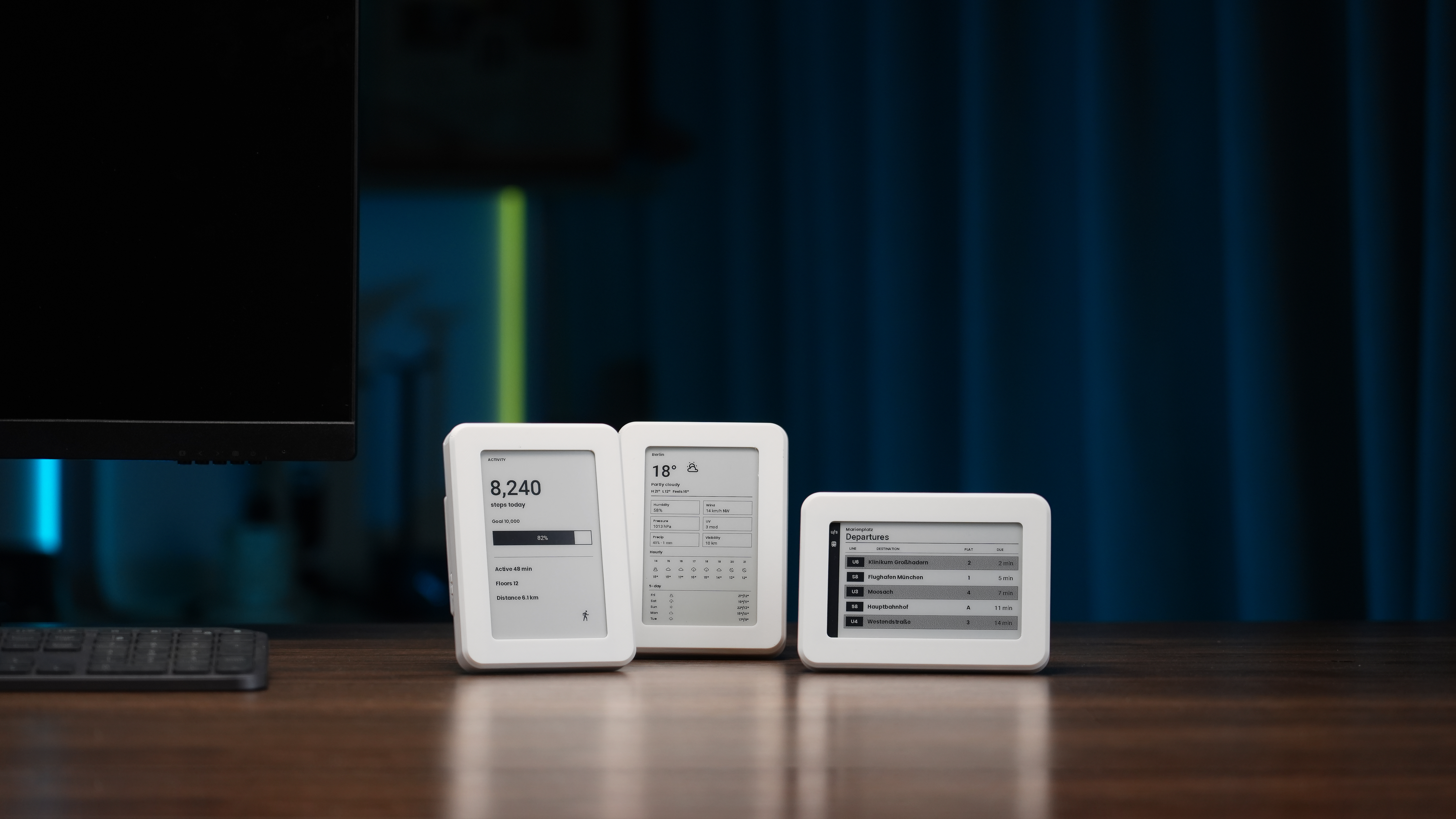
The OpenDisplay 4.26" Mono Kit is a ready-to-use black-and-white e-paper display with a 4.26-inch panel and Bluetooth Low Energy connectivity. This guide shows how to power on the kit, send images from a browser, connect it to Home Assistant, and recover or reflash the firmware.
Getting Started with OpenDisplay 7.3" Color Kit
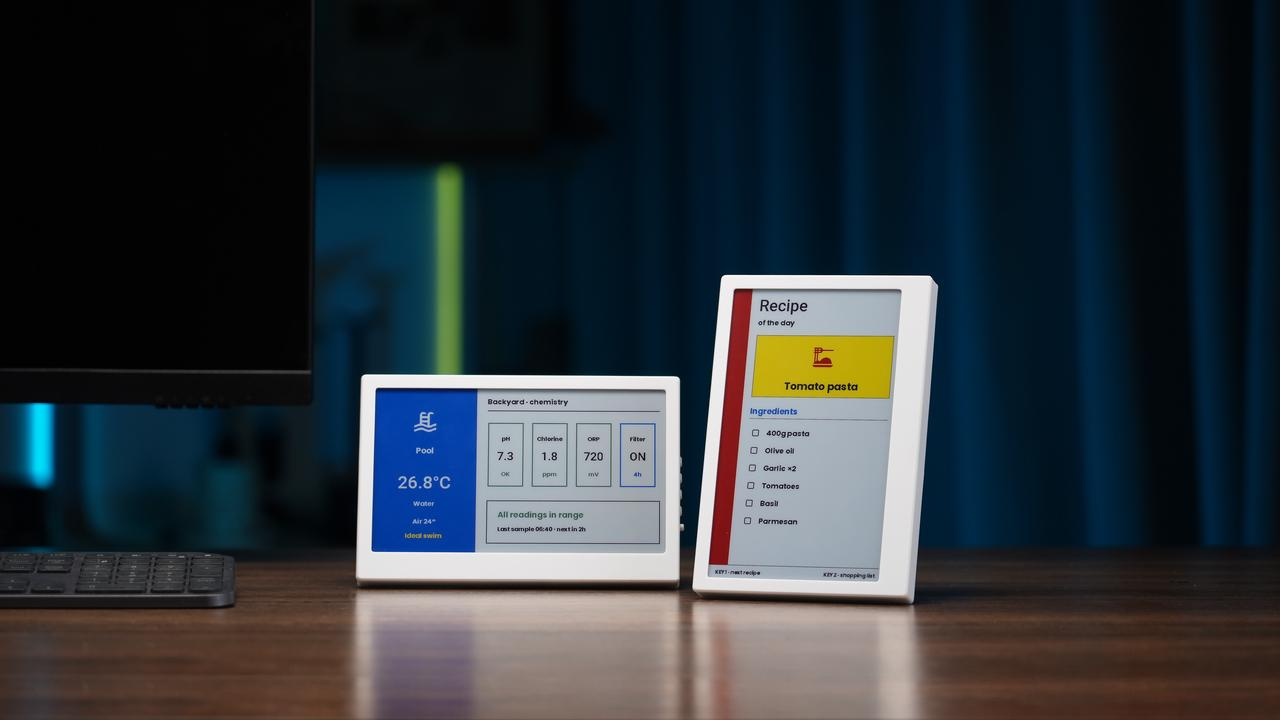
The OpenDisplay 7.3" Color Kit features a 7.3-inch Spectra 6 color e-paper panel in a fully assembled, battery-powered design. Its getting-started guide explains image updates over Bluetooth Low Energy, optional Home Assistant integration, and additional steps for encryption and firmware recovery.
Get Started with Ripple on Wio Tracker L2 Pro
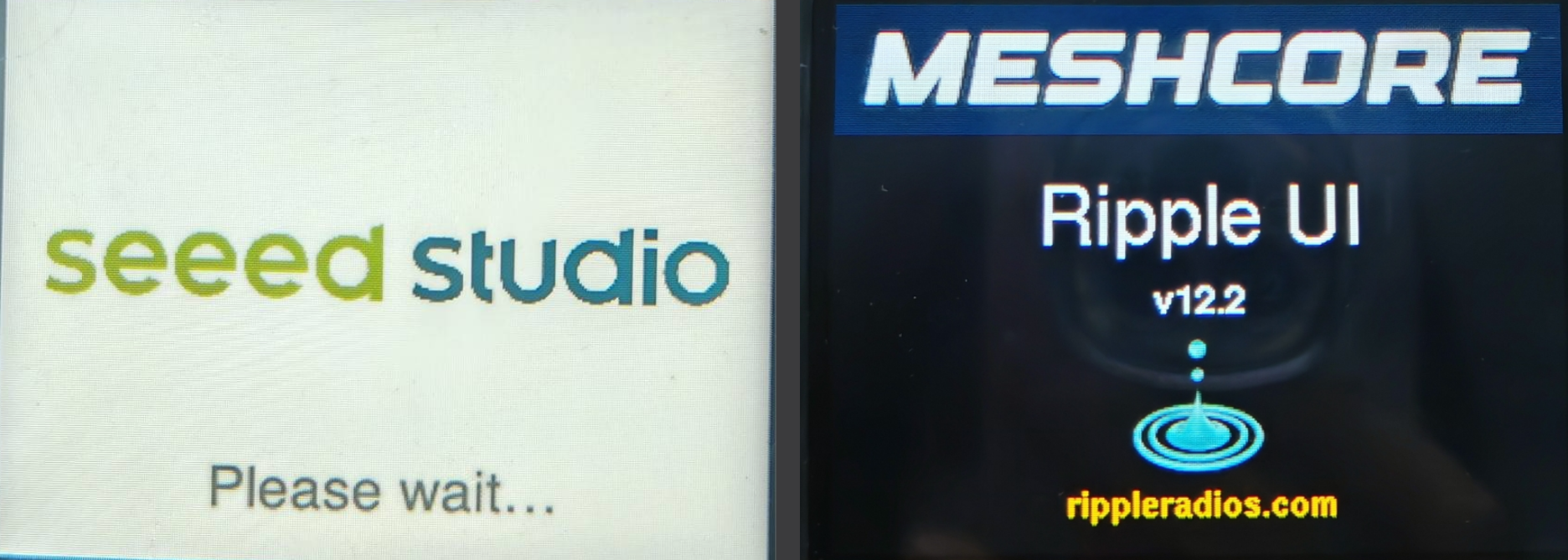
This guide introduces Ripple UI, a touchscreen interface for MeshCore communication on the Wio Tracker L2 Pro. It walks through firmware flashing, network profiles, contact discovery, messaging, and the use of maps and GPS tracks, including features that require an unlock code.
Build a Local AI Agent on Jetson Orin with Laya and Qwen
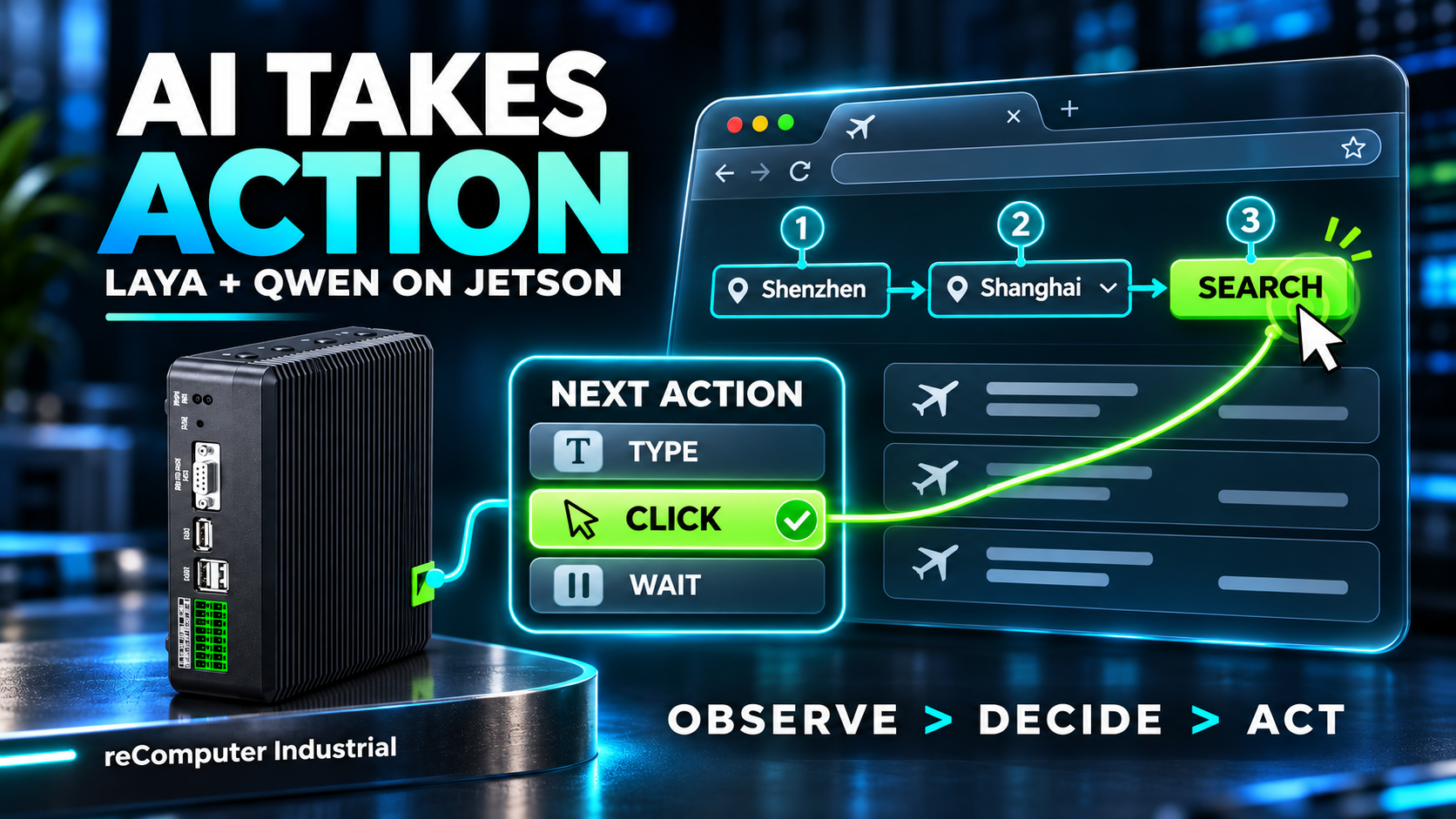
This tutorial demonstrates a local AI agent on NVIDIA Jetson Orin, combining Laya for action selection with Qwen for language processing. It explains the decision and verification loop, then walks through setup and browser automation and whiteboard demonstrations.
Jetson Technical Deep Dives: Software Stack, Boot, Camera, Device Tree, and USB
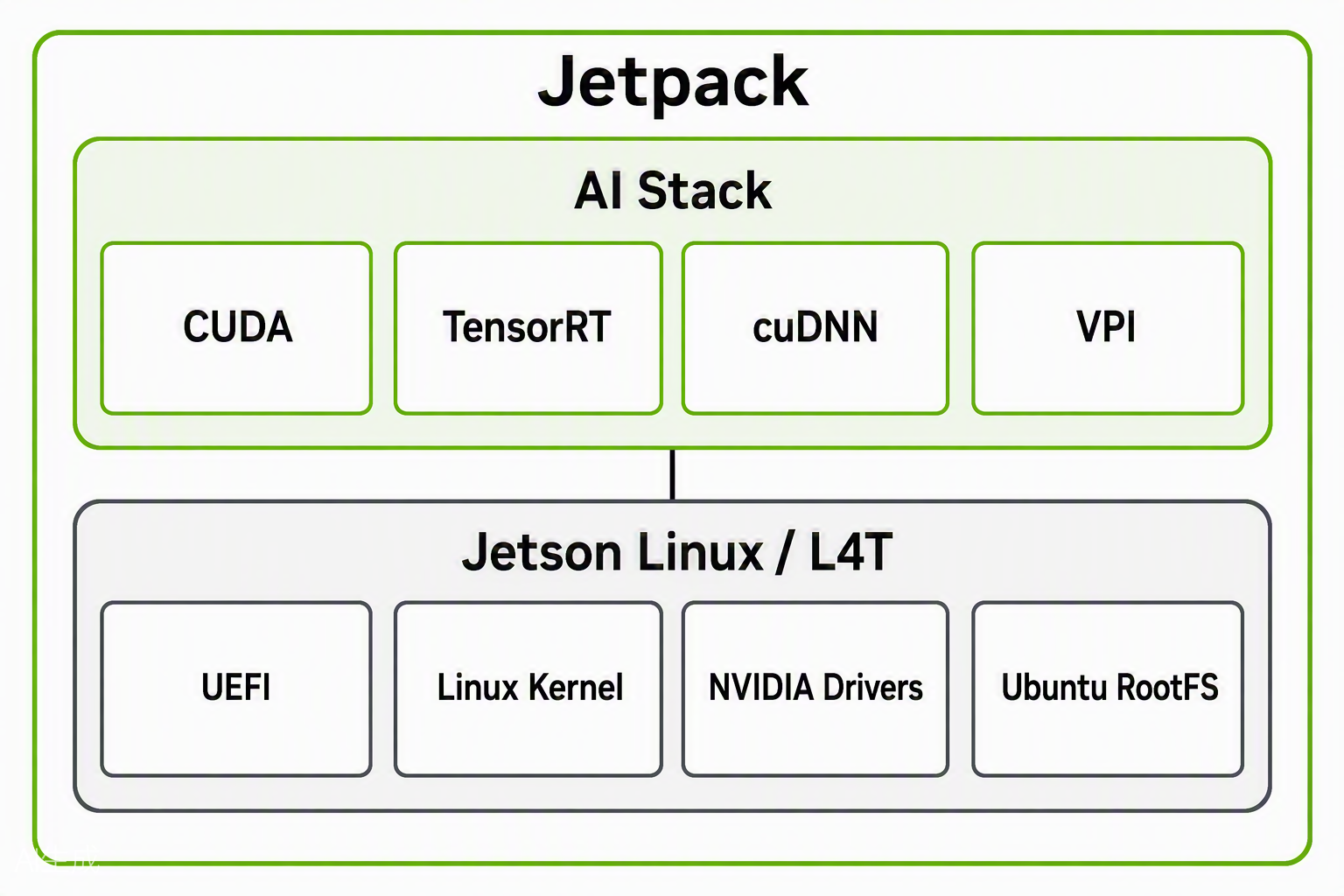
This five-part series explores how Jetson software and hardware work together, from JetPack and the boot sequence to camera pipelines, device trees, and USB connectivity. The guides use architecture diagrams, system logs, and hardware examples to explain practical debugging techniques.
Explore the series: JetPack, L4T, Ubuntu, Kernel, and UEFI · Boot Log Analysis · Camera Data Chain · Device Tree · USB Troubleshooting.
Robotics Paper Deep-Dives: VLA-JEPA and MultiTask DiT
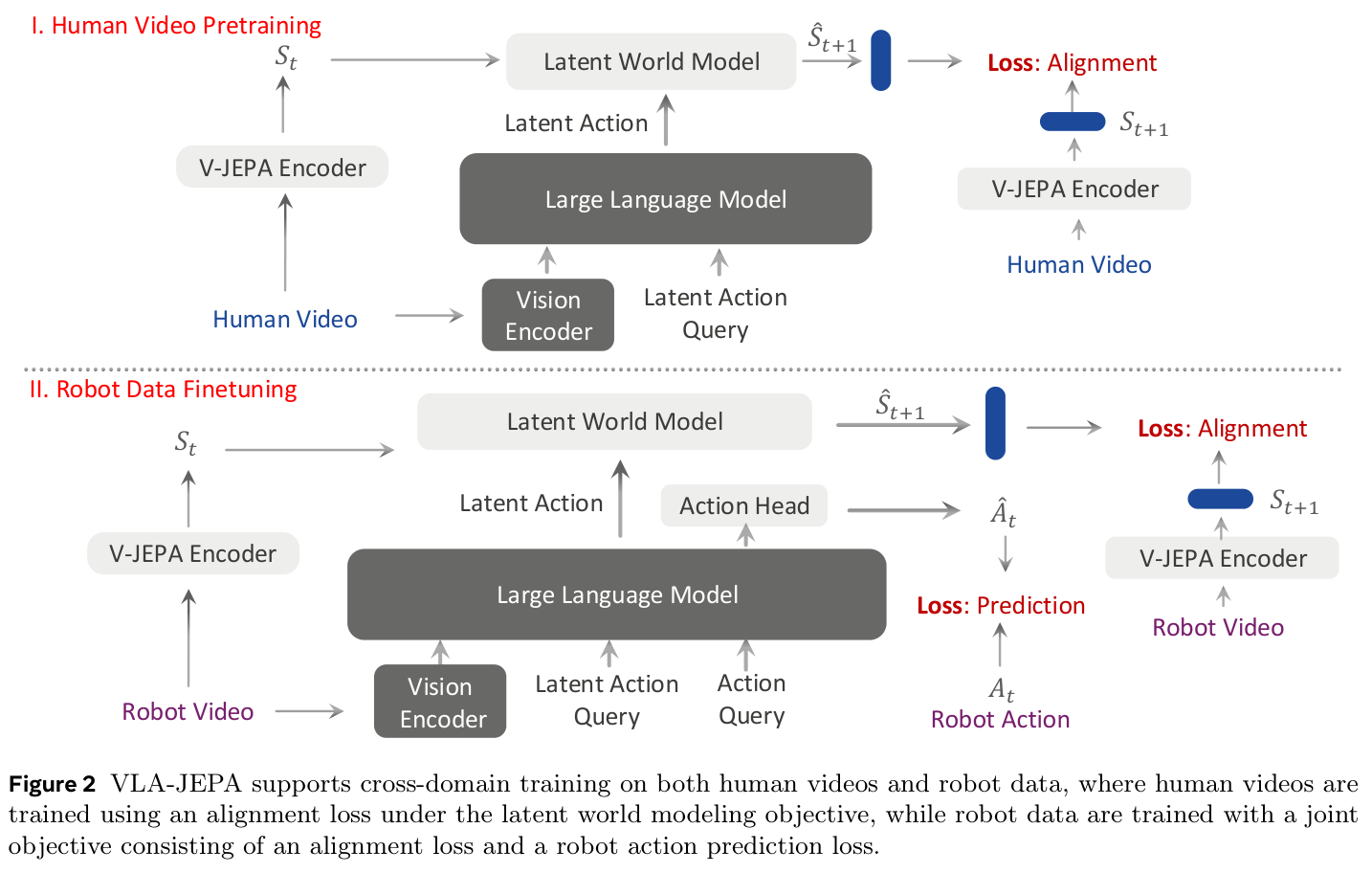
Two new paper readings examine how robots learn actions from visual observations and demonstrations. The VLA-JEPA guide explains video supervision and latent-action prediction, while the LBM and MultiTask DiT guide discusses diffusion-based policies, multitask pretraining, and evaluation limitations.
Read the guides: VLA-JEPA: Learning Latent Actions from Video · LBM and MultiTask DiT: How Multitask Pretraining Helps Robots Learn.
Existing Wiki Updated
reBot Arm B601-RS Simulation, Teleoperation, and Visual Grasping
The B601-RS guides have been expanded with Isaac Sim installation and control modes, ROS 2 visual-grasping setup, and a web control workflow featuring MuJoCo simulation, DeepSeek integration, and Arm102 Leader teleoperation. The updates provide more detailed dependency, calibration, and troubleshooting instructions.
Updated guides: B601-RS with Isaac Sim · B601-RS with Visual Grasping · B601-RS Web Control.
Flash JetPack 7.2.1 on the A603 Carrier Board
The A603 Carrier Board flashing guide now includes a script-based procedure for installing JetPack 7.2.1 with compatible Jetson Orin NX and Orin Nano modules. The new steps cover preparing the host and flashing files, entering recovery mode, and troubleshooting common setup issues.
Flash JetPack 7.2.1 on the Jetson AGX Orin H01 Kit
The Jetson AGX Orin H01 Kit guide has been expanded with a script-based JetPack 7.2.1 flashing workflow. It covers file preparation, recovery mode, and flashing to eMMC or NVMe storage, including commands for supported module configurations.
ZED X-Series GMSL Cameras with reComputer Robotics
The ZED X camera setup guide has been expanded with device-specific instructions for reComputer Robotics J50 (J501), alongside the J50 Mini. It now details camera-driver selection for supported JetPack releases, matching ZED SDK installation, and camera validation with ZED Studio.
The Efforts of Contributor
- Check on GitHub for more information.
- We will be really appreciate if you can share your ideas with us!
Past Weekly wiki
Click here
- weekly wiki on 2025.1.06th
- weekly wiki on 2025.1.13th
- weekly wiki on 2025.1.20th
- weekly wiki on 2025.1.27th
- weekly wiki on 2025.2.10th
- weekly wiki on 2025.2.17th
- weekly wiki on 2025.2.24th
- weekly wiki on 2025.3.03rd
- weekly wiki on 2025.3.10th
- weekly wiki on 2025.3.17th
- weekly wiki on 2025.3.24th
- weekly wiki on 2025.3.31st
- weekly wiki on 2025.4.07th
- weekly wiki on 2025.4.14th
- weekly wiki on 2025.4.21st
- weekly wiki on 2025.4.28th
- weekly wiki on 2025.5.05th
- weekly wiki on 2025.5.12th
- weekly wiki on 2025.5.19th
- weekly wiki on 2025.5.26th
- weekly wiki on 2025.6.02nd
- weekly wiki on 2025.6.09th
- weekly wiki on 2025.6.16th
- weekly wiki on 2025.6.23rd
- weekly wiki on 2025.6.30th
- weekly wiki on 2025.7.07th
- weekly wiki on 2025.7.14th
- weekly wiki on 2025.7.21st
- weekly wiki on 2025.7.28th
- weekly wiki on 2025.8.04th
- weekly wiki on 2025.8.11th
- weekly wiki on 2025.8.18th
- weekly wiki on 2025.8.25th
- weekly wiki on 2025.9.01st
- weekly wiki on 2025.9.08th
- weekly wiki on 2025.9.15th
- weekly wiki on 2025.9.22nd
- weekly wiki on 2025.9.29th
- weekly wiki on 2025.10.13th
- weekly wiki on 2025.10.20th
- weekly wiki on 2025.10.27th
- weekly wiki on 2025.11.03rd
- weekly wiki on 2025.11.10th
- weekly wiki on 2025.11.17th
- weekly wiki on 2025.11.24th
- weekly wiki on 2025.12.01st
- weekly wiki on 2025.12.08th
- weekly wiki on 2025.12.15th
- weekly wiki on 2025.12.22nd
- weekly wiki on 2025.12.29th
- weekly wiki on 2026.1.05th
- weekly wiki on 2026.1.12th
- weekly wiki on 2026.1.19th
- weekly wiki on 2026.1.26th
- weekly wiki on 2026.2.02nd
- weekly wiki on 2026.2.09th
- weekly wiki on 2026.3.02nd
- weekly wiki on 2026.3.09th
- weekly wiki on 2026.3.16th
- weekly wiki on 2026.3.23rd
- weekly wiki on 2026.3.30th
- weekly wiki on 2026.4.06th
- weekly wiki on 2026.4.13th
- weekly wiki on 2026.4.20th
- weekly wiki on 2026.4.27th
- weekly wiki on 2026.5.11th
- weekly wiki on 2026.5.18th
- weekly wiki on 2026.5.25th
- weekly wiki on 2026.6.01st
- weekly wiki on 2026.6.08th
- weekly wiki on 2026.6.15th
- weekly wiki on 2026.6.22nd
- weekly wiki on 2026.6.29th
- weekly wiki on 2026.7.06th
- weekly wiki on 2026.7.13th
- weekly wiki on 2026.7.20th
- weekly wiki on 2026.7.27th
- weekly wiki on 2026.8.03rd
- weekly wiki on 2026.8.10th
- weekly wiki on 2026.8.17th
- weekly wiki on 2026.8.24th
- weekly wiki on 2026.8.31st
- weekly wiki on 2026.9.07th
- weekly wiki on 2026.9.14th
- weekly wiki on 2026.9.21st
- weekly wiki on 2026.9.28th
- weekly wiki on 2026.10.12th
- weekly wiki on 2026.10.19th
- weekly wiki on 2026.10.26th
- weekly wiki on 2026.11.02nd