Microduck RL on Jetson
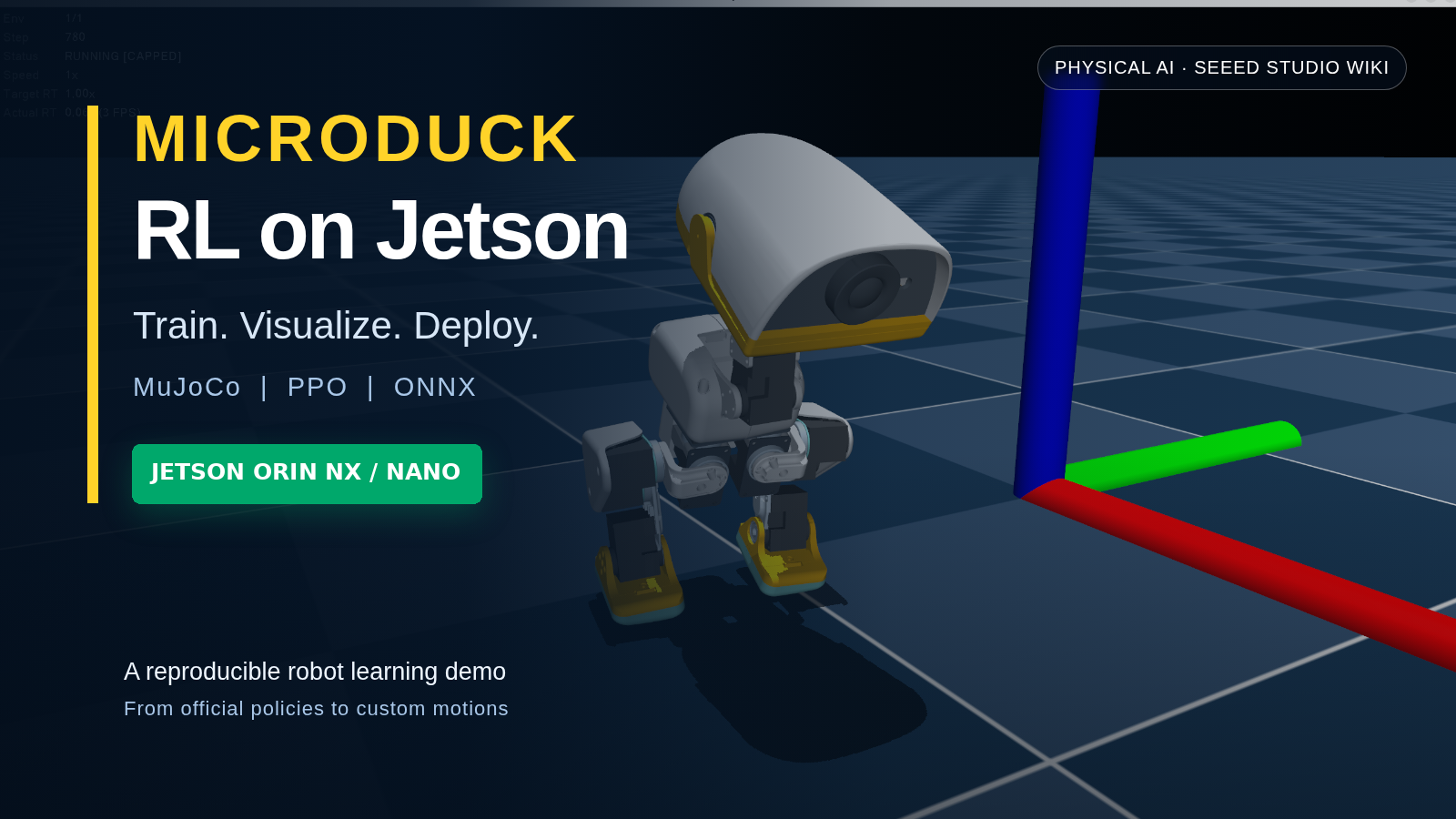
This demo builds a complete robot-learning workflow for Microduck on a Seeed reComputer powered by NVIDIA Jetson Orin NX 16GB. It covers GPU environment deployment, PPO training with MuJoCo, visualization of local checkpoints, keyboard-controlled inference with official and custom ONNX policies, and the development of new custom motions.
The verified reference platform uses JetPack 7.2, Ubuntu 24.04, CUDA 13.2, Python 3.12, and MuJoCo 3.10. This tutorial is based on the jjjadand/microduck_rl repository, which contains the source code, deployment script, official ONNX policies, and Jetson-trained checkpoints used throughout the guide.
Hardware Options
The tutorial was reproduced on Jetson Orin NX 16GB. The following Seeed Studio systems provide suitable Jetson platforms for following the workflow. The reComputer Classic J5011 offers additional GPU and memory capacity, while exact training throughput depends on the selected power mode and number of parallel environments.


Choose a Chapter
Click a card to open the corresponding chapter. Only this landing page is listed in the Physical AI sidebar; the three chapters remain focused pages accessed from here.
What You Will Reproduce
- A CUDA-enabled Microduck training environment on Jetson Orin NX.
- PPO training with parallel MuJoCo environments.
- Native and browser-based simulation visualization.
- Official ONNX inference for walking, standing, sit/stand, ground pick, roulade, kicking, and roller motions.
- A trained front-back split policy triggered with
O, replacing the unsuccessful one-leg balance demo. - Keyboard command input and live behavior switching.
- A reusable workflow for creating a custom phase-based motion, using front-back split as the validated example.
Demo Architecture
Jetson Orin NX
├── JetPack 7.2 / CUDA 13.2
├── uv project environment
├── mjlab + MuJoCo Warp + rsl_rl
├── Microduck task configurations
├── PPO checkpoint (.pt)
└── Exported policy (.onnx)
     ├── MuJoCo inference rehearsal
     └── Microduck runtime deployment
For the fastest validation, deploy the environment, run the 64-environment five-iteration smoke test, and then launch the official ONNX keyboard demo. You can complete the custom-motion chapter afterward.