CodeCraft Quick Start & Support
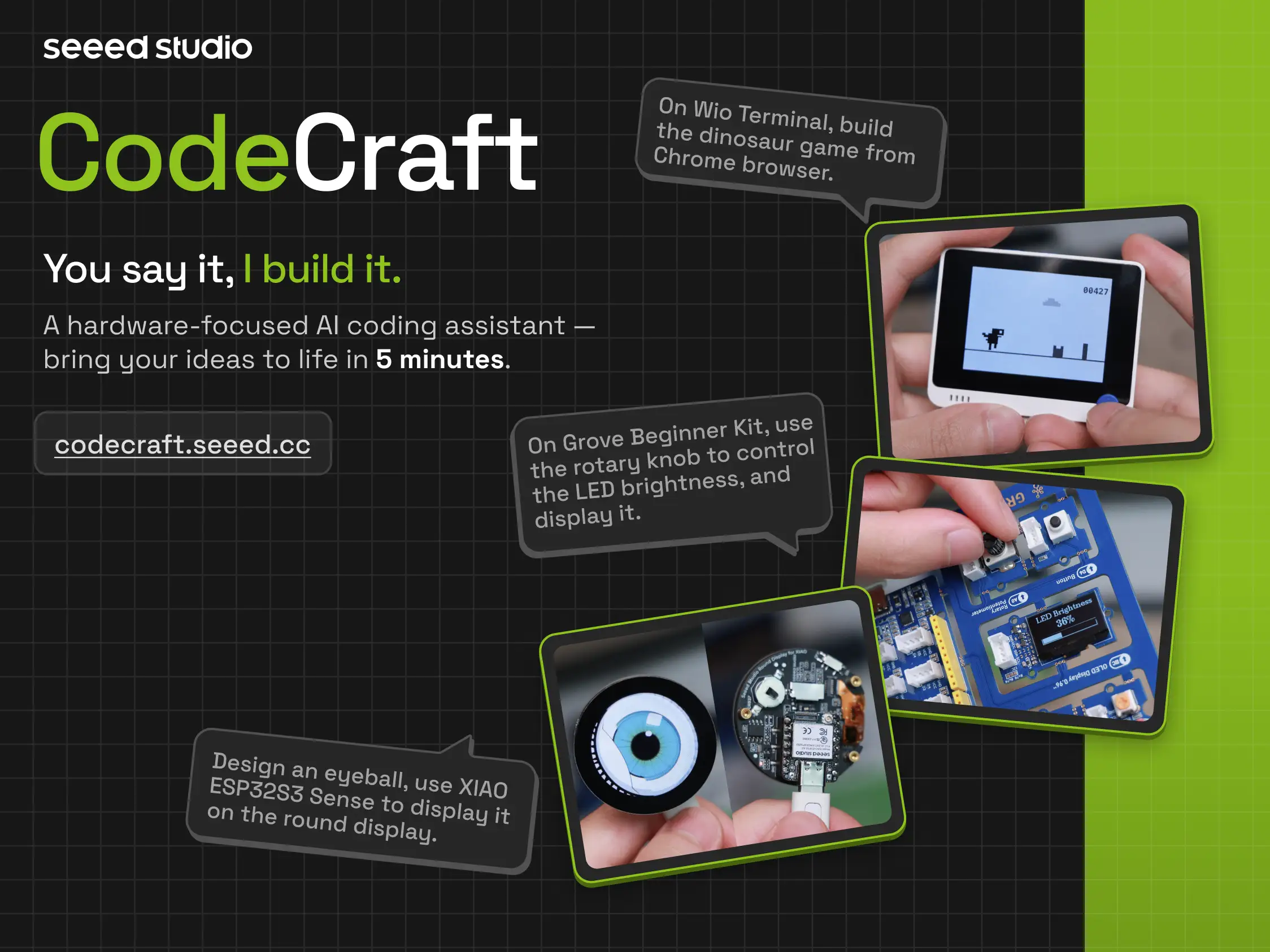
1.1 Introduction to CodeCraft
1.1.1 “You Say It, It Works”
CodeCraft is an AI programming assistant designed specifically for hardware scenarios. You only need to describe what you want in natural language, and CodeCraft can generate executable hardware programs for you.
It is suitable for users who want to quickly complete hardware creation without setting up a development environment from scratch. Whether you are a student, teacher, maker, or a beginner in hardware programming, you can complete the entire process from idea to execution through conversation.
1.1.2 From Idea to Execution in Four Steps
The basic workflow of CodeCraft is very simple:
-
Describe
Use natural language to describe your idea, such as “build a Pomodoro timer” or “make the development board detect temperature and humidity”. -
Generate
CodeCraft automatically generates executable code and project documentation based on your description. -
Flash
Upload the program to your development board with one click via the web. -
Share
After completion, you can publish the project to the SenseCraft AI community for reuse or sharing.
1.1.3 CodeCraft Understands Your Hardware
Compared with general AI coding tools, CodeCraft is more focused on hardware scenarios. It not only generates code, but also understands development boards, sensors, communication protocols, and hardware libraries.
| Capability | General Coding Tools | CodeCraft |
|---|---|---|
| Software code generation | Supported | Supported |
| Understanding MCU pins and board specifications | Not always supported | Supported |
| Sensor and communication protocol support | Not always supported | Supported |
| Cloud compilation, no local environment setup | Not always supported | Supported |
| One-click flashing to development board | Not always supported | Supported |
| Sharing to SenseCraft AI hardware community | Not always supported | Supported |
1.1.4 Core Capabilities
CodeCraft’s core capabilities include:
| Traditional Development Workflow (Too Complex ❌) | CodeCraft Core Capabilities (Very Simple ✅) |
|---|---|
| ❌ Install large IDEs | ✨ Zero installation: fully web-based, no client required |
| ❌ Configure complex environments | ✨ Zero configuration: no drivers or environment setup required |
| ❌ Write code from scratch | 🤖 AI-native: understands pins and sensors, directly generates hardware code |
| ❌ Manage complex toolchains | ☁️ Cloud compilation: fully automated backend compilation |
| ❌ Manual export and flashing | 🚀 One-click flashing: direct upload to device |
| ❌ Isolated development | 🌐 Community sharing: publish and reuse projects via SenseCraft AI |
1.1.5 Supported Hardware Ecosystem
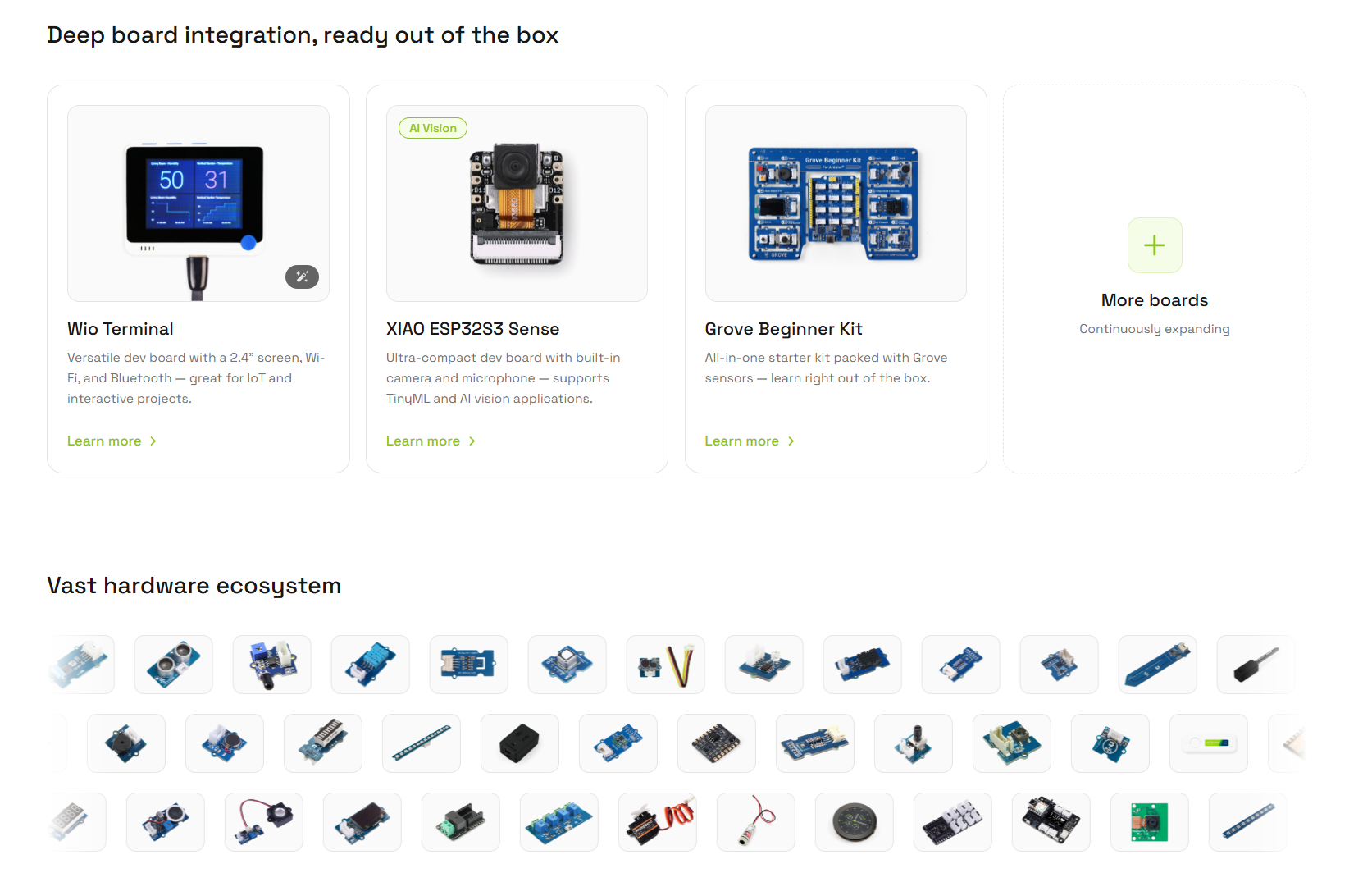
CodeCraft integrates seamlessly with the Seeed Studio hardware ecosystem and supports the following devices:
- Wio Terminal: An all-in-one development board with a 2.4-inch display, multiple sensors, Wi-Fi, and Bluetooth support.
- XIAO ESP32S3 Sense: A compact development board with camera and microphone, suitable for AI vision and voice projects.
- Grove Beginner Kit: An all-in-one board with integrated modules, no wiring required, ideal for beginners and education.
- 300+ Grove Sensors: Supports motion detection, environmental monitoring, display output, actuation control, light and sound sensing, and imaging.
1.2 Preparation and Login
CodeCraft provides multiple login methods. Whether you are a developer, student, or educator, you can get started quickly.
1.2.1 Personal Registration and Login
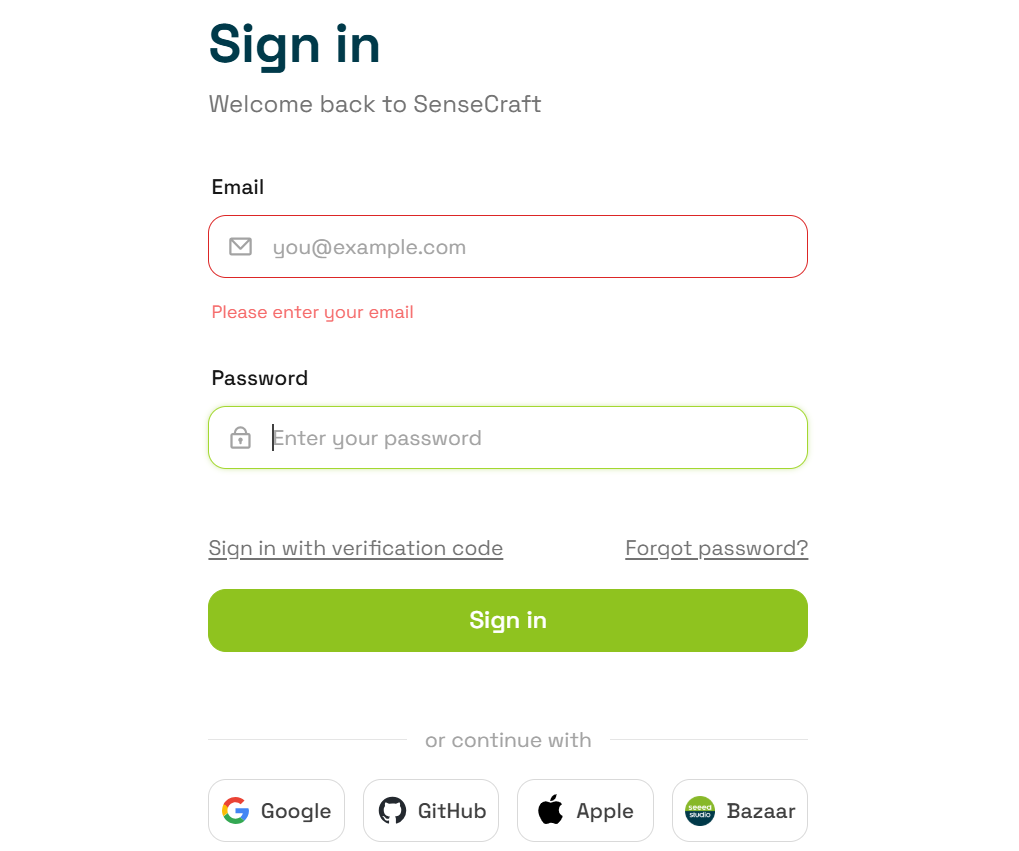
When using CodeCraft for the first time, an account will be created automatically—no complex registration required. You may log in using:
- Email login
- Google login
- GitHub login
- Apple login
- Bazaar login (Seeed Studio official store account)
It is recommended to use a commonly used login method to ensure project and cloud data synchronization across devices.
1.2.2 Classroom Code Login
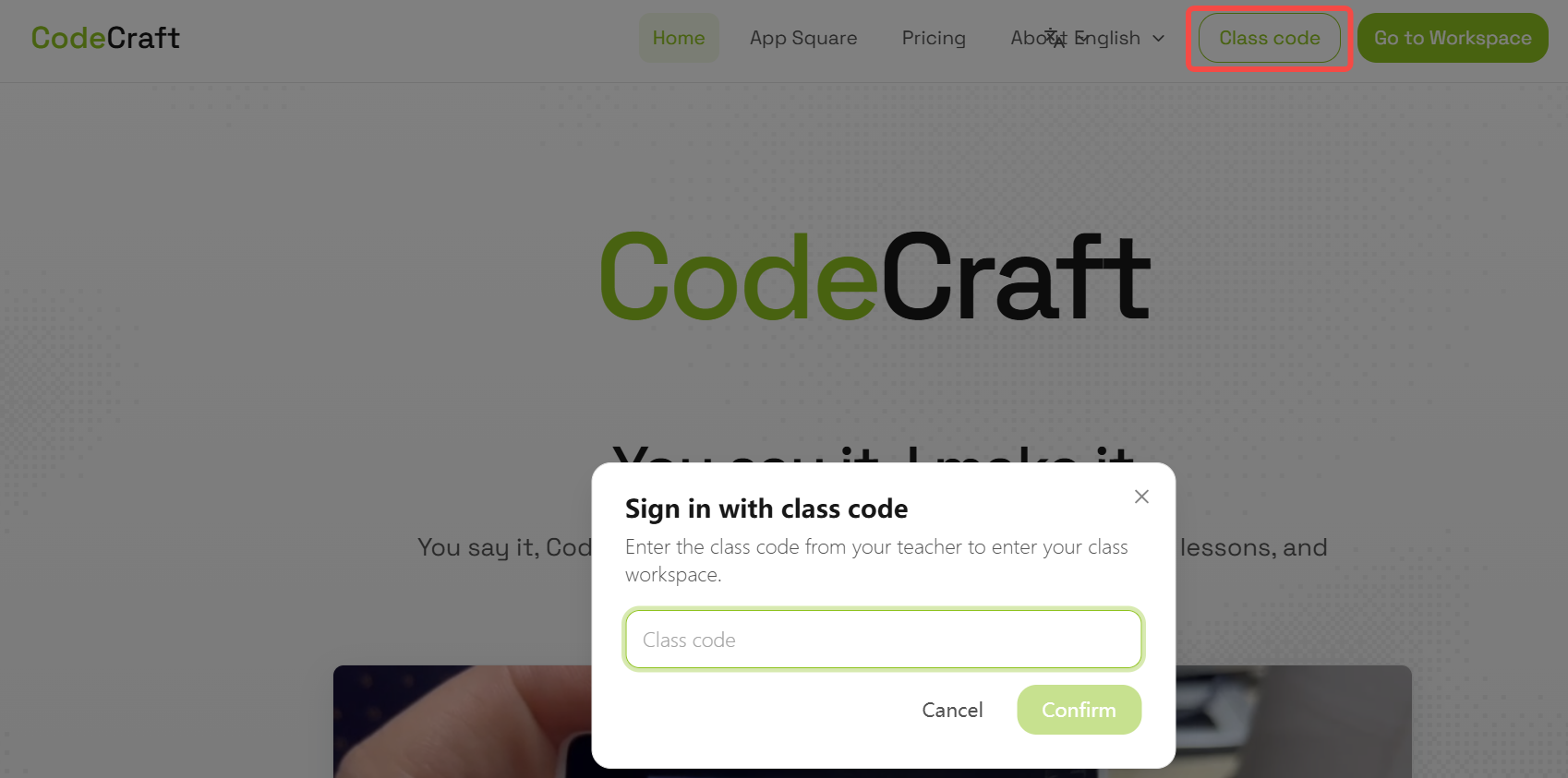
CodeCraft also supports classroom code login, designed for educational scenarios.
Classroom code login allows students to skip registration and directly enter a classroom environment assigned by the teacher.
Steps:
- Select “Classroom Code Login” on the login screen.
- Enter the classroom code provided by the teacher.
- Enter the classroom environment and start using CodeCraft.
Classroom codes are usually provided by teachers or schools. For educational needs, you can contact support or visit the CodeCraft Education Solutions page for details.
1.3 Subscription and Activation of CodeCraft Membership
1.3.1 Subscription Plans
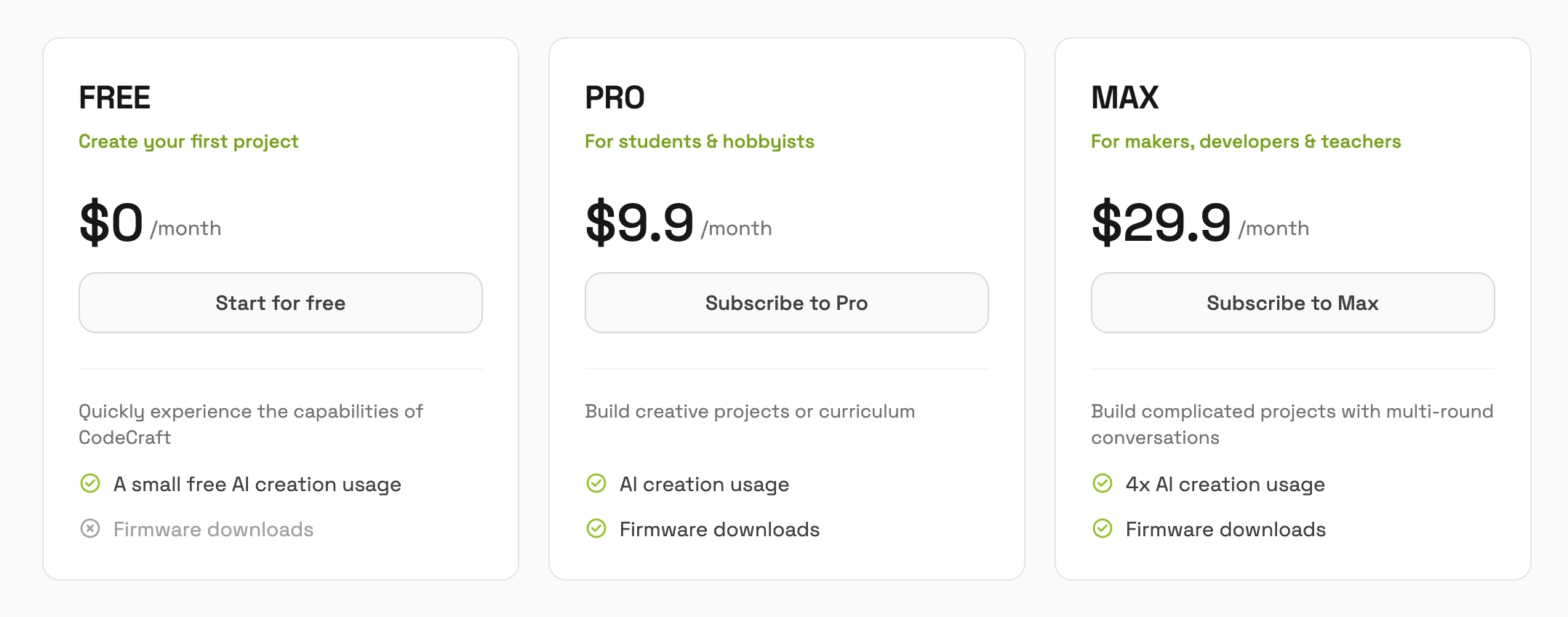
CodeCraft offers different subscription plans to meet various usage needs. Users can choose based on usage frequency, project scale, and AI generation requirements.
| Plan | Target Users | Description |
|---|---|---|
| FREE | First-time users | Basic AI creation capabilities |
| Pro | Students, hobbyists | Suitable for learning, projects, and moderate usage |
| Max | Teachers, makers, developers | Higher quota for teaching, development, and heavy usage |
Pricing, quotas, and validity may vary depending on promotions or purchase channels. Please refer to the official purchase page for details.
1.3.2 Purchase Methods
CodeCraft memberships can be purchased through multiple channels. Pricing, promotions, and validity may vary.
Method 1: Official Website Purchase
| Purchase Path | Steps | Use Case |
|---|---|---|
| CodeCraft Home Purchase | 1. Visit https://codecraft.seeed.cc/pricing/ 2. Select a plan 3. Complete payment | Users comparing plans |
| Workspace Upgrade | 1. Visit https://codecraft.seeed.cc/workspace 2. Click Settings 3. Go to Billing 4. Purchase plan | Existing users upgrading |
Both methods activate the same membership under the same account.
Method 2: Seeed Studio Store (CN & Global)
| Purchase Path | Steps | Use Case |
|---|---|---|
| Seeed Studio Taobao Store | 1. Purchase on official Taobao store 2. Receive redemption code 3. Enter in CodeCraft billing page | Domestic users, education procurement |
| Seeed Studio Official Store | 1. Purchase from official store 2. Receive redemption code 3. Activate in CodeCraft billing page | International users, institutions |
1.3.3 Redeeming a Membership Code
If you obtain a redemption code from Taobao, official store, or promotions:
- Open https://codecraft.seeed.cc
- Log in
- Enter workspace
- Click Settings
- Go to Account or Billing
- Find “Redeem Code”
- Enter and confirm code
Notes:
- Each code is typically single-use.
- Ensure correct account before redeeming.
- Validity depends on order details.
- If not activated, refresh or re-login.
1.4 Billing and Usage Management
You can view subscription status, balance, redemption records, and usage in settings.
Steps:
- Open workspace: https://codecraft.seeed.cc/workspace
- Click Settings
- Select Billing or Usage
1.4.1 Billing Management
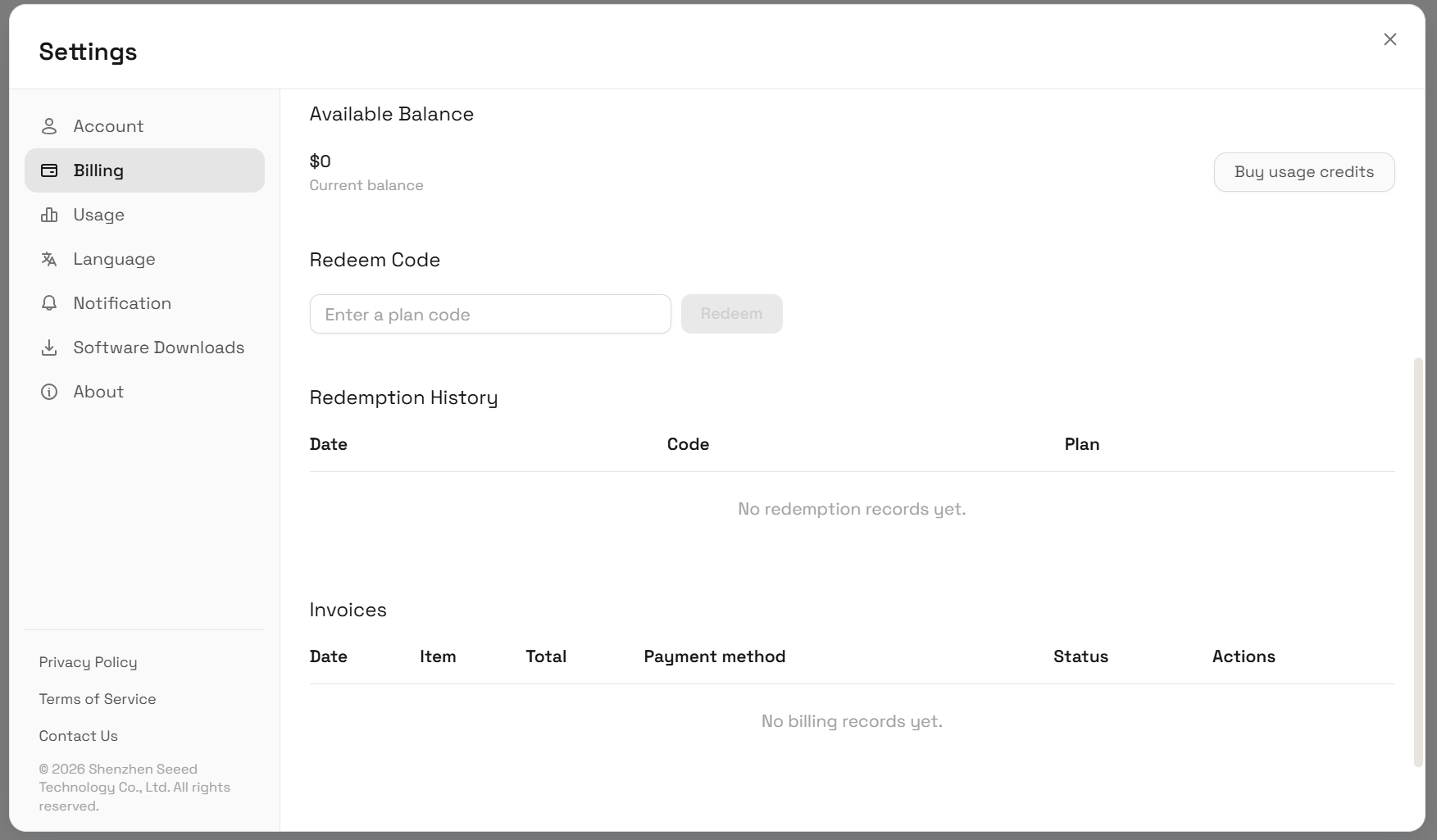
You can view:
- Current subscription plan
- Plan benefits and validity
- Account balance
- Redemption records
- Billing history
1.4.2 Usage Management
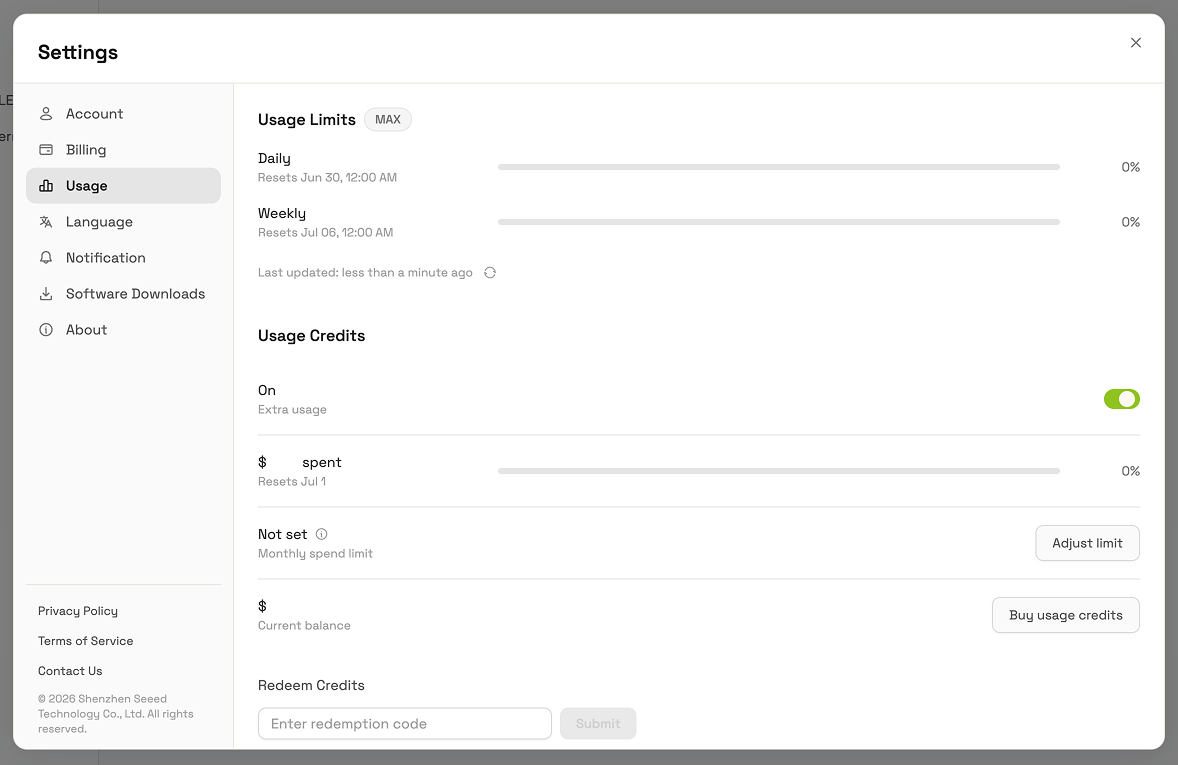
You can view:
- Daily or weekly AI usage
- Remaining quota
- Reset time
- Additional usage settings
- Usage history
Teachers and institutions should monitor usage regularly for planning.
1.5 Help and Support
1.5.1 FAQ
Q: Why is my redemption code invalid?
A: Check correctness, usage status, and account login.
Q: I did not receive the code after purchasing on Taobao.
A: Check order details or contact store support.
Q: Subscription not activated after redemption?
A: Refresh or re-login. If still invalid, contact support with order info.
1.5.2 Contact Support
Technical Support
- Click “Contact Us” in workspace settings
- Follow beta updates for new features
- Institutions may request classroom codes and customization
- Hardware purchase: https://seeedstudio.com
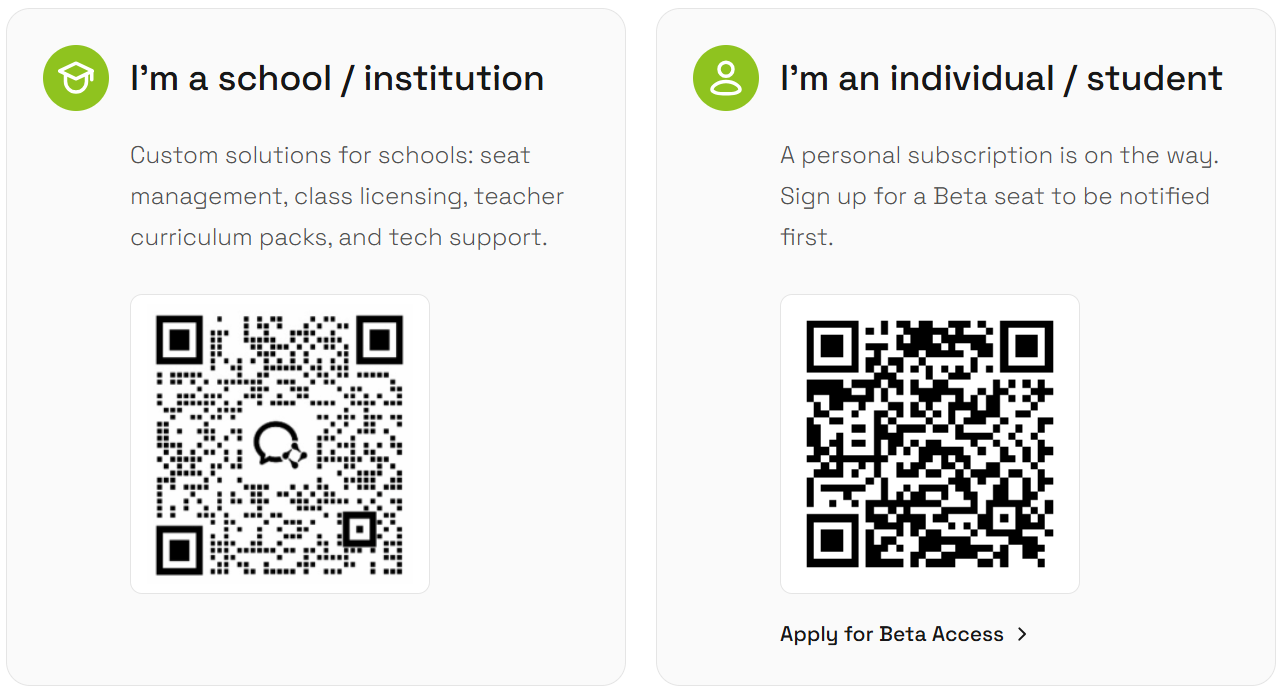
Additional Support