Configure Static IP on reCamera
This document explains how to configure a static IP address on reCamera (Buildroot system). The configuration includes three steps: edit the config file, set static network parameters, and restart the network service for verification.
Static IP Configuration
Step 1: Edit the network configuration file
Run the following command in the reCamera terminal:
sudo vi /etc/network/interfaces
Step 2: Set static IP parameters for eth0
Configure eth0 as a static interface. Update the values based on your actual network, and make sure the address does not duplicate any other IP address in the same LAN:
auto lo
iface lo inet loopback

auto eth0
iface eth0 inet static
    address 192.168.2.100
    netmask 255.255.255.0
    gateway 192.168.2.1
If you also need to set DNS manually:
echo "nameserver 8.8.8.8" | sudo tee /etc/resolv.conf
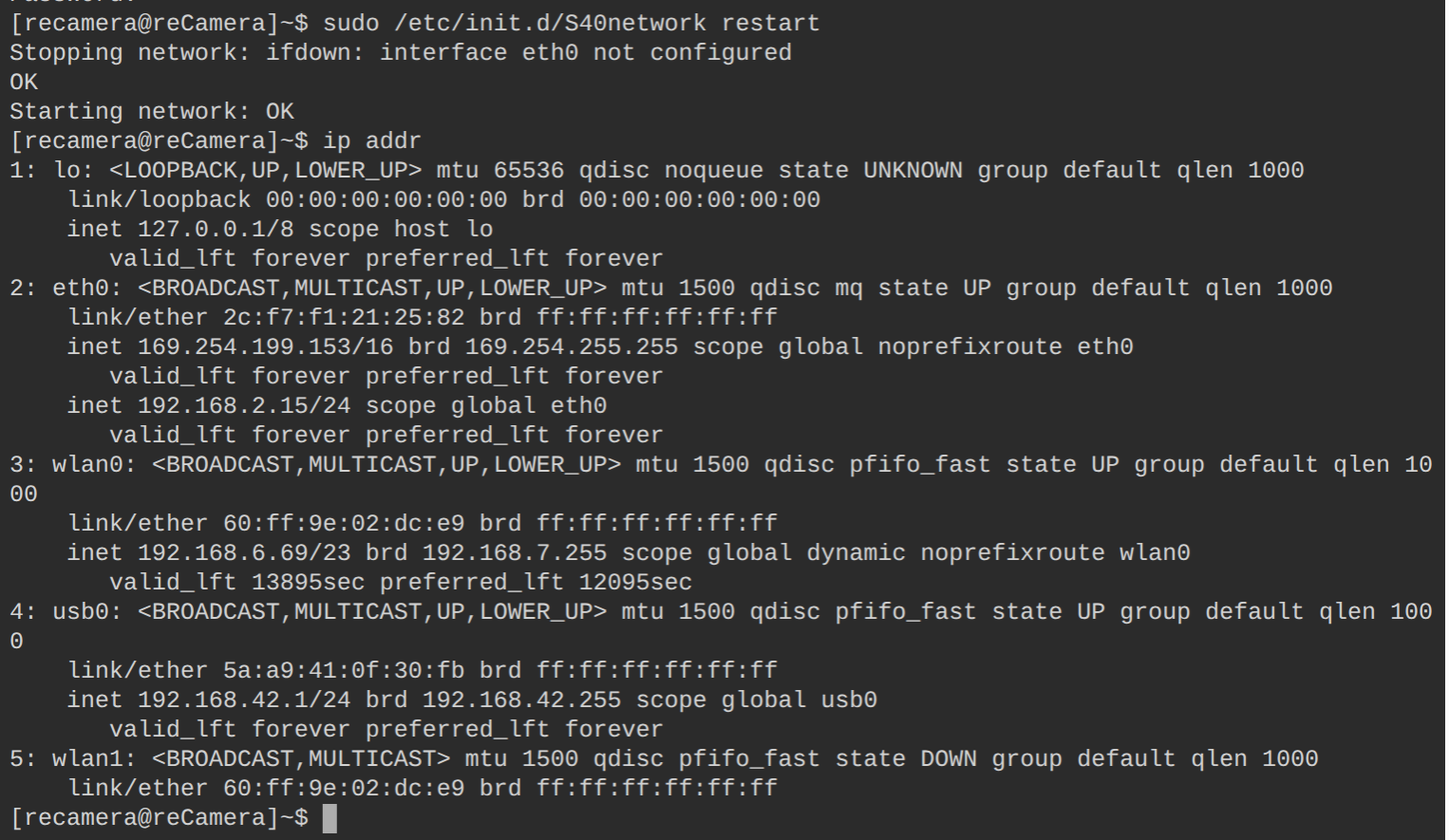
Step 3: Restart networking and verify
Apply the new settings without rebooting:
sudo /etc/init.d/S40network restart
Then verify the eth0 address:
ip addr show eth0
If the output includes your configured address, the static IP is configured successfully.
Tech Support & Product Discussion
Thank you for choosing our products! We are here to provide you with different support to ensure that your experience with our products is as smooth as possible. We offer several communication channels to cater to different preferences and needs.