Deploy TensorRT Edge-LLM on Jetpack6.2
What is TensorRT Edge-LLM?
TensorRT Edge-LLM is NVIDIA’s high-performance C++ inference runtime for Large Language Models (LLMs) and Vision-Language Models (VLMs) on embedded platforms. It enables efficient deployment of state-of-the-art language models on resource-constrained devices such as NVIDIA Jetson and NVIDIA DRIVE platforms.
TensorRT Edge-LLM supports a wide range of state-of-the-art models:
-
Large Language Models: Llama 3.x, Qwen 2/2.5/3, DeepSeek-R1 Distilled
-
Vision-Language Models: Qwen2/2.5/3-VL, InternVL3-1B-hf, InternVL3-2B-hf, Phi-4-Multimodal
-
Quantization: FP16, FP8 (SM89+), INT4 AWQ/GPTQ, NVFP4 (SM100+)
For the complete list of supported models, precision requirements, and platform compatibility, see Supported Models.https://nvidia.github.io/TensorRT-Edge-LLM/0.6.0/user_guide/getting_started/supported-models.html
TensorRT Edge-LLM is primarily designed for the JetPack 7.x software stack. However, NVIDIA officially documents compatibility support for JetPack 6.2 through a dedicated compatible release. This guide describes the deployment workflow and validation process for TensorRT Edge-LLM on JetPack 6.2.
For JetPack 6.2 systems, TensorRT Edge-LLM v0.6.0 is the recommended and validated release.
The deployment workflow consists of two stages:
-
Model Preparation on an x86 Linux Host
On an x86 Linux workstation equipped with an NVIDIA GPU, the target large language model (LLM) is quantized and exported to the ONNX format using the TensorRT Edge-LLM toolchain.
-
Engine Generation on Jetson
The exported ONNX model is transferred to the Jetson device, where TensorRT Edge-LLM generates an optimized TensorRT inference engine for deployment and runtime execution.
Part 1: Model Preparation (x86 Host with GPU)
The Python export pipeline converts and quantizes models. This must run on an x86 Linux system with an NVIDIA GPU.
System Requirements
-
Platform: x86-64 Linux system
-
Recommended OS: Ubuntu 22.04, 24.04
-
GPU: NVIDIA GPU with Compute Capability 8.0+ (Ampere or newer)
-
CUDA: 12.x or 13.x
-
Python: 3.10+
Memory Requirements(Depending on the size of the model you want to deploy.)
GPU Memory (VRAM):
-
General rule: ~2-3x model size for most operations, ~5-6x model size for FP8 ONNX export
-
Small models (0.6B-3B): 8-16GB
-
Large models (7B-8B): 20-48GB
-
Very large models (13B+): 48GB+
CPU Memory (RAM):
-
General rule: ~2-3x model size for most operations, ~18-20x model size for FP8 ONNX export
-
Small models (0.6B-3B): 8-16GB (48GB+ for FP8 ONNX export)
-
Large models (7B-8B): 20-48GB (128GB+ for FP8 ONNX export)
-
Very large models (13B+): 48GB+
Note: FP8 ONNX export currently requires significantly higher CPU (up to 20x model size) and GPU (up to 6x model size) memory due to internal processing. This is a known issue and is being actively optimized.
Install
-
Clone Repository
git clone https://github.com/NVIDIA/TensorRT-Edge-LLM.git
cd TensorRT-Edge-LLM
git submodule update --init --recursive -
Install Python Package
It is recommended to use a virtual environment:
python3 -m venv venv
source venv/bin/activate
Then just install the software:
pip3 install . -
Verify Installation
tensorrt-edgellm-export-llm --help
tensorrt-edgellm-quantize-llm --help
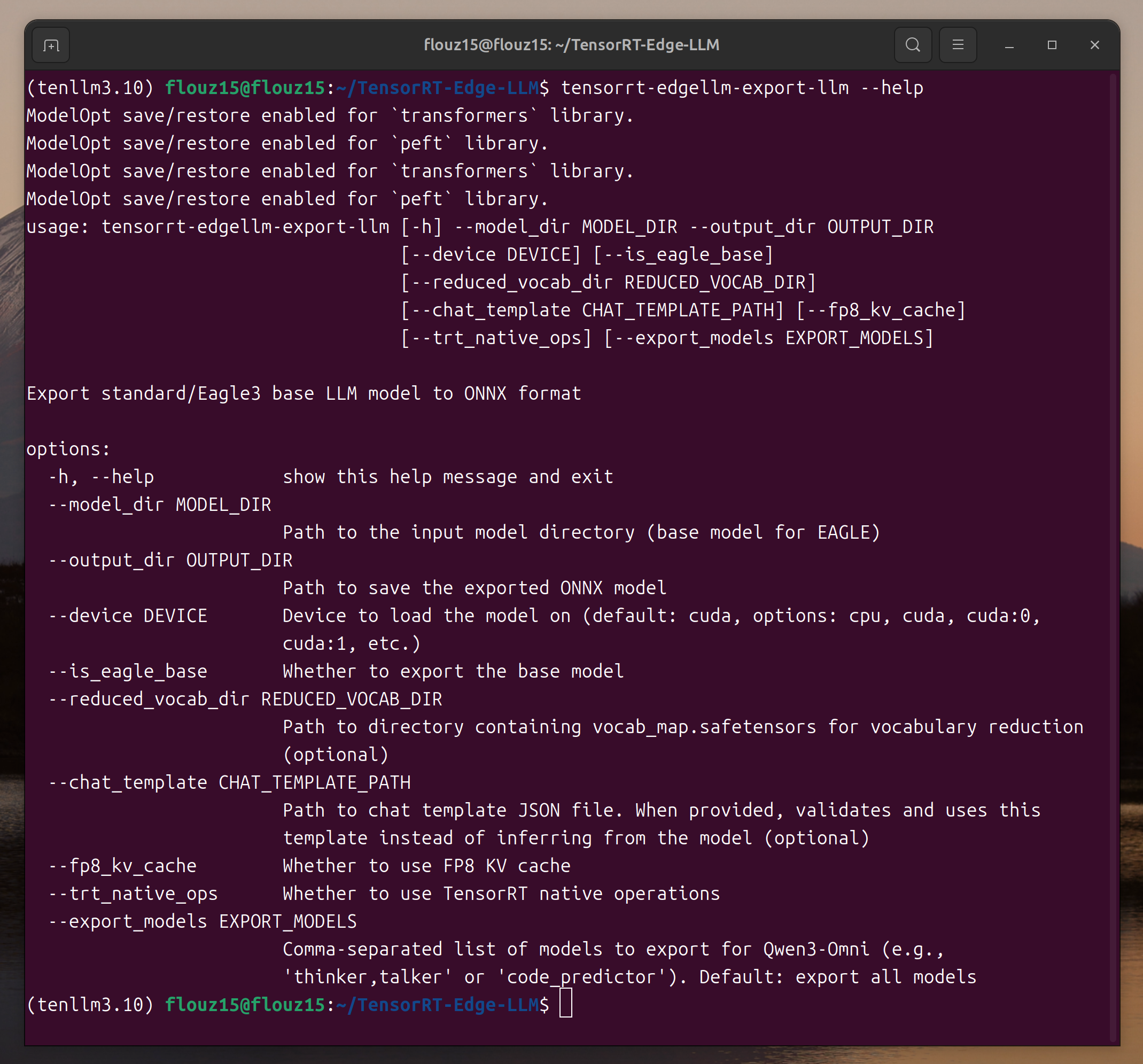
If the parameter description is displayed, TensorRT Edge-LLM has been installed successfully.
Export and Quantize
Let’s use Qwen3-0.6B as a lightweight example:
Note: Actual commands may vary depending on your specific folder structure.
# Set up workspace directory
export WORKSPACE_DIR=$HOME/tensorrt-edgellm-workspace
export MODEL_NAME=Qwen3-0.6B
mkdir -p $WORKSPACE_DIR
cd $WORKSPACE_DIR

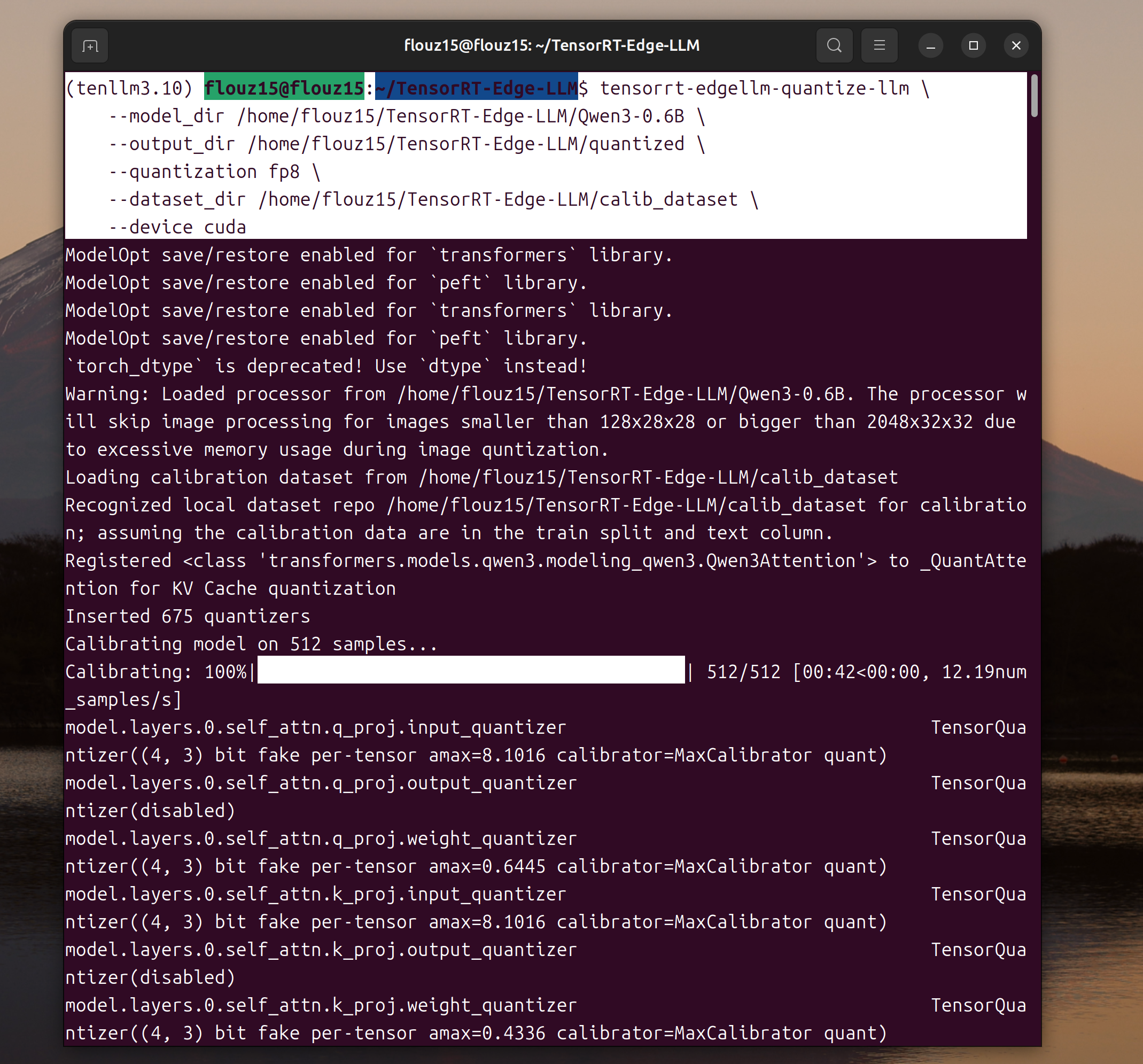
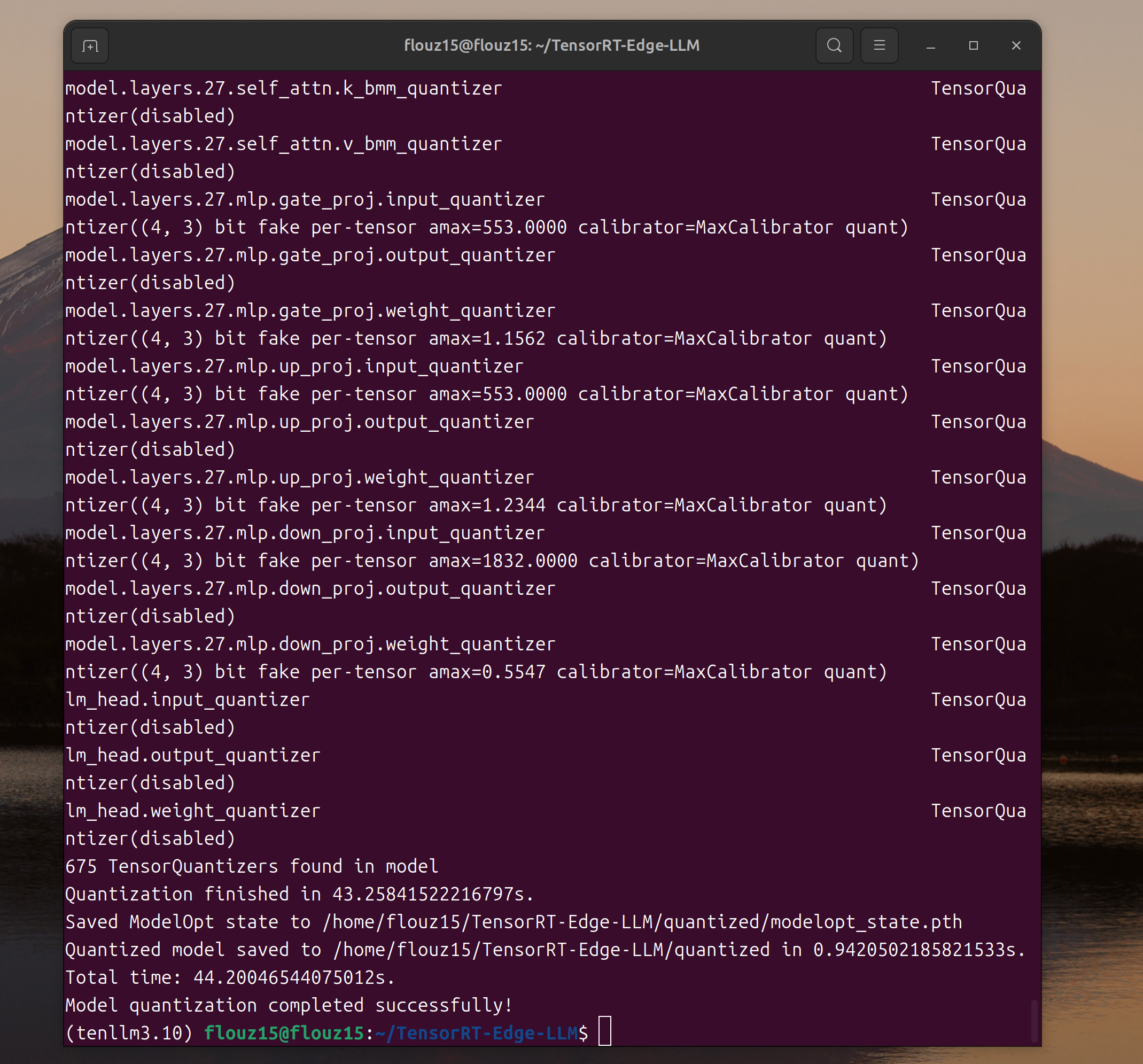
# Step 1: Quantize to FP8 (downloads model automatically)
tensorrt-edgellm-quantize-llm \
    --model_dir Qwen/Qwen3-0.6B \
    --output_dir $MODEL_NAME/quantized \
    --quantization fp8

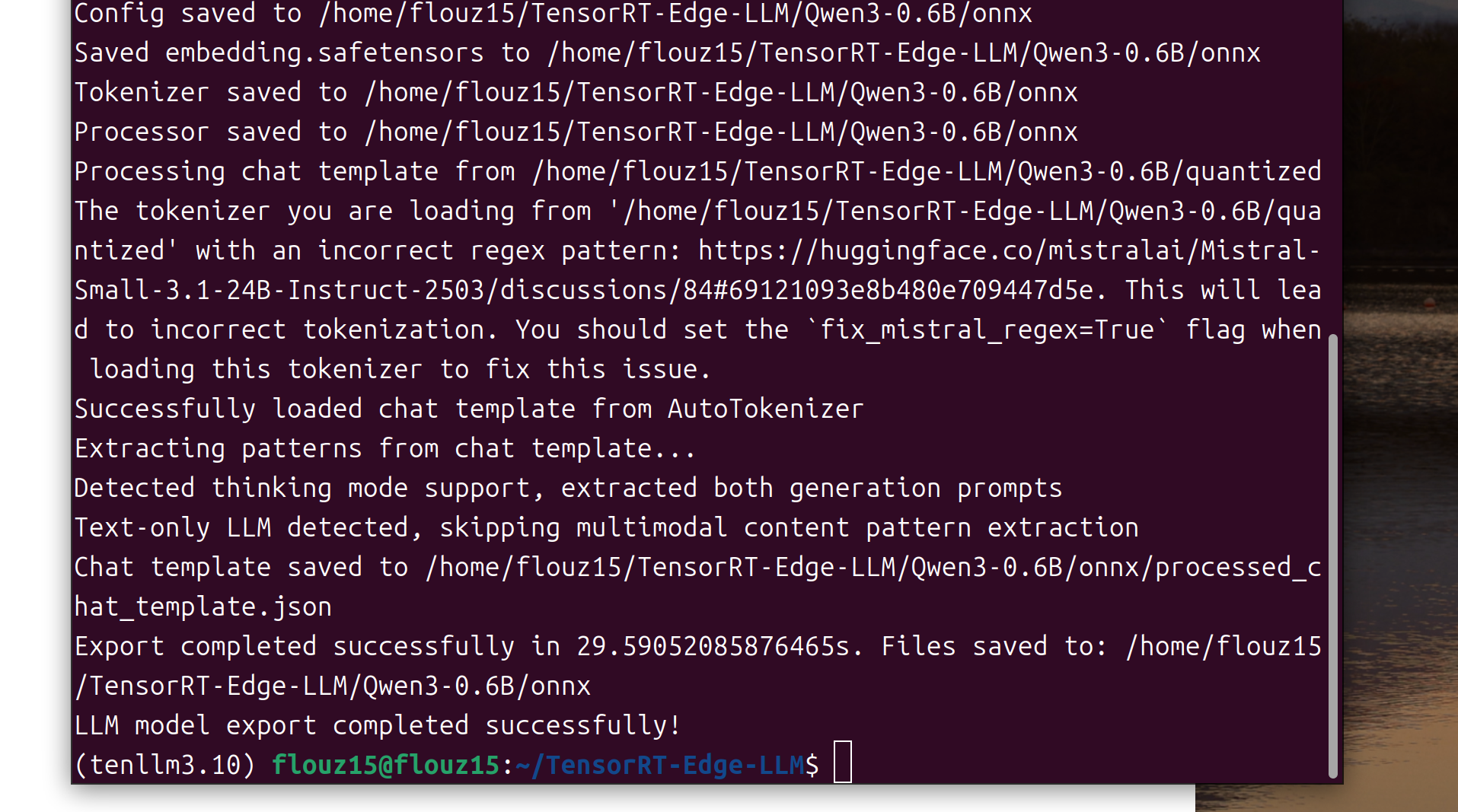
# Step 2: Export to ONNX
tensorrt-edgellm-export-llm \
    --model_dir $MODEL_NAME/quantized \
    --output_dir $MODEL_NAME/onnx
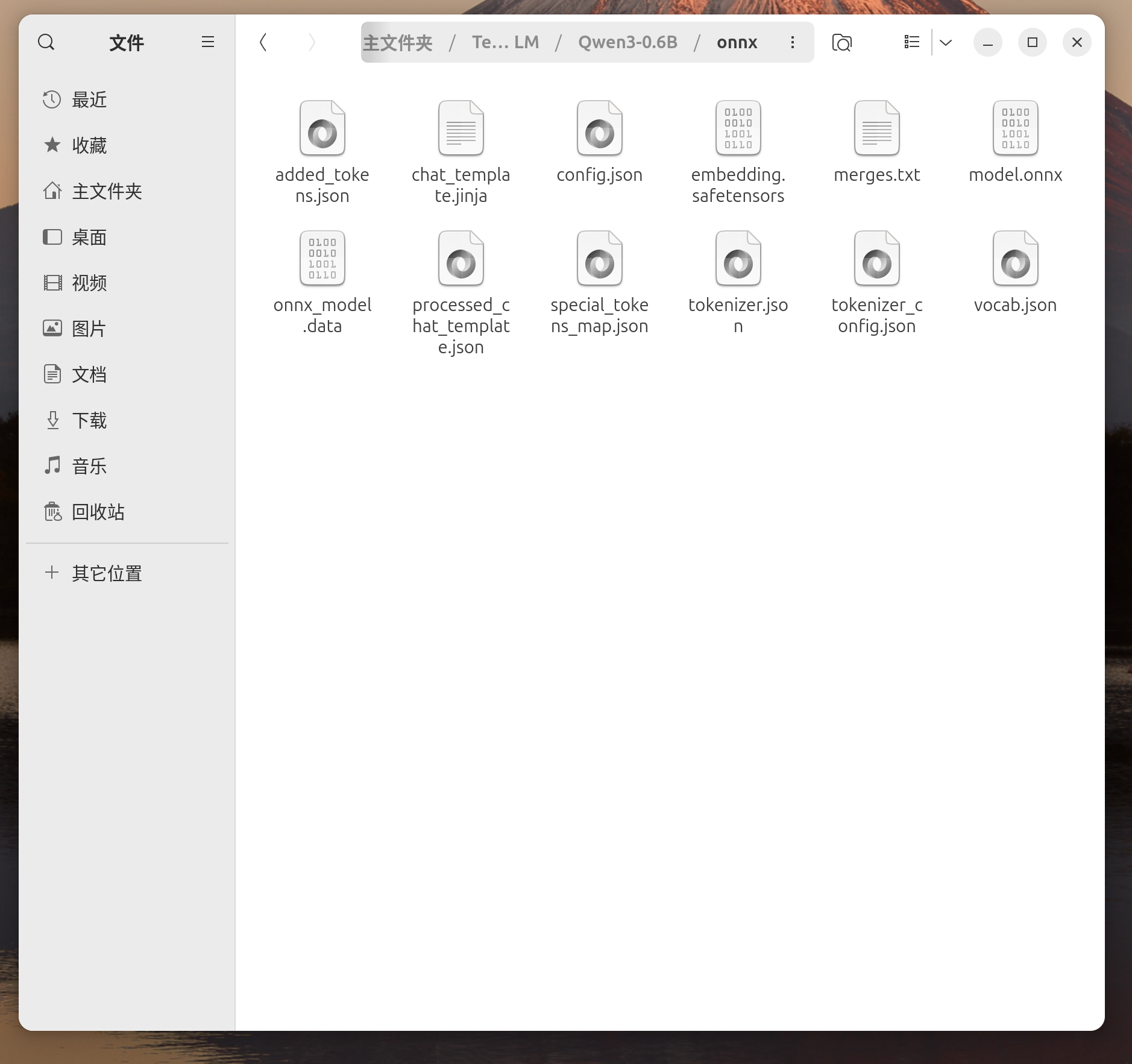
Part 2: Engine Generation (Edge Jetson Device)
The C++ runtime builds and executes models on the target Edge device. This must be built on or for the target platform.
System Requirements
Target Platform:
-
NVIDIA Jetson Orin NX SUPER 16GB
-
JetPack 6.2
-
Disk Space: 20~50GB for ONNX files and TensorRT engines
Install and build
-
Install System Dependencies (on Edge device)
sudo apt update
sudo apt install -y \
    cmake \
    build-essential \
git -
Verify CUDA and TensorRT Installation
After JetPack is installed, TensorRT should be installed in /usr
Check CUDA version
nvcc --version # Should show CUDA 12.6 -
Clone Repository (on Edge device)
cd ~
git clone https://github.com/NVIDIA/TensorRT-Edge-LLM.git
cd TensorRT-Edge-LLM
git submodule update --init --recursive -
Configure Build
On your Jetson Thor device, configure the build with the following command:
mkdir build
cd build
cmake .. \
    -DCMAKE_BUILD_TYPE=Release \
    -DTRT_PACKAGE_DIR=/usr \
    -DCMAKE_TOOLCHAIN_FILE=cmake/aarch64_linux_toolchain.cmake \
-DEMBEDDED_TARGET=jetson-orin -
Build Project
make -j$(nproc)Build time: ~1-2 minutes depending on hardware.
Verify Build
# Test C++ examples
./examples/llm/llm_build --help
./examples/llm/llm_inference --help
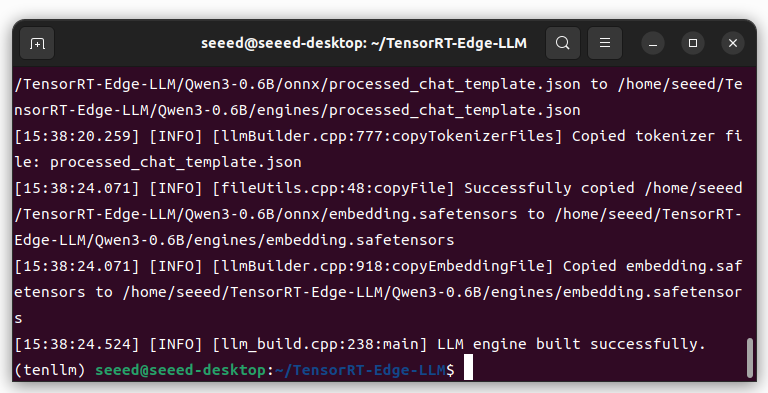
Build TensorRT Engine
Copy the ONNX model directory generated on the host PC to the Jetson device.
On your Jetson:
# Set up workspace directory
export WORKSPACE_DIR=$HOME/tensorrt-edgellm-workspace
export MODEL_NAME=Qwen3-0.6B
cd ~/TensorRT-Edge-LLM

# Build engine
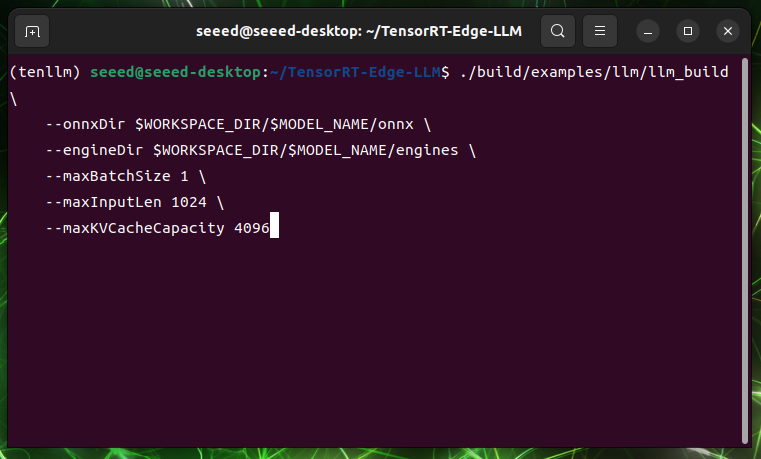
./build/examples/llm/llm_build \
    --onnxDir $WORKSPACE_DIR/$MODEL_NAME/onnx \
    --engineDir $WORKSPACE_DIR/$MODEL_NAME/engines \
    --maxBatchSize 1 \
    --maxInputLen 1024 \
    --maxKVCacheCapacity 4096
Run Inference
Create an input file with a sample question:
cat > $WORKSPACE_DIR/input.json << 'EOF'
{
    "batch_size": 1,
    "temperature": 1.0,
    "top_p": 1.0,
    "top_k": 50,
    "max_generate_length": 128,
    "requests": [
        {
            "messages": [
                {
                    "role": "user",
                    "content": "What is the capital of United States?"
                }
            ]
        }
    ]
}
EOF
"content"is the input to the LLM.Run engine:
cd ~/TensorRT-Edge-LLM

./build/examples/llm/llm_inference \
    --engineDir $WORKSPACE_DIR/$MODEL_NAME/engines \
    --inputFile $WORKSPACE_DIR/input.json \
    --outputFile $WORKSPACE_DIR/output.json
Verify the output:
# View the model response
cat $WORKSPACE_DIR/output.json
You should see a JSON response with the model’s answer, similar to:
{
  "responses": [
    {
      "text": "The capital of the United States is Washington, D.C.",
      "finish_reason": "stop"
    }
  ]
}
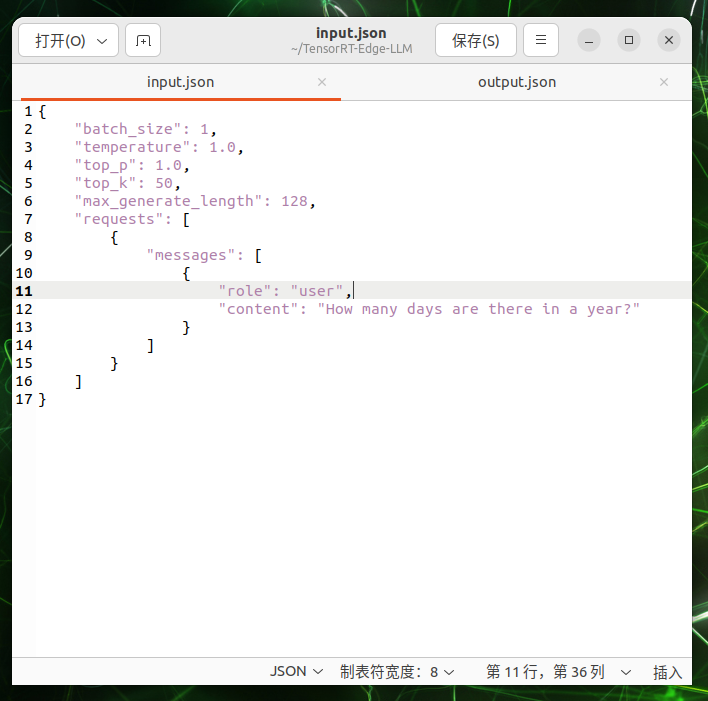
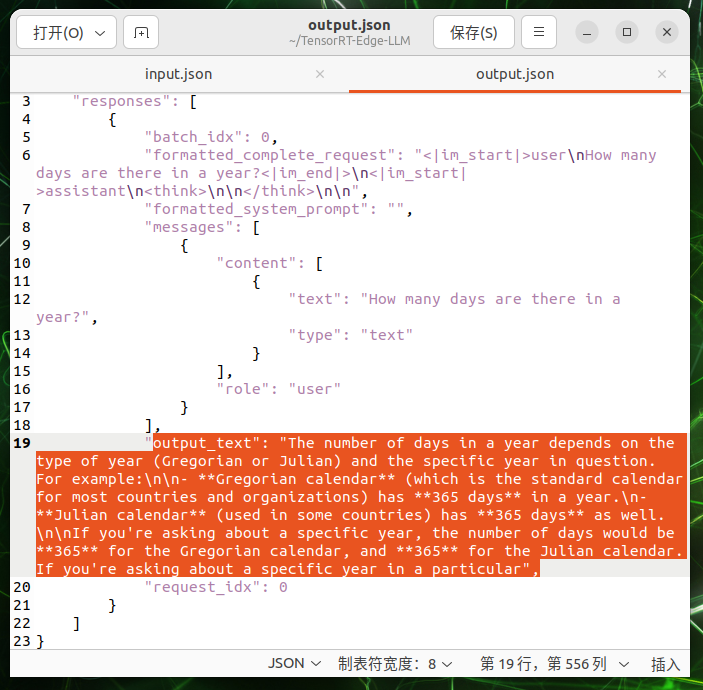
Success! 🎉 You’ve successfully run LLM inference on your edge device!
Tech Support & Product Discussion
Thank you for choosing our products! We are here to provide you with different support to ensure that your experience with our products is as smooth as possible. We offer several communication channels to cater to different preferences and needs.