Deploy TensorRT Edge-LLM on JetPack 7.2
Overview
TensorRT Edge-LLM is NVIDIA's high-performance inference stack for deploying large language models, vision-language models, multimodal models, and selected vision-language-action workloads on embedded NVIDIA platforms. It provides a checkpoint export pipeline, TensorRT engine builder, optimized C++ runtime, examples, and an experimental OpenAI-compatible server.
JetPack 7.2 is the officially supported TensorRT Edge-LLM path for Jetson Orin. Jetson Thor is also supported on JetPack 7.x. This guide pins TensorRT Edge-LLM v0.9.1, the latest published release when this page was updated on July 31, 2026.
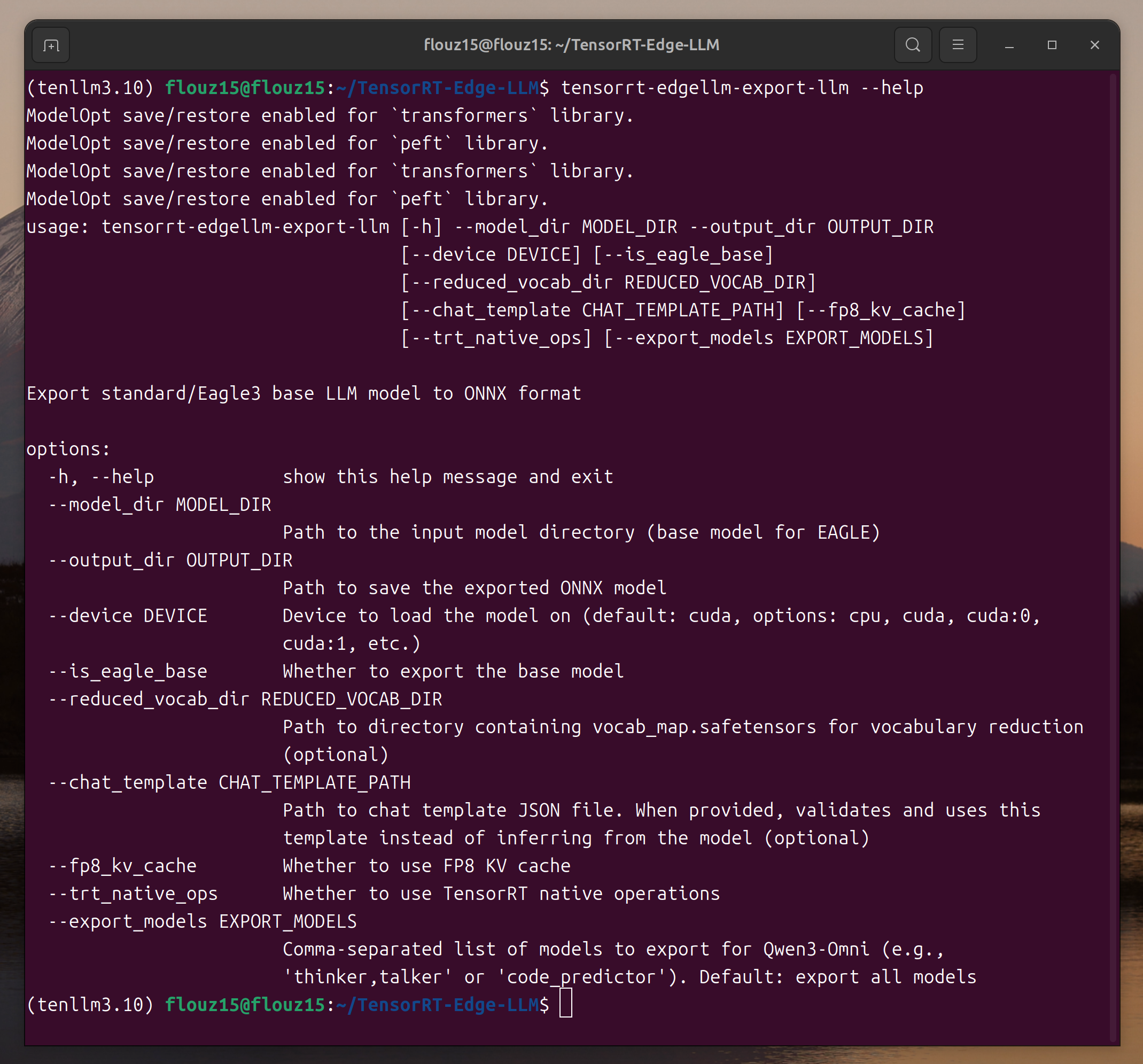
The screenshots in this guide reuse the existing TensorRT Edge-LLM workflow images from the JetPack 6.2 tutorial. The overall host-export and target-engine workflow is the same, but command names, build flags, version numbers, and console output may differ in v0.9.1.
Platform Matrix
| Target | Software release | CMake target | CUDA toolkit value | Runtime precision |
|---|---|---|---|---|
| Jetson Orin | JetPack 7.2 | jetson-orin | 13.2 | FP16, INT8, INT4 |
| Jetson Thor | JetPack 7.2 | jetson-thor | 13.2 | Check the supported-model matrix for each model and precision. |
TensorRT Edge-LLM v0.9.1 does not support FP8, MXFP8, FP4, or NVFP4 runtime precision on Jetson Orin. Use FP16, INT8, or INT4 checkpoints for Orin. Do not copy a TensorRT engine built on JetPack 6.2 into JetPack 7.2; rebuild the engine on the target JetPack 7.2 system.
The deployment has two stages:
- Export on an x86 GPU host: install the Python tools and export a Hugging Face checkpoint to ONNX.
- Build and run on Jetson: compile the C++ runtime, build a TensorRT engine from ONNX, and run inference.
Part 1: Export the Model on an x86 GPU Host
Host Requirements
- x86-64 Linux with Ubuntu 22.04 or 24.04
- NVIDIA Ampere or newer GPU with compute capability 8.0+
- CUDA 12.x or 13.x
- Python 3.10+
- Sufficient RAM, VRAM, and disk space for the selected checkpoint
Model export can require several times the checkpoint size in host RAM and VRAM. Start with the small Qwen3-0.6B FP16 example before moving to a larger or quantized model.
Clone and Install v0.9.1
git clone --branch v0.9.1 --depth 1 https://github.com/NVIDIA/TensorRT-Edge-LLM.git
cd TensorRT-Edge-LLM
git submodule update --init --recursive

python3 -m venv venv
source venv/bin/activate
python -m pip install --upgrade pip
pip install .
Install the optional tool dependencies when you need checkpoint quantization, LoRA merging, vocabulary reduction, or tokenizer helpers:
pip install ".[tools]"
Verify the current command-line interface:
tensorrt-edgellm-export --help
tensorrt-edgellm-quantize --help
Export Qwen3-0.6B to ONNX
The following example exports the FP16 checkpoint directly. FP16 is supported on Jetson Orin and keeps the first validation workflow simple.
export EDGE_LLM_PATH=$HOME/TensorRT-Edge-LLM
export WORKSPACE_DIR=$HOME/tensorrt-edgellm-workspace
export MODEL_NAME=Qwen3-0.6B
export PYTHONPATH=$EDGE_LLM_PATH:$PYTHONPATH

mkdir -p "$WORKSPACE_DIR"
cd "$WORKSPACE_DIR"

tensorrt-edgellm-export \
  Qwen/Qwen3-0.6B \
  "$WORKSPACE_DIR/$MODEL_NAME/onnx"
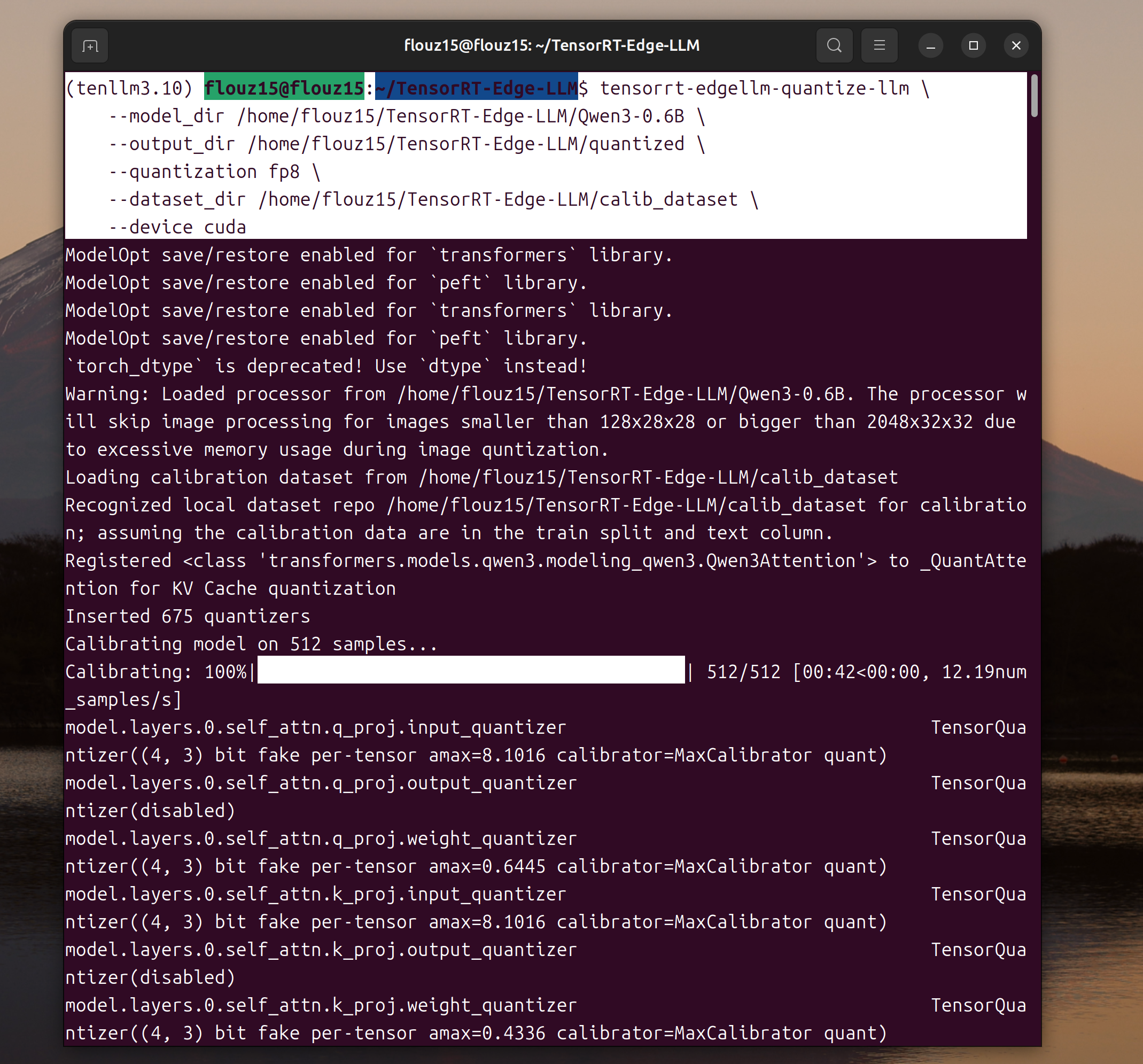
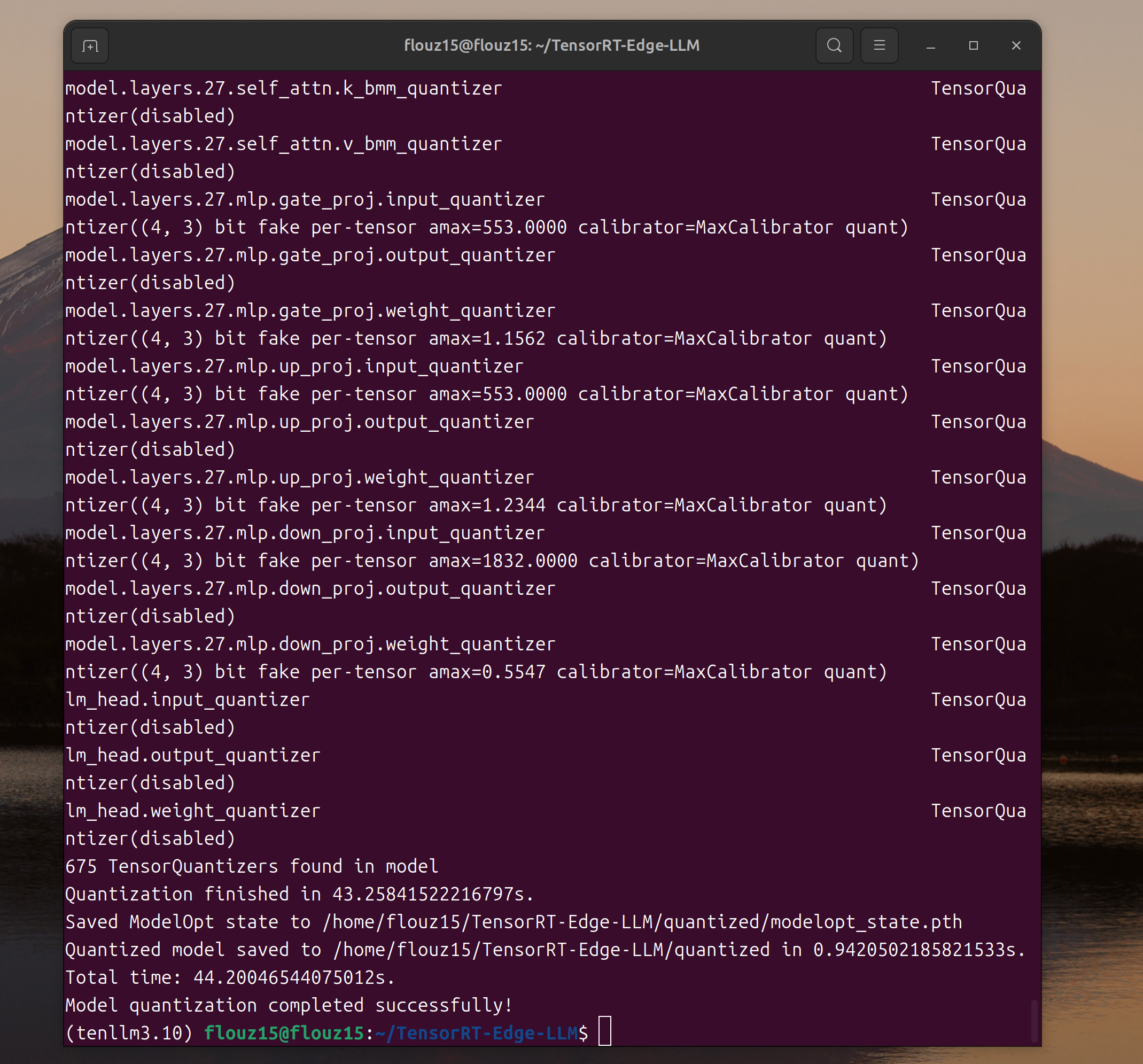
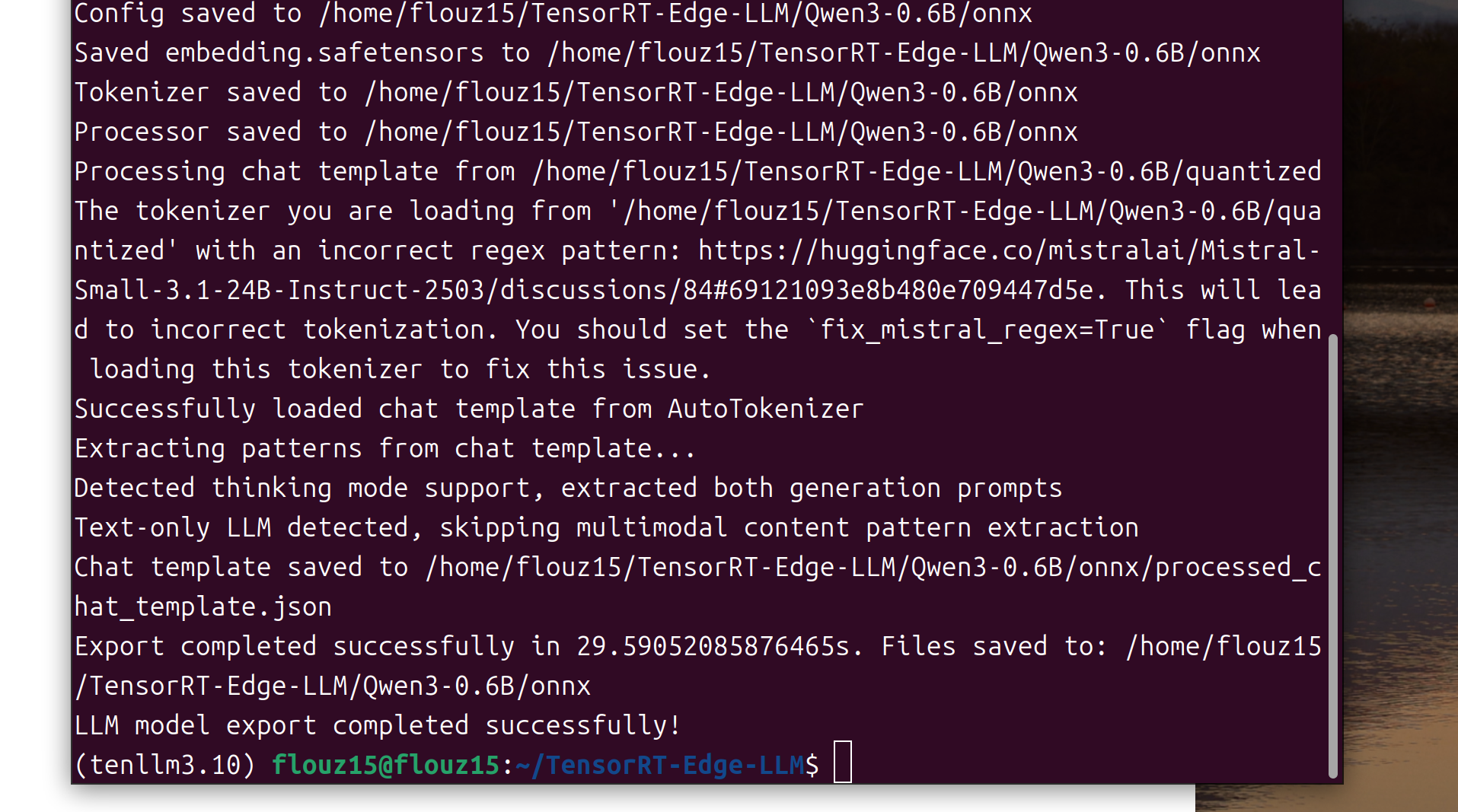
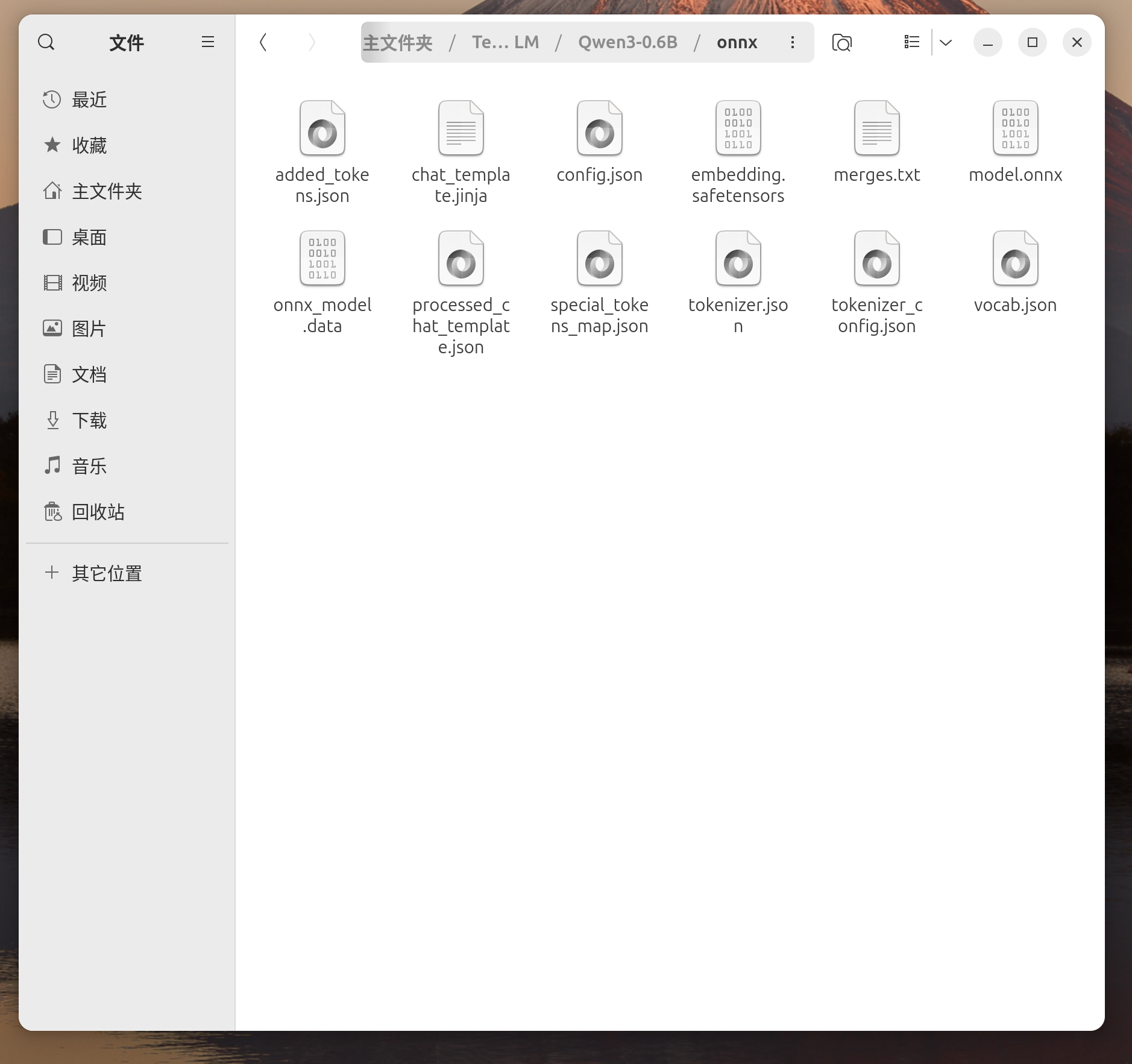
The exported LLM graph should be available under:
$WORKSPACE_DIR/Qwen3-0.6B/onnx/llm
Optional: Use an INT4 Checkpoint on Jetson Orin
For a larger model on an Orin device, use a checkpoint listed as INT4 AWQ or INT4 GPTQ in the official supported-model matrix. Pre-quantized checkpoints can be exported directly. Externalized INT4 weights reduce engine-build memory pressure on memory-constrained Orin devices.
tensorrt-edgellm-export \
  /path/to/supported-int4-checkpoint \
  "$WORKSPACE_DIR/<model-name>/onnx" \
  --externalize-weights int4_ffn
For an INT4 MoE checkpoint, add the model-family-specific externalized weight options documented by TensorRT Edge-LLM. Always verify the exact checkpoint and precision in the supported-model matrix.
Transfer the ONNX Directory to Jetson
Create the target directory and copy the exported model:
ssh <jetson-user>@<jetson-ip> \
  "mkdir -p ~/tensorrt-edgellm-workspace/$MODEL_NAME"

scp -r \
  "$WORKSPACE_DIR/$MODEL_NAME/onnx" \
  <jetson-user>@<jetson-ip>:~/tensorrt-edgellm-workspace/$MODEL_NAME/
Part 2: Build TensorRT Edge-LLM on JetPack 7.2
The following main workflow targets Jetson Orin. A Jetson Thor configuration is provided afterward.
Verify JetPack 7.2
On the Jetson device, check the Jetson Linux release, CUDA compiler, and TensorRT packages:
cat /etc/nv_tegra_release
nvcc --version
dpkg -l | grep -E 'tensorrt|libnvinfer'
For the v0.9.1 JetPack 7.2 build matrix, nvcc --version should match the CUDA 13.2 toolchain expected by the build configuration.
Install Build Dependencies
sudo apt update
sudo apt install -y cmake build-essential git
Clone the Matching Release on Jetson
Use the same TensorRT Edge-LLM release for host export and target runtime:
cd ~
git clone --branch v0.9.1 --depth 1 https://github.com/NVIDIA/TensorRT-Edge-LLM.git
cd TensorRT-Edge-LLM
git submodule update --init --recursive
Configure and Build for Jetson Orin
cd ~/TensorRT-Edge-LLM
mkdir -p build
cd build

cmake .. \
  -DCMAKE_BUILD_TYPE=Release \
  -DTRT_PACKAGE_DIR=/usr \
  -DCMAKE_TOOLCHAIN_FILE=cmake/aarch64_linux_toolchain.cmake \
  -DEMBEDDED_TARGET=jetson-orin \
  -DCUDA_CTK_VERSION=13.2 \
  -DENABLE_CUTE_DSL=ALL

cmake --build . -j"$(nproc)"
CuTe DSL kernels are enabled because current Qwen3.5 and other supported model paths require them.
Verify that the examples were built:
./examples/llm/llm_build --help
./examples/llm/llm_inference --help
Jetson Thor Build Variant
On Jetson Thor with JetPack 7.2, use the same build steps but change the embedded target:
cmake .. \
  -DCMAKE_BUILD_TYPE=Release \
  -DTRT_PACKAGE_DIR=/usr \
  -DCMAKE_TOOLCHAIN_FILE=cmake/aarch64_linux_toolchain.cmake \
  -DEMBEDDED_TARGET=jetson-thor \
  -DCUDA_CTK_VERSION=13.2 \
  -DENABLE_CUTE_DSL=ALL
Build the TensorRT Engine
On the Jetson device, set the workspace and build an engine from the exported ONNX graph:
export WORKSPACE_DIR=$HOME/tensorrt-edgellm-workspace
export MODEL_NAME=Qwen3-0.6B

cd ~/TensorRT-Edge-LLM

./build/examples/llm/llm_build \
  --onnxDir "$WORKSPACE_DIR/$MODEL_NAME/onnx/llm" \
  --engineDir "$WORKSPACE_DIR/$MODEL_NAME/engines" \
  --maxBatchSize 1 \
  --maxInputLen 1024 \
  --maxKVCacheCapacity 4096
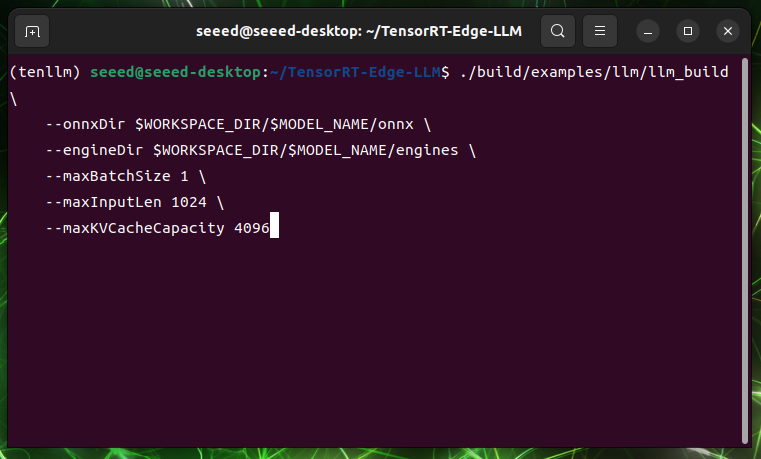
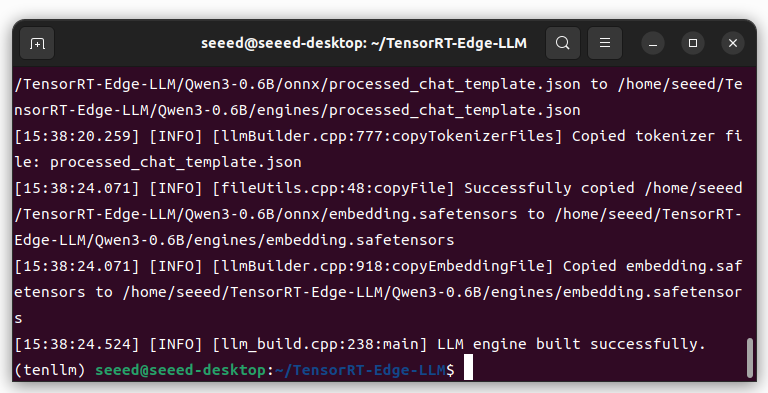
Engine build time and peak memory depend on the model, precision, maximum input length, KV-cache capacity, and Jetson memory configuration.
Run C++ Inference
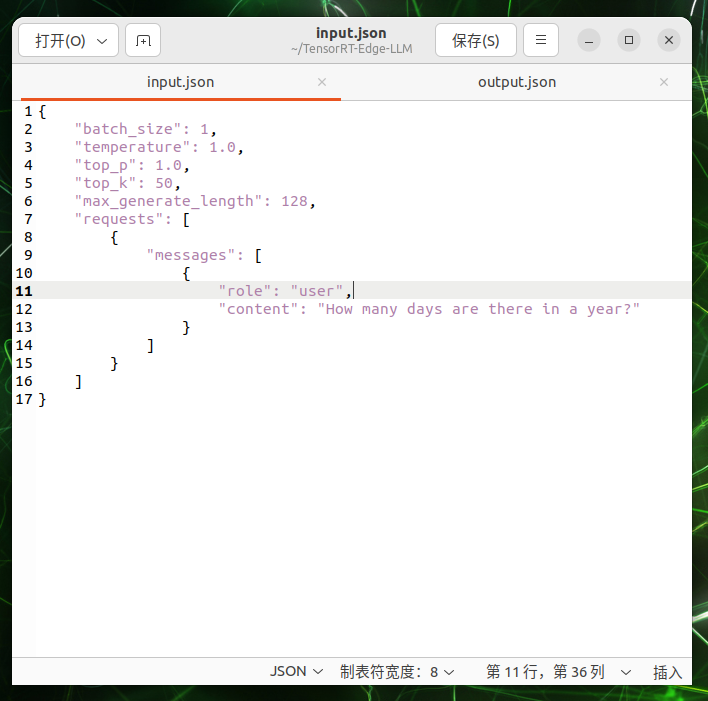
Create a request file:
cat > "$WORKSPACE_DIR/input.json" <<'EOF'
{
  "batch_size": 1,
  "temperature": 1.0,
  "top_p": 1.0,
  "top_k": 50,
  "max_generate_length": 128,
  "requests": [
    {
      "messages": [
        {
          "role": "user",
          "content": "What is the capital of the United States?"
        }
      ]
    }
  ]
}
EOF
Run inference:
cd ~/TensorRT-Edge-LLM

./build/examples/llm/llm_inference \
  --engineDir "$WORKSPACE_DIR/$MODEL_NAME/engines" \
  --inputFile "$WORKSPACE_DIR/input.json" \
  --outputFile "$WORKSPACE_DIR/output.json"
View the result:
cat "$WORKSPACE_DIR/output.json"
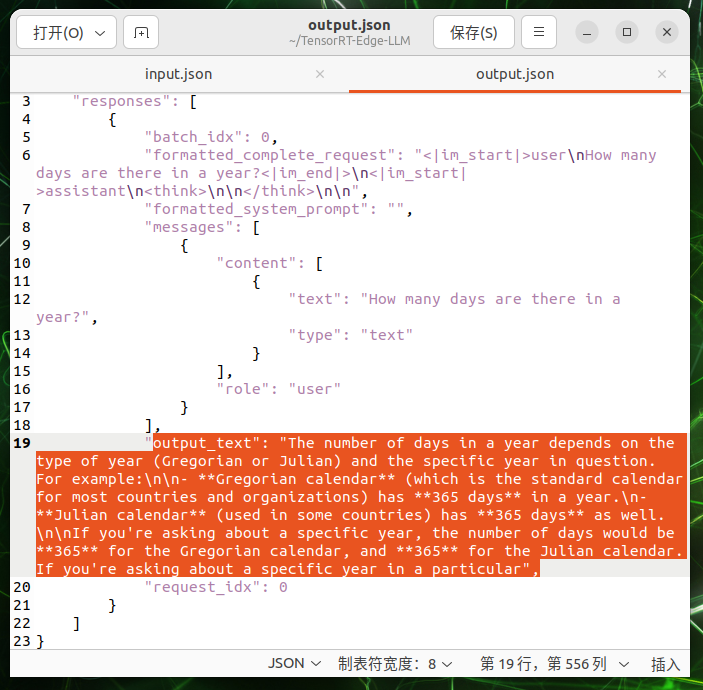
The response should contain generated text similar to:
{
  "responses": [
    {
      "output_text": "The capital of the United States is Washington, D.C.",
      "request_idx": 0,
      "batch_idx": 0
    }
  ]
}
Benchmark the Engine
Use llm_bench for synthetic prefill and decode measurements:
./build/examples/llm/llm_bench \
  --engineDir "$WORKSPACE_DIR/$MODEL_NAME/engines" \
  --mode prefill
Record the following values when comparing JetPack 6.2 and JetPack 7.2:
- Peak system memory during engine build
- Memory after engine load
- Time to first token
- Prompt processing throughput
- Decode throughput
- GPU frequency, power mode, temperature, and total board power
Differences from the JetPack 6.2 Workflow
| Item | JetPack 6.2 compatible path | JetPack 7.2 supported path |
|---|---|---|
| Jetson Orin status | Compatible | Officially supported and tested |
| CUDA build value | 12.6 | 13.2 |
| CMake target | jetson-orin | jetson-orin |
| Runtime precision on Orin | FP16, INT8, INT4 | FP16, INT8, INT4 |
| CuTe DSL | Release-dependent | Enable with -DENABLE_CUTE_DSL=ALL for current model paths |
| Engine reuse | Rebuild for JetPack 6.2 | Rebuild for JetPack 7.2 |
Troubleshooting
CMake Cannot Find TensorRT
Confirm that JetPack installed the TensorRT development packages and that the libraries are under /usr:
dpkg -l | grep -E 'tensorrt|libnvinfer'
ls /usr/include/NvInfer.h
CUDA Version Does Not Match
Do not change CUDA_CTK_VERSION only to bypass configuration checks. Confirm that the device is running the intended JetPack 7.2 image and that nvcc resolves to the JetPack CUDA toolkit.
Engine Build Is Killed or Runs Out of Memory
- Start with Qwen3-0.6B FP16.
- Use a supported INT4 checkpoint for larger models on Jetson Orin.
- Use externalized INT4 weights where supported.
- Reduce
maxInputLenandmaxKVCacheCapacityfor the first validation run. - Stop unrelated containers and memory-intensive services before building the engine.
Model or Precision Is Rejected
Check the TensorRT Edge-LLM supported-model matrix. Model-family support does not mean every checkpoint, precision, visual encoder, or speculative decoder combination is supported on every Jetson platform.
Next Steps
- Add an INT4 LLM workflow for a larger Jetson Orin model.
- Add VLM inference with a supported Qwen-VL, InternVL, Phi multimodal, or Gemma checkpoint.
- Evaluate the experimental high-level Python API and OpenAI-compatible server.
- Use Rapid Prototyping on Jetson with NVIDIA Skills to automate device inspection, memory auditing, and benchmark collection.
Tech Support & Product Discussion
Thank you for choosing our products! We are here to provide you with different support to ensure that your experience with our products is as smooth as possible. We offer several communication channels to cater to different preferences and needs.