Work with Zephyr
Zephyr is an open-source real-time operating system for embedded devices. It is useful when you want a production-oriented firmware stack with a build system, device tree based hardware description, kernel services, drivers, and upstream board definitions.
Zephyr already includes official board documentation for reTerminal E1001, reTerminal E1002, and reTerminal E1003. This Wiki page is a Seeed ePaper entry point: use it to choose the correct board target, then follow the official Zephyr documentation for installation, build, flashing, and debugging.
When to Use Zephyr
Use Zephyr when your project needs:
- a structured RTOS development workflow;
- upstream board support and long-term maintainable firmware;
- kernel features such as threads, timers, queues, and device drivers;
- a consistent build and flashing workflow across multiple embedded boards;
- direct access to ESP32-S3 peripherals through Zephyr APIs.
If your goal is a Home Assistant dashboard, no-code page design, or Arduino-style drawing API, start from the matching application page on the Seeed ePaper Displays overview. Zephyr is best suited for developers who want to build custom firmware at the RTOS level.
Supported Devices
Prepare one of the following reTerminal E Series devices before starting Zephyr development.
| reTerminal E1001 | reTerminal E1002 | reTerminal E1003 |
|---|---|---|
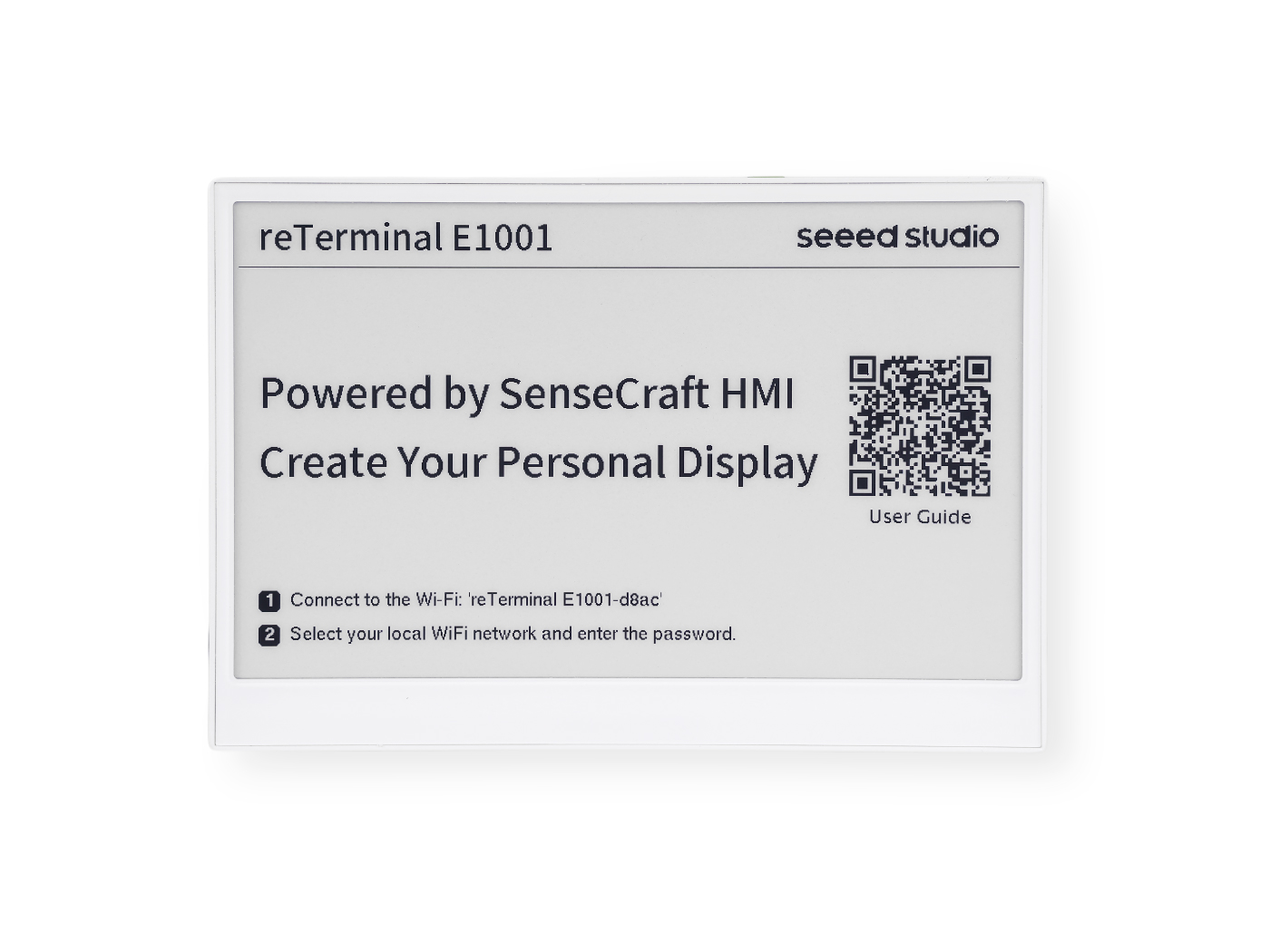 | 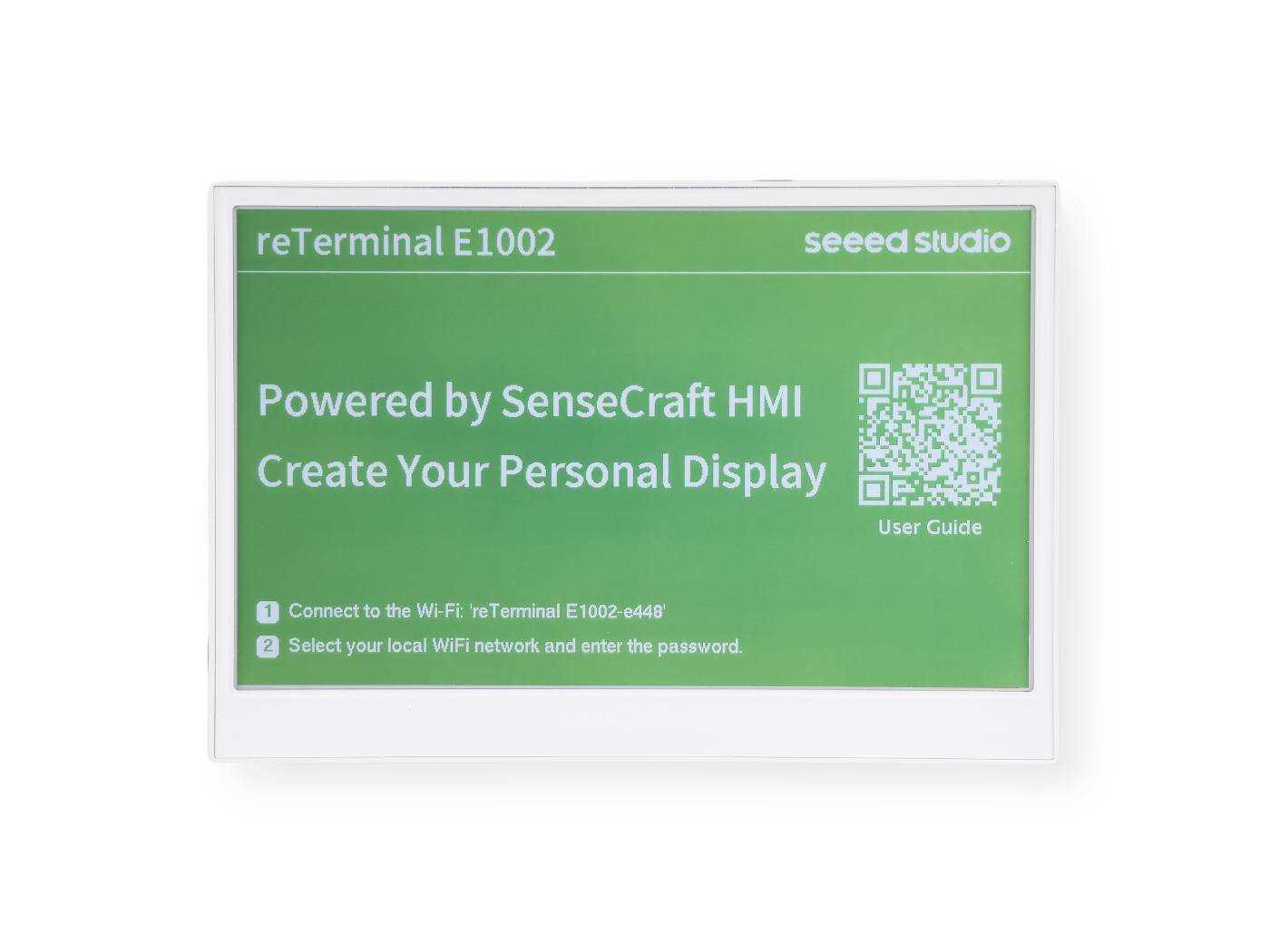 | 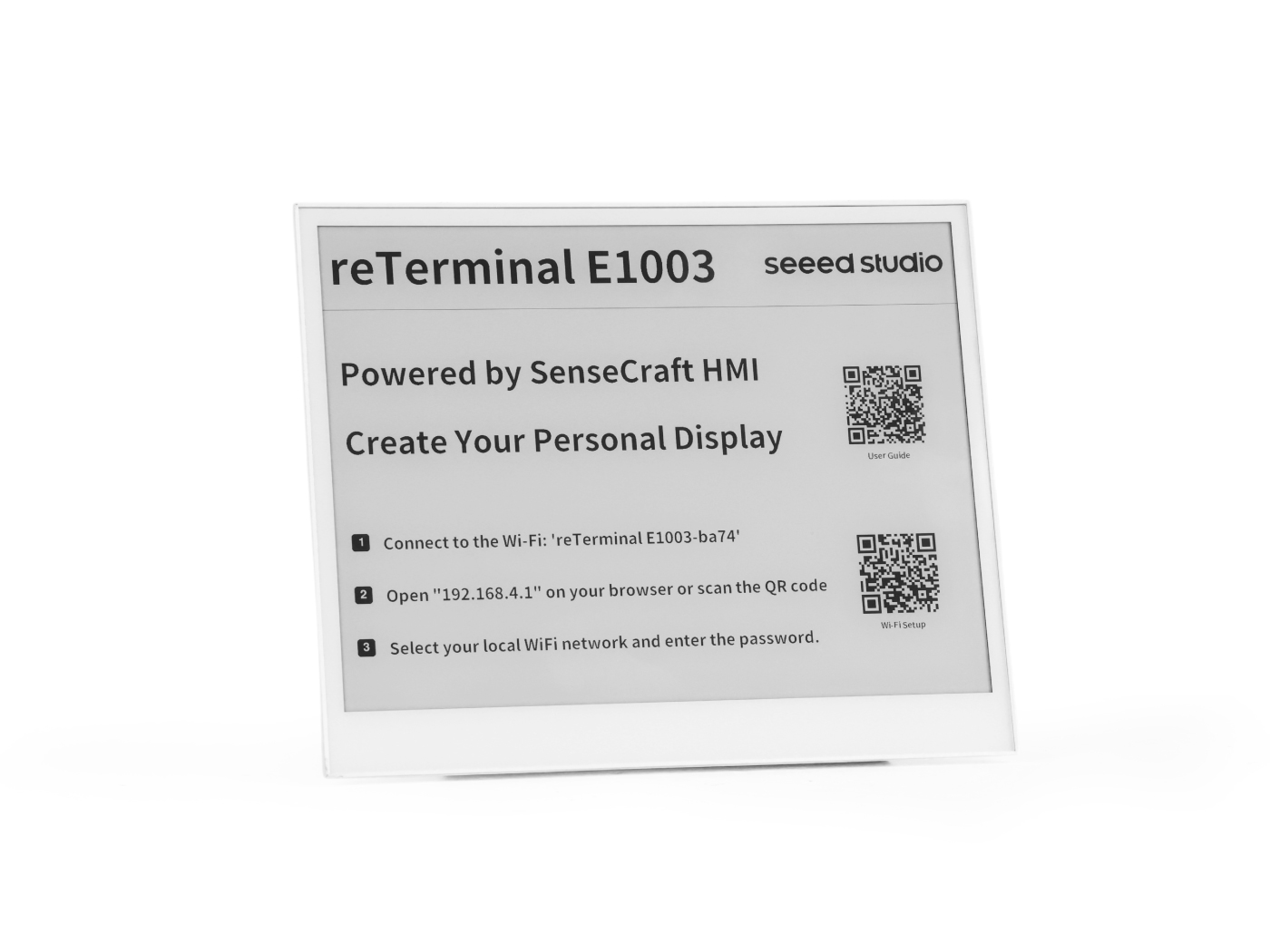 |
| 7.5" monochrome ePaper 800 x 480 | 7.3" full-color ePaper 800 x 480 | 10.3" monochrome ePaper 1404 x 1872, touch |
reterminal_e1001/esp32s3/procpu | reterminal_e1002/esp32s3/procpu | reterminal_e1003/esp32s3/procpu |
The quick-start command examples below use the procpu target. For dual-core details, hardware feature tables, supported runners, and debug options, use the official board page for your device.
Recommended Reading Path
Follow this path when setting up Zephyr for the first time:
- Open the Zephyr Getting Started Guide and install the Zephyr toolchain, Python dependencies, west, and SDK for your operating system.
- Open the official board page for your device from the Official Zephyr Documentation section.
- Read the board page overview to confirm the display size, SoC, onboard sensors, keys, LEDs, RTC, and battery-related hardware described by Zephyr.
- Use the board page Supported Features section to check which peripherals are already described in Zephyr.
- Use the board page Programming and Debugging section for build, flash, reset, and debug commands.
Keep the official Zephyr board page open while developing. It is the source of truth for current board targets, supported features, runners, and build options.
Quick Command Pattern
After your Zephyr workspace is ready, build the hello_world sample with the board target that matches your device.
| Device | Build command |
|---|---|
| reTerminal E1001 | west build -b reterminal_e1001/esp32s3/procpu samples/hello_world |
| reTerminal E1002 | west build -b reterminal_e1002/esp32s3/procpu samples/hello_world |
| reTerminal E1003 | west build -b reterminal_e1003/esp32s3/procpu samples/hello_world |
Then flash the built image:
west flash
If the board stays in download mode after flashing, use the reset option documented by Zephyr:
west flash --reset-type watchdog-reset
For MCUboot, sysbuild, faster flashing, OpenOCD debugging, and advanced runner options, follow the Programming and Debugging section on the official board page for your device.
Official Zephyr Documentation
Use the links below as the main references for Zephyr-specific setup and board details:
| Topic | Use this when you need to | Link |
|---|---|---|
| Zephyr Getting Started | Install Zephyr, west, Python dependencies, and the Zephyr SDK. | Open Getting Started |
| Zephyr Boards | Search all Zephyr-supported boards and confirm current target names. | Open Boards index |
| reTerminal E1001 | Build, flash, and debug Zephyr applications for reTerminal E1001. | Open E1001 docs |
| reTerminal E1002 | Build, flash, and debug Zephyr applications for reTerminal E1002. | Open E1002 docs |
| reTerminal E1003 | Build, flash, and debug Zephyr applications for reTerminal E1003. | Open E1003 docs |
Related Seeed Wiki Pages
- Seeed ePaper Displays overview
- Getting Started with reTerminal E1001
- Getting Started with reTerminal E1002
- Getting Started with reTerminal E1003
Tech Support & Product Discussion
Thank you for choosing our products! We are here to provide you with different support to ensure that your experience with our products is as smooth as possible. We offer several communication channels to cater to different preferences and needs.