Control de reSpeaker XVF3800 con Python
Introducción
En esta sección, vamos a hablar sobre cómo controlar tu ReSpeaker XVF-3800 usando el SDK de Python. Esto hace que el desarrollo sea más conveniente para los usuarios que quieren crear sus propias aplicaciones. Por ejemplo, puedes detectar de dónde viene la voz, realizar detección de actividad de voz (VAD), controlar los LED y mucho más.
SDK de Python
Tenemos una guía completa de Python sobre cómo comunicarse con el XVF3800 usando el firmware USB. Este script de Python se puede ejecutar en tu IDE favorito sin requerir el XVF_Host del XVF3800. Puedes encontrar más comandos en este enlace.
Necesitas instalar la biblioteca pyusb.
Cómo obtener DOA y VAD
import sys
import struct
import usb.core
import usb.util
import time

# name, resid, cmdid, length, type
PARAMETERS = {
    "VERSION":          (48,  0,  3,  "ro", "uint8"),
    "AEC_AZIMUTH_VALUES": (33, 75, 16, "ro", "radians"),
    "DOA_VALUE":        (20, 18,  4,  "ro", "uint16"),   # 4 bytes → two uint16 words
    "REBOOT":           (48,  7,  1,  "wo", "uint8"),
}

class ReSpeaker:
    TIMEOUT = 100000  # USB timeout

    def __init__(self, dev):
        self.dev = dev

    def write(self, name, data_list):
        try:
            data = PARAMETERS[name]
        except KeyError:
            return

        if data[3] == "ro":
            raise ValueError('{} is read-only'.format(name))

        if len(data_list) != data[2]:
            raise ValueError('{} value count is not {}'.format(name, data[2]))

        windex   = data[0]
        wvalue   = data[1]
        data_type = data[4]
        data_cnt  = data[2]
        payload   = []

        if data_type in ('float', 'radians'):
            for i in range(data_cnt):
                payload += struct.pack(b'f', float(data_list[i]))
        elif data_type in ('char', 'uint8'):
            for i in range(data_cnt):
                payload += data_list[i].to_bytes(1, byteorder='little')
        else:
            for i in range(data_cnt):
                payload += struct.pack(b'i', data_list[i])

        print("WriteCMD: cmdid: {}, resid: {}, payload: {}".format(wvalue, windex, payload))
        self.dev.ctrl_transfer(
            usb.util.CTRL_OUT | usb.util.CTRL_TYPE_VENDOR | usb.util.CTRL_RECIPIENT_DEVICE,
            0, wvalue, windex, payload, self.TIMEOUT)

    def read(self, name):
        try:
            data = PARAMETERS[name]
        except KeyError:
            return

        resid  = data[0]
        cmdid  = 0x80 | data[1]
        length = data[2] + 1        # +1 for the leading status byte

        response = self.dev.ctrl_transfer(
            usb.util.CTRL_IN | usb.util.CTRL_TYPE_VENDOR | usb.util.CTRL_RECIPIENT_DEVICE,
            0, cmdid, resid, length, self.TIMEOUT)

        byte_data = response.tobytes()

        if data[4] == 'uint8':
            result = response.tolist()

        elif data[4] == 'radians':
            num_floats = (length - 1) // 4           # each float = 4 bytes
            fmt = '<' + 'f' * num_floats
            result = list(struct.unpack(fmt, byte_data[1:1 + num_floats * 4]))

        elif data[4] == 'uint16':
            # ── FIX ──────────────────────────────────────────────────────────
            # byte_data[0]      = status byte (skip it)
            # byte_data[1:...]  = payload: N little-endian uint16 words
            # Each word is 2 bytes, so num_words = data[2] / 2
            num_words = data[2] // 2                 # 4 bytes → 2 words
            fmt = '<' + 'H' * num_words              # unsigned 16-bit, little-endian
            result = list(struct.unpack(fmt, byte_data[1:1 + num_words * 2]))
            # ─────────────────────────────────────────────────────────────────

        return result

    def close(self):
        usb.util.dispose_resources(self.dev)

def find(vid=0x2886, pid=0x001A):
    dev = usb.core.find(idVendor=vid, idProduct=pid)
    if not dev:
        return
    return ReSpeaker(dev)

def main():
    dev = find()
    if not dev:
        print('No device found')
        sys.exit(1)

    print('{}: {}'.format("VERSION", dev.read("VERSION")))

    while True:
        result = dev.read("DOA_VALUE")
        # After uint16 unpacking: result = [doa_angle, vad_flag]
        # ── FIX: use decoded word indices, not raw byte offsets ──
        doa_angle     = result[0]   # 0–359 degrees (now supports > 255)
        speech_active = result[1]   # VAD flag: 1 = speech, 0 = silence
        # ────────────────────────────────────────────────────────
        print('SPEECH_DETECTED: {}, DOA_VALUE: {}'.format(speech_active, doa_angle))
        time.sleep(0.1)

    dev.close()

if __name__ == '__main__':
    main()
Uso de XVF_Host
Consulta la documentación para entender qué es XVF_Host. En esta sección, vamos a trabajar con XVF_Host usando un script de Python.
Ejemplos de Python para ReSpeaker XVF3800
Si quieres explorar más sobre el control mediante xvf_host con scripts de Python, lee este artículo.
- Windows
- Raspberry Pi / Linux
Para Windows
git clone https://github.com/KasunThushara/reSpeakerXVF.git
cd reSpeakerXVF
python test.py
Asegúrate de que Python esté instalado y de que el ReSpeaker XVF3800 esté conectado por USB.
Para Raspberry Pi
git clone https://github.com/KasunThushara/reSpeakerXVF_rpi.git
cd reSpeakerXVF_rpi
chmod +x xvf_host
python3 test.py
Asegúrate de que xvf_host sea ejecutable y de que tu placa esté conectada por USB o I2C.
El archivo test.py se puede explorar de la siguiente manera. Esto es para tu referencia en Linux.
import subprocess
import sys
import time

# Path to your xvf_host binary
XVF_HOST_PATH = "./xvf_host"  # Change this if xvf_host is in a different location

def run_command(*args):
    """Run a command using the xvf_host tool."""
    command = ["sudo", XVF_HOST_PATH] + list(map(str, args))
    try:
        print(f"Running: {' '.join(command)}")
        result = subprocess.run(command, stdout=subprocess.PIPE, stderr=subprocess.PIPE, check=True, text=True)
        print("Output:\n", result.stdout)
    except subprocess.CalledProcessError as e:
        print("Error:\n", e.stderr)
        sys.exit(1)

if __name__ == "__main__":
    # Example: Get device version
    run_command("VERSION")
    time.sleep(0.005)

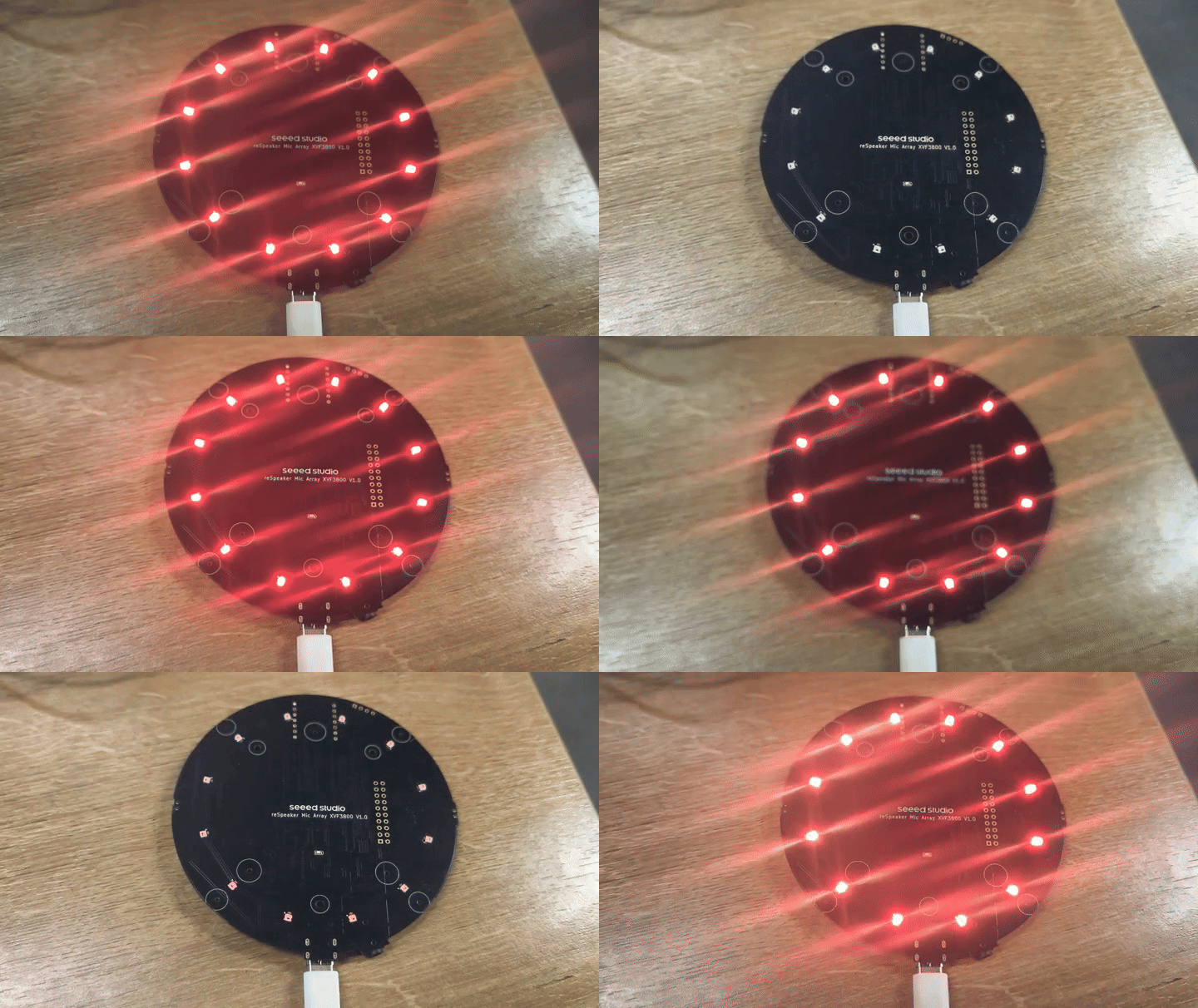
    # Example: Set LED to breath mode with orange color
    run_command("led_effect", 1)
    time.sleep(0.005)
    run_command("led_color", "0xff8800")
    time.sleep(0.005)
    run_command("led_speed", 1)
    time.sleep(0.005)
    run_command("led_brightness", 255)
    time.sleep(0.005)

    # Example: Save current configuration
    #run_command("save_configuration", 1)

    # Uncomment to clear config
    run_command("clear_configuration", 1)
    time.sleep(0.005)
Soporte técnico y debate sobre el producto
Gracias por elegir nuestros productos. Estamos aquí para ofrecerte diferentes tipos de soporte y garantizar que tu experiencia con nuestros productos sea lo más fluida posible. Ofrecemos varios canales de comunicación para adaptarnos a diferentes preferencias y necesidades.