App Market
The App Market module lets you browse and install popular AI applications directly onto your Jetson device — no manual Docker commands or dependency management required.
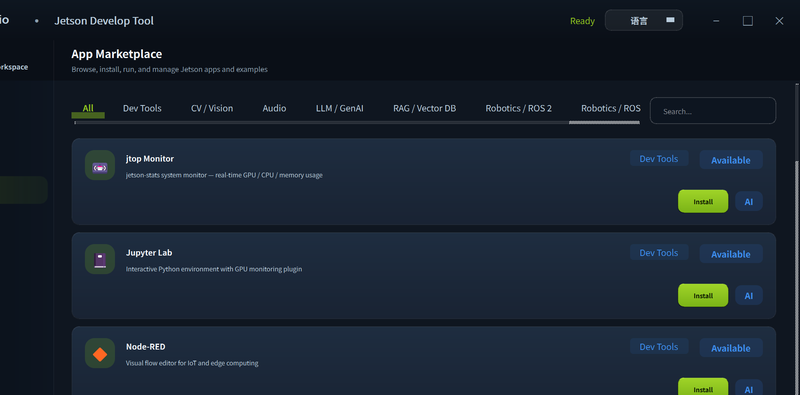
Available Applications
| App | Category | Description |
|---|---|---|
| YOLOv8 | Computer Vision | Real-time object detection with NVIDIA TensorRT acceleration |
| Ollama | LLM | Run large language models locally on Jetson |
| DeepSeek | LLM | DeepSeek inference engine optimized for edge deployment |
| Node-RED | IoT / Automation | Low-code flow-based programming for IoT pipelines |
| Jupyter Lab | Development | Interactive Python notebook server |
| VS Code Server | Development | Browser-based VS Code IDE |
Installing an App
- Connect to your Jetson device (see Connect Device).
- Open the App Market tab.
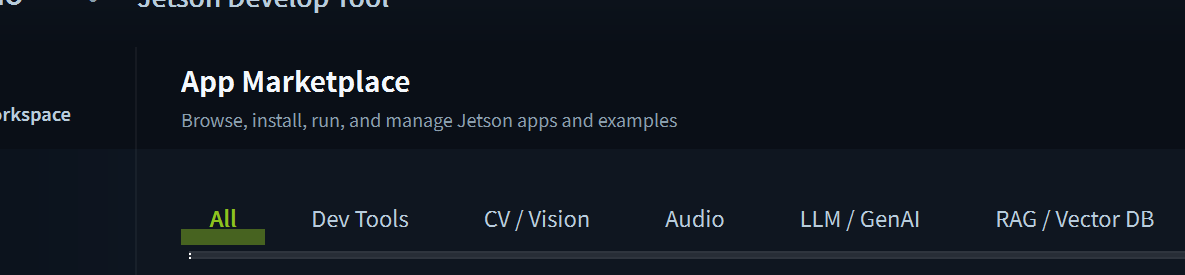
- Browse the available apps or use the search bar to filter by category.
- Click Install on the desired app.
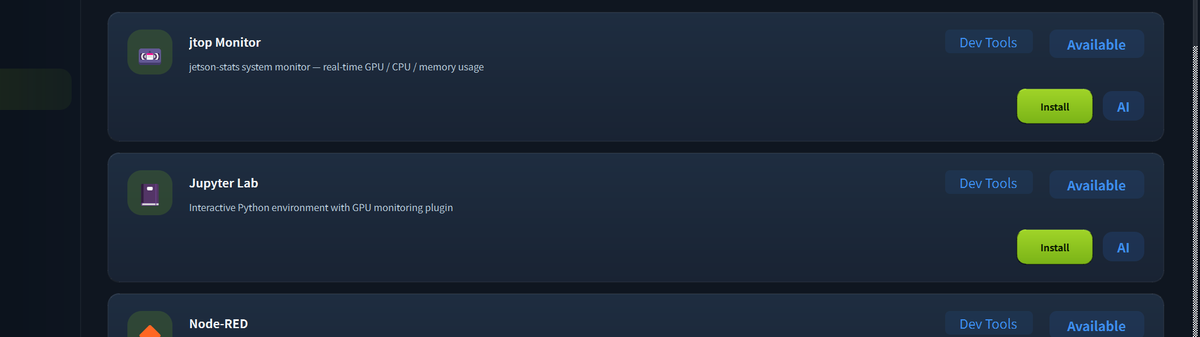
- The tool will pull the appropriate Docker image and configure it for your Jetson's JetPack version automatically.
- Once installed, click Launch to start the app and get the access URL (for web-based apps) or connection info.
tip
App Market apps are packaged as Docker containers. Make sure Docker is installed on your Jetson. If not, the tool will offer to install it automatically.
Demo: One-Click Deploy Depth Anything V3
The following video shows how to deploy Depth Anything V3 on a Jetson device with a single click from the App Market.
Managing Installed Apps
In the Installed tab, you can:
- Start / Stop individual apps
- Update to the latest version
- Remove apps to free up storage
- View each app's port mapping and access URL
Tech Support & Product Discussion
Thank you for choosing our products! We are here to provide you with different support to ensure that your experience with our products is as smooth as possible. We offer several communication channels to cater to different preferences and needs.