Lerobot Dataset Tool
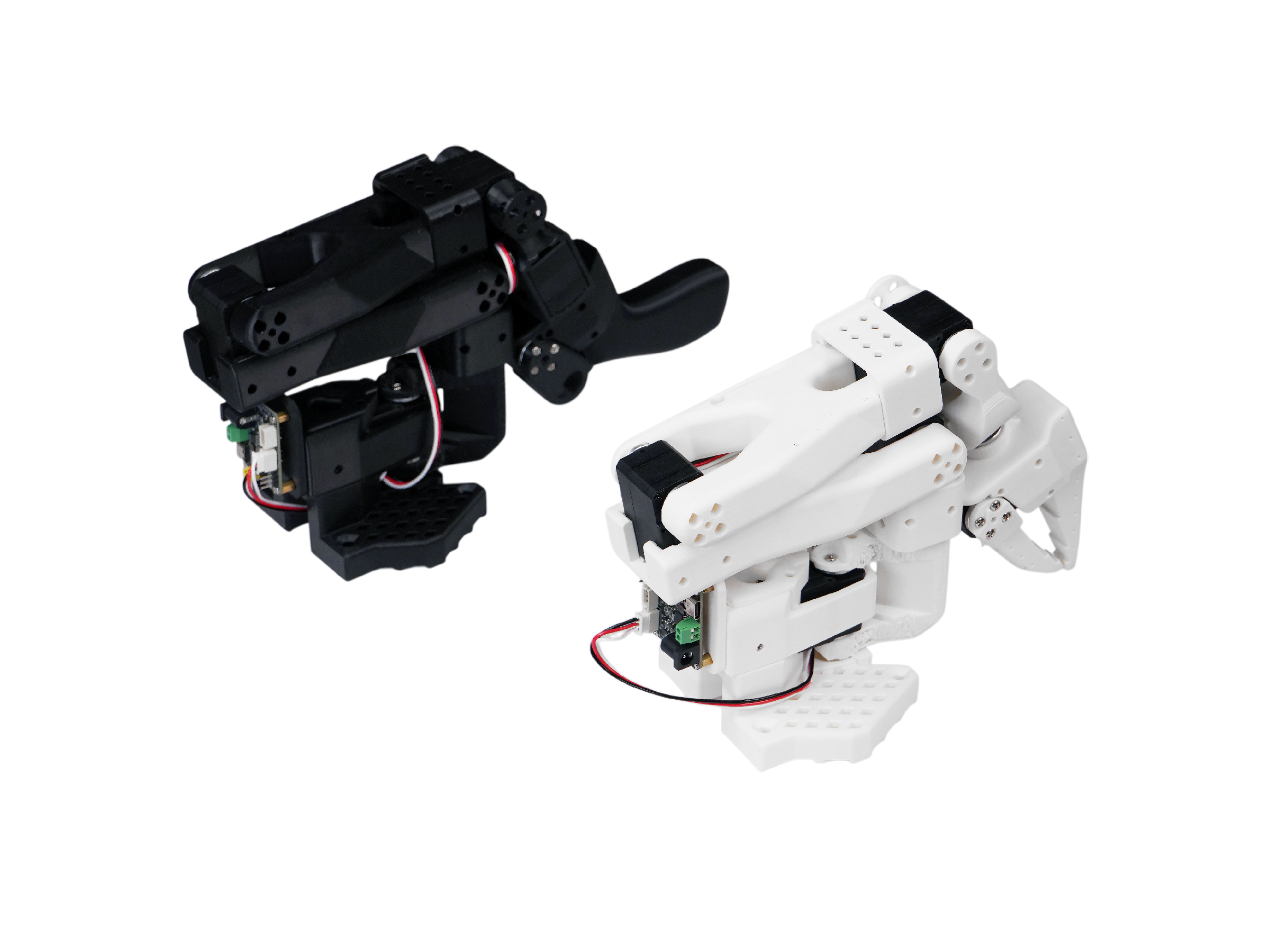
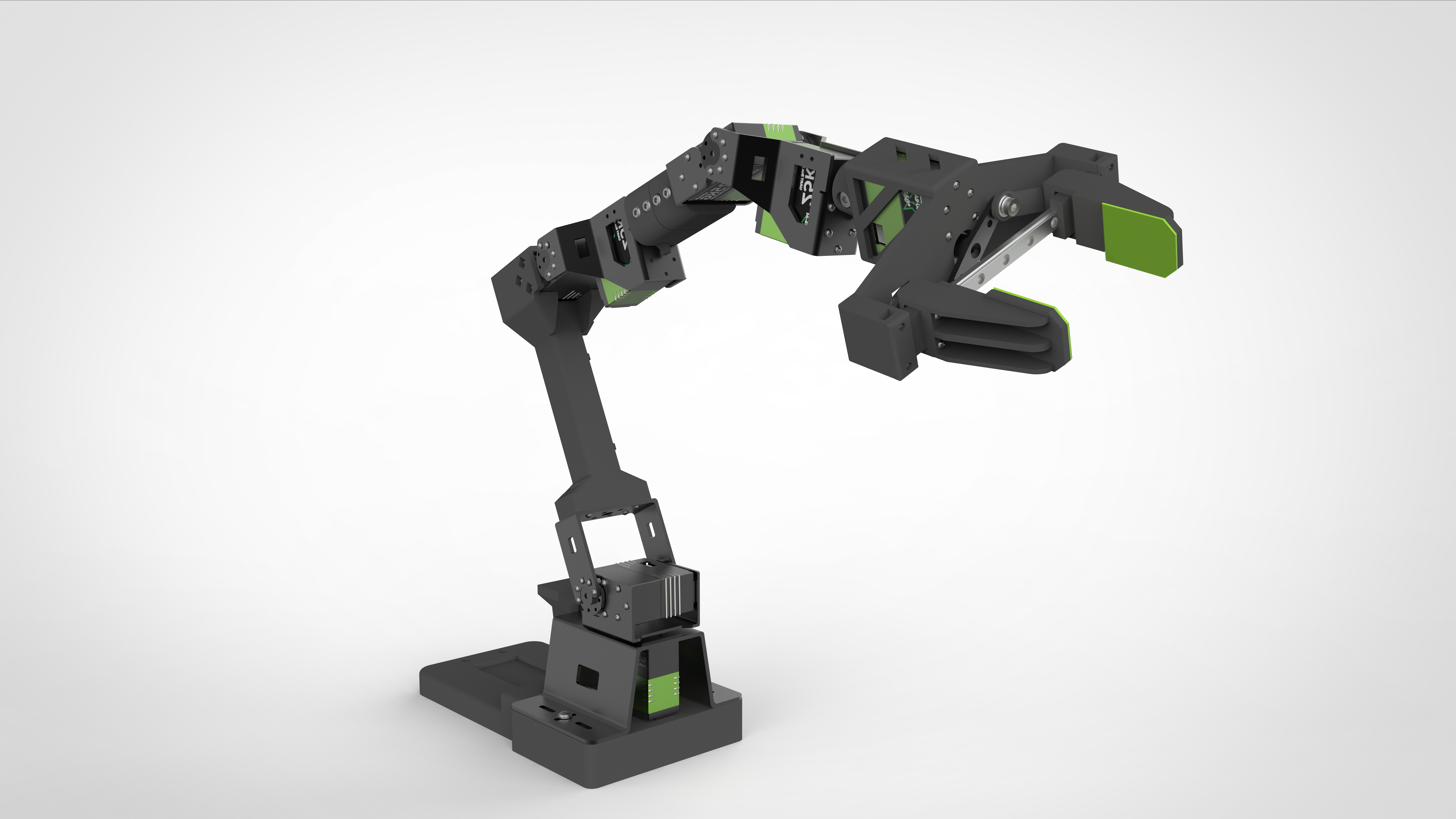
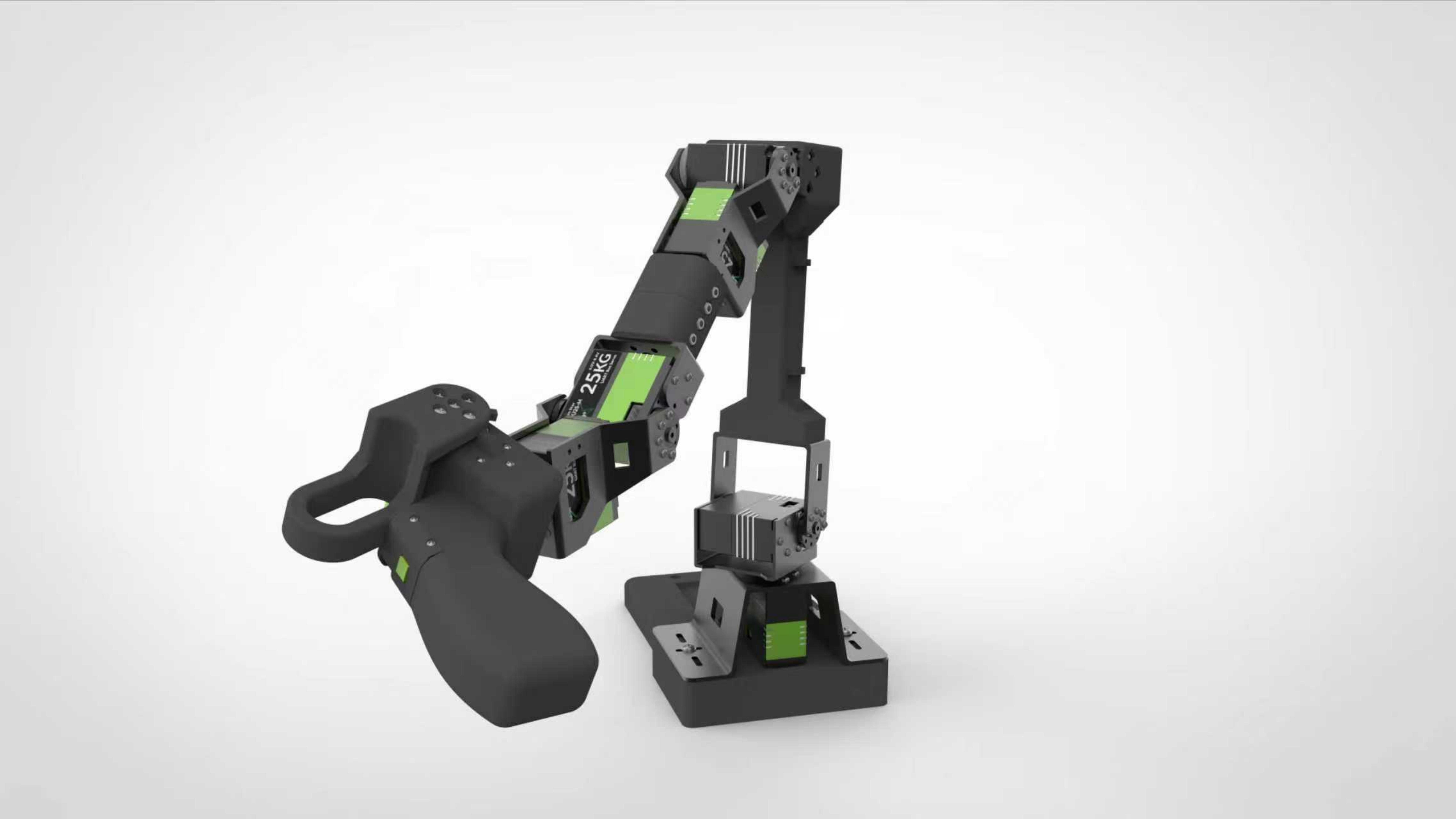
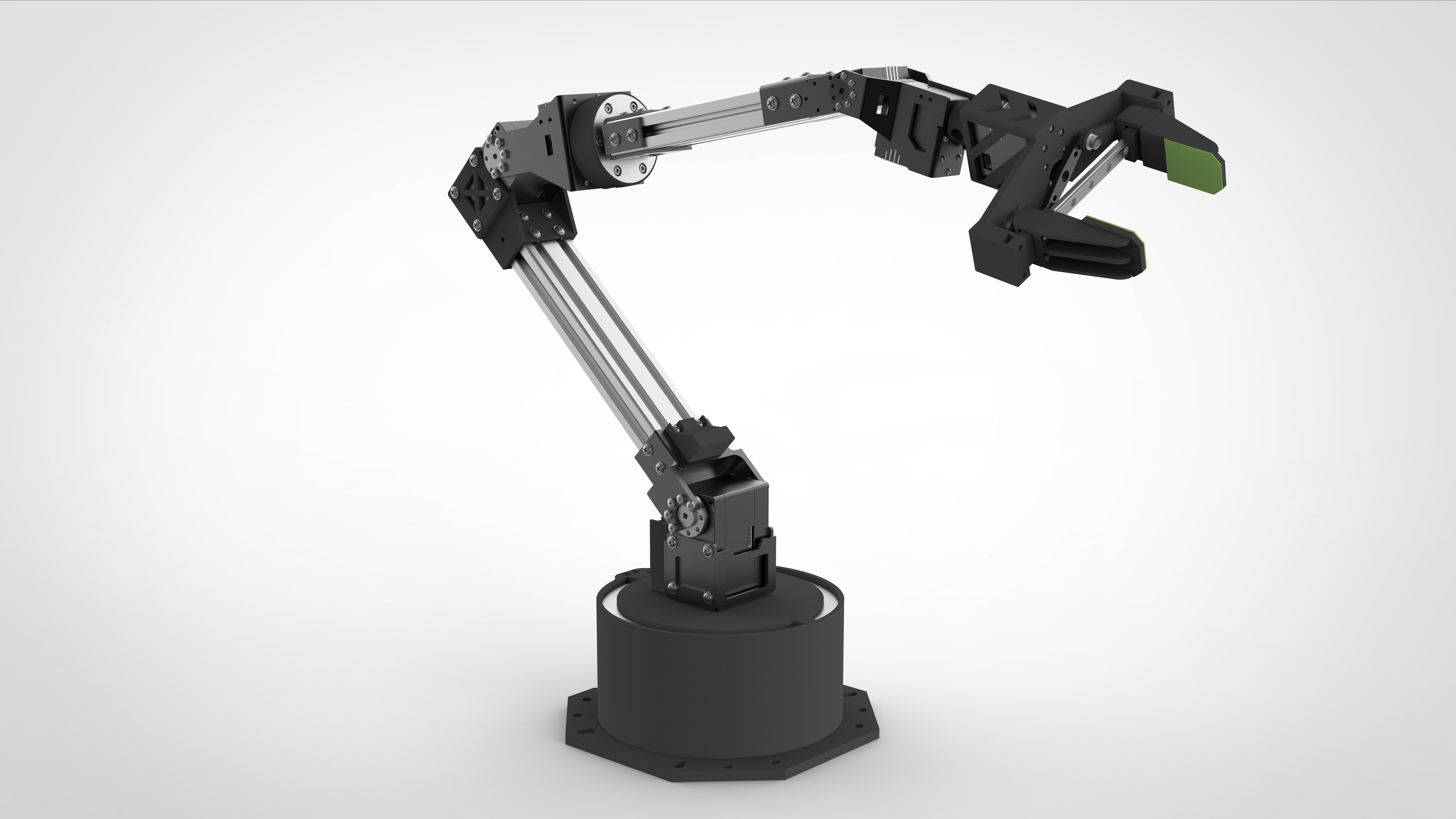
| Follower Arm Viola | Leader Arm Violin | Follower Arm Cello |
|---|---|---|
 |  |  |
Overview
In this wiki, you will learn how to:
-
- Delete episodes — remove specific episodes from a dataset
-
- Split a dataset — split a full dataset into multiple smaller datasets
-
- Merge datasets — merge multiple datasets into one larger dataset
-
- Remove features — remove specific features from a dataset
-
- Convert to video — convert an image-based dataset into video format for more efficient storage
-
- Upload a dataset to the Hugging Face Hub
-
- Visualize a dataset online — view recorded and uploaded datasets on Hugging Face
-
- Visualize a dataset offline — view recorded datasets stored locally
For a step-by-step tutorial on how to record/collect a dataset with LeRobot, see: Getting started with SO-ARM100 and SO-ARM101 robotic arm with LeRobot.
All of the operations above can be done with lerobot-edit-dataset using the appropriate arguments. Below are complete commands and explanations.
Delete episodes
This operation deletes unwanted episodes from a dataset.
Command 1: Delete specific episodes in a dataset
# Delete episodes 0, 2, and 5 (modifies original dataset)
lerobot-edit-dataset \
    --repo_id lerobot/pusht \
    --operation.type delete_episodes \
    --operation.episode_indices "[0, 2, 5]"
Explanation
-
--repo_id lerobot/pusht
Specifies the dataset repository to operate on, i.e.lerobot/pusht, wherelerobotis the username andpushtis the dataset name. -
--operation.type delete_episodes
Sets the operation type to delete episodes. -
--operation.episode_indices "[0, 2, 5]"
Specifies the episode indices to delete. Here it deletes episodes 0, 2, and 5.
Command 2: Delete episodes and save as a new dataset (preserve the original)
# Delete episodes and save to a new dataset (preserves original dataset)
lerobot-edit-dataset \
    --repo_id lerobot/pusht \
    --new_repo_id lerobot/pusht_after_deletion \
    --operation.type delete_episodes \
    --operation.episode_indices "[0, 2, 5]"
Explanation
-
--repo_id lerobot/pusht
Uses the original dataset as the input. -
--new_repo_id lerobot/pusht_after_deletion
Specifies a new dataset repo name to save the modified result.
Split a dataset
Command 1: Split by fractions
Use case: quick training/experiments
# Split by fractions (e.g. 80% train, 10% test, 10% val)
lerobot-edit-dataset \
    --repo_id lerobot/pusht \
    --operation.type split \
    --operation.splits '{"train": 0.8, "test": 0.1, "val": 0.1}'
Explanation
-
--operation.type split
Sets the operation type to split dataset. -
--operation.splits '{"train": 0.8, "test": 0.1, "val": 0.1}'
Splitslerobot/pushtinto three datasets by fraction:-
train: ~80% of the episodes -
test: ~10% of the episodes -
val: ~10% of the episodes
-
After splitting, the datasets stay on the Hub. The split name is appended as a suffix to the original name. For example, the command above creates lerobot/pusht_train, lerobot/pusht_test, and lerobot/pusht_val.
Command 2: Split by explicit episode indices
lerobot-edit-dataset \
    --repo_id lerobot/pusht \
    --operation.type split \
    --operation.splits '{"task1": [0, 1, 2, 3], "task2": [4, 5]}'
Explanation
-
--operation.type split
The operation type is still split dataset. -
--operation.splits '{"task1": [0, 1, 2, 3], "task2": [4, 5]}'
Splits by explicit episode indices:-
task1: episodes 0, 1, 2, 3 -
task2: episodes 4, 5
-
Merge datasets
lerobot-edit-dataset \
    --repo_id lerobot/pusht_merged \
    --operation.type merge \
    --operation.repo_ids "['lerobot/pusht_train', 'lerobot/pusht_val']"
Explanation
-
--repo_id lerobot/pusht_merged
Specifies the new dataset name after merging.
The merged result will be saved to this dataset repository. -
--operation.type merge
Sets the operation type to merge datasets. -
--operation.repo_ids "['lerobot/pusht_train', 'lerobot/pusht_val']"
Specifies the source datasets to merge:-
lerobot/pusht_train -
lerobot/pusht_val
-
Remove features
This operation removes features from a dataset. It is useful when you want to drop certain observation modalities. For example, if your dataset contains two cameras (one top camera and one wrist camera), but you only want to keep the wrist camera for training and deployment, you can remove the top-camera observation feature from the dataset.
lerobot-edit-dataset \
    --repo_id lerobot/pusht \
    --operation.type remove_feature \
    --operation.feature_names "['observation.images.top']"
Explanation
-
--operation.type remove_feature
Sets the operation type to remove feature. -
--operation.feature_names "['observation.images.top']"
Specifies the feature names to remove.
Here it removes the camera image feature namedobservation.images.top.
Convert to video
Convert an image-based dataset into video format, producing a new LeRobotDataset.
During conversion, camera data originally stored as individual image frames is encoded into MP4 video files.
This is mainly used to:
-
Reduce overall storage usage
-
Improve data loading and reading performance
After conversion, the new dataset is identical in structure and content to the original, except that:
image data is no longer stored as raw frames, but saved in LeRobot-compliant video format.
The conversion options can be customized and combined freely. Below are six example commands for reference.
- Convert an image dataset to video and save only to a local output directory (no Hub push).
# Local-only: Save to a custom output directory (no hub push)
lerobot-edit-dataset \
    --repo_id lerobot/pusht_image \
    --operation.type convert_image_to_video \
    --operation.output_dir /path/to/output/pusht_video
- Save the converted result as a new dataset with a new
repo_id.
# Save with new repo_id (local storage)
lerobot-edit-dataset \
    --repo_id lerobot/pusht_image \
    --new_repo_id lerobot/pusht_video \
    --operation.type convert_image_to_video
- Convert and push the new dataset to the Hugging Face Hub.
# Convert and push to Hugging Face Hub
lerobot-edit-dataset \
    --repo_id lerobot/pusht_image \
    --new_repo_id lerobot/pusht_video \
    --operation.type convert_image_to_video \
    --push_to_hub true
- Convert with a custom video codec and quality settings.
# Convert with custom video codec and quality settings
lerobot-edit-dataset \
    --repo_id lerobot/pusht_image \
    --operation.type convert_image_to_video \
    --operation.output_dir outputs/pusht_video \
    --operation.vcodec libsvtav1 \
    --operation.pix_fmt yuv420p \
    --operation.g 2 \
    --operation.crf 30
- Convert with multiple workers for faster processing.
# Convert with multiple workers for parallel processing
lerobot-edit-dataset \
    --repo_id lerobot/pusht_image \
    --operation.type convert_image_to_video \
    --operation.output_dir outputs/pusht_video \
    --operation.num_workers 8
- For memory-constrained systems, reduce peak memory usage by limiting episodes and frames per batch.
# For memory-constrained systems, users can now specify limits:
lerobot-edit-dataset \
    --repo_id lerobot/pusht_image \
    --operation.type convert_image_to_video \
    --operation.max_episodes_per_batch 50 \
    --operation.max_frames_per_batch 10000
Explanation
-
output_dir:
Custom output directory (optional).
If not specified, defaults to{repo_id}_videoor the directory corresponding tonew_repo_id. -
vcodec:
Video codec.
Options includeh264,hevc,libsvtav1(default:h264). -
pix_fmt:
Video pixel format.
Options includeyuv420p,yuv444p(default:yuv420p). -
g:
GOP (keyframe interval) size.
Smaller values generally increase quality but also increase file size (default: 2). -
crf:
Constant Rate Factor.
Smaller values mean higher quality and larger files;0means lossless encoding (default: 30). -
fast_decode:
Tuning flag for fast decoding (default: 0). -
episode_indices:
List of episode indices to convert (default: convert all episodes). -
num_workers:
Number of parallel worker processes (default: 4).
The resulting dataset is a complete and standard LeRobotDataset:
-
All camera data is stored as videos under
videos/ -
.parquetfiles contain only metadata and no longer contain raw images -
All episodes, statistics, and task definitions are preserved.
Visualize a dataset online
When you record a dataset with LeRobot, it is automatically uploaded to the Hugging Face Hub unless you specify otherwise. To view the dataset online, use Hugging Face’s LeRobot dataset visualization tool: https://huggingface.co/spaces/lerobot/visualize_dataset
Visualize a dataset locally
Visualize a dataset from the Hub locally
lerobot-dataset-viz \
    --repo-id lerobot/pusht \
    --episode-index 0
Visualize a local dataset
lerobot-dataset-viz \
    --repo-id lerobot/pusht \
    --root ./my_local_data_dir \
    --mode local \
    --episode-index 0
Explanation
-
lerobot-dataset-viz
Dataset visualization tool for viewing episodes in a LeRobot dataset. -
--repo-id lerobot/pusht
Dataset name to visualize. -
--root ./my_local_data_dir
Root directory of local datasets.
In local mode, the tool looks for the dataset under this directory using the givenrepo-id. -
--mode local
Use local data source mode.
The dataset is loaded from the local filesystem instead of a remote repository. -
--episode-index 0
Episode index to view.
Here it visualizes episode 0 (the first episode in the dataset).
FAQ
-
If you are following this tutorial, please git clone the recommended repository:
https://github.com/Seeed-Projects/lerobot.git. The repository recommended here is a verified stable version. The official LeRobot repository updates continuously, which may introduce unexpected issues (e.g., dataset version changes, different commands). -
If the dataset operation appears to hang, try pressing Enter to refresh the terminal output.
-
Since the new dataset format is stored in a compressed way, dataset operations can take longer. You will see a progress bar in the terminal—please be patient.
Reference: https://huggingface.co/docs/lerobot/using_dataset_tools