Deploy local voice LLM on reComputer Mini for Reachy Mini!
Double Mini! This project will build a fully localized, low-latency, and high-privacy voice interactive robotic assistant system. Centered around the reComputer Mini J501 edge computing device, it deploys local speech recognition, large language model, and speech synthesis services. Using the open-source robotic platform Reachy Mini as the physical terminal for human-computer interaction, it achieves an embodied intelligent interactive experience that is perceptive, conversational, and actionable.

Prerequisites
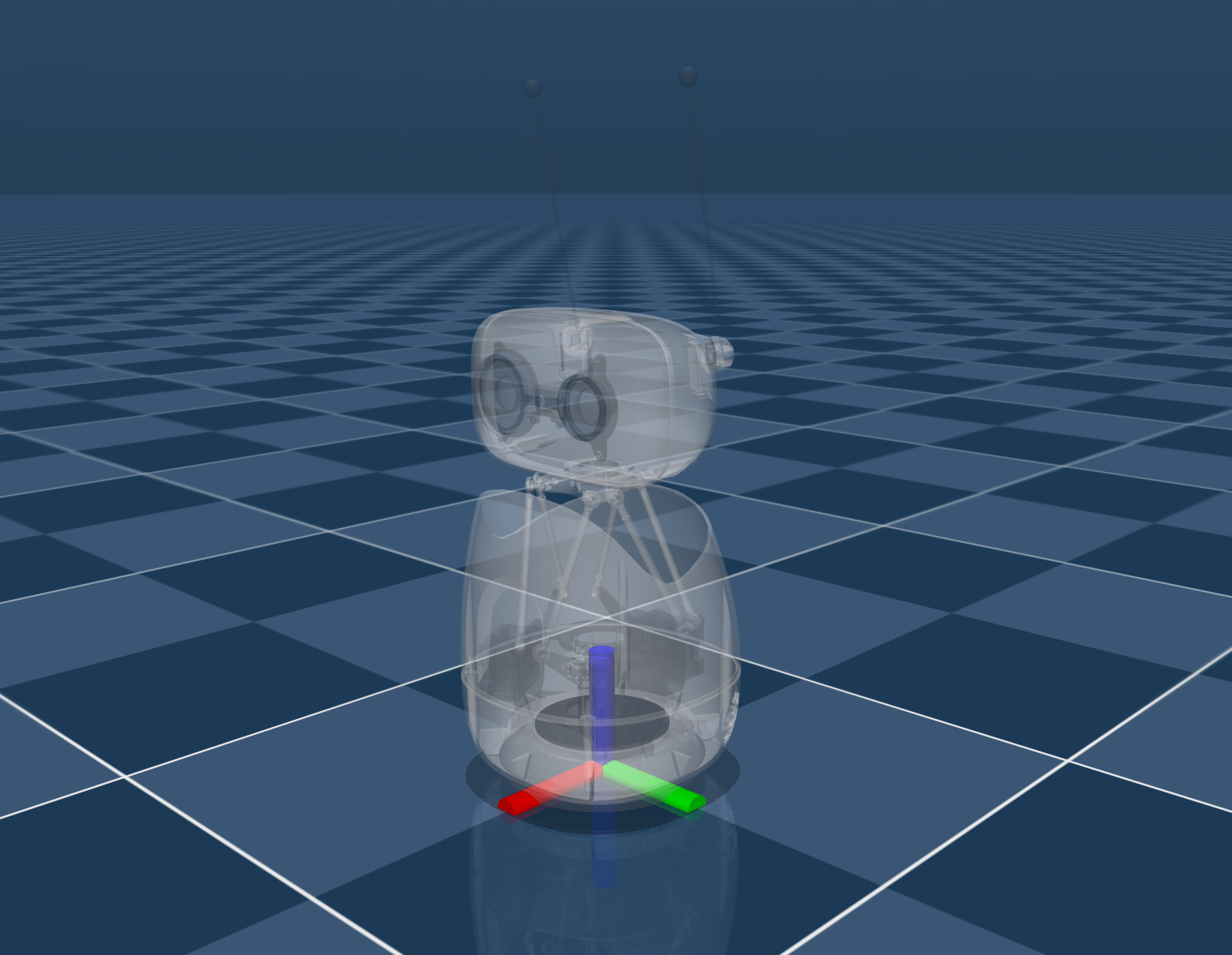
- reComputer Mini J501 Kit
- Reachy Mini Lite
| reComputer Mini J501 Kit | Reachy Mini Lite |
|---|---|
 |  |
Please ensure that your Jetson device includes the carrier board, Jetson module, and cooling system, and that the JP6.2 operating system is installed.
Before configuring the software, please connect the Reachy Mini to the Type-A port of the reComputer Mini J501.
Deploy Software Applications
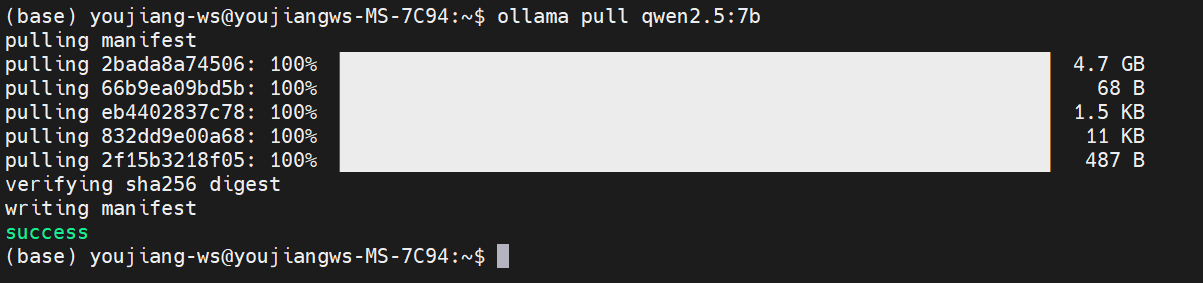
Step1. Install and run ollama inference server in reComputer Jetson.
Run the following command in the terminal window(Ctrl + Alt + T) on reComputer Jetson.
# Install Ollama (visit https://ollama.ai for platform-specific instructions)
curl -fsSL https://ollama.com/install.sh | sh

# Pull the required model
ollama pull llama3.2-vision:11b
The model download will take approximately 10 minutes. Please wait patiently.
Step2. Install conversation application.
Run the following command in the terminal window on reComputer Jetson.
If you want to configure the runtime environment in a conda virtual environment, please use the conda activate <name> command to activate the target environment before executing the following installation commands.
cd Downloads
git clone https://github.com/Seeed-Projects/reachy-mini-loacl-conversation.git
cd reachy-mini-loacl-conversation
pip install -r requirements.txt -i https://pypi.jetson-ai-lab.io/
pip install "reachy-mini"
Please refer here for more installation information.
Step3. Launch application.
Run the following command in the terminal window on reComputer Jetson to launch reachy mini daemon.
reachy-mini-daemon
Open another terminal and execute:
# Set environment variables
export OLLAMA_HOST="http://localhost:11434"
export OLLAMA_MODEL="qwen2.5:7b"
export COQUI_MODEL_NAME="tts_models/zh-CN/baker/tacotron2-DDC-GST"
export DEFAULT_VOLUME="1.5"

# Start the voice assistant
python main.py
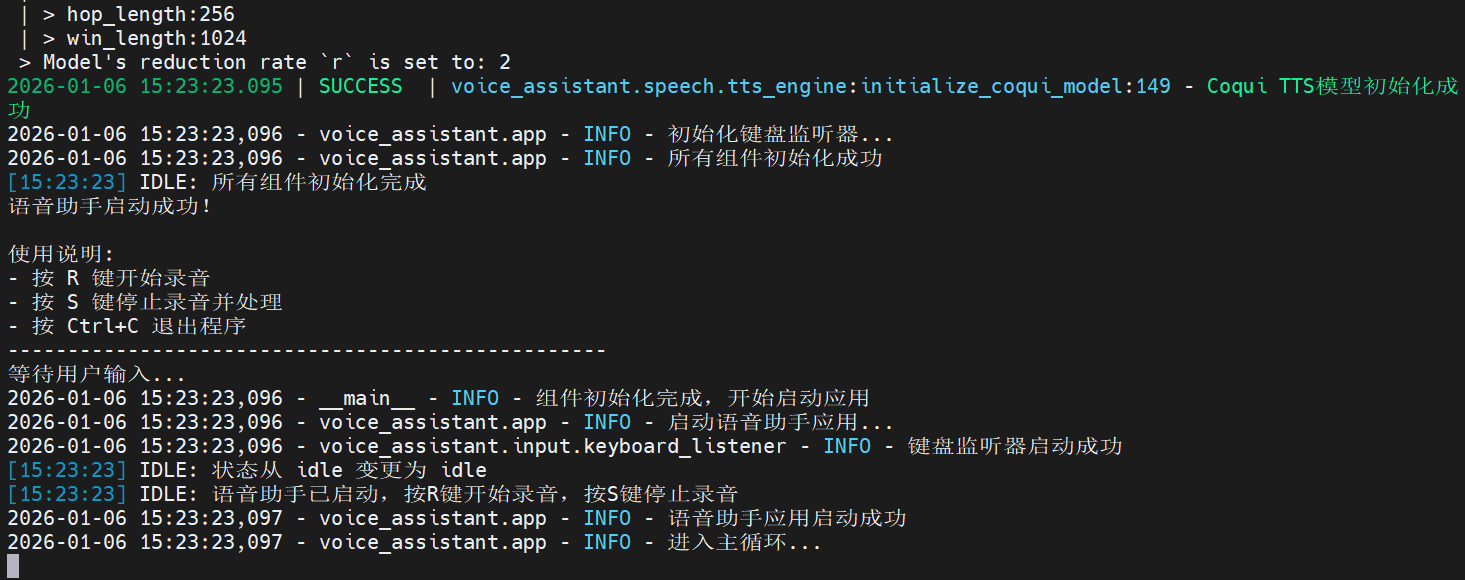
Here, a Chinese model is used for the demonstration. You can replace it with models in other languages according to your needs.
Effect Demonstration
After the program starts normally, we can use the R key and S key on the keyboard to control starting and stopping the recording. Once the recording is stopped, the program will call the local large language model to generate a response.
References
- https://ollama.com/download/linux
- https://github.com/modelscope/FunASR
- https://github.com/coqui-ai/TTS
- https://github.com/Seeed-Projects/reachy-mini-loacl-conversation/
Tech Support & Product Discussion
Thank you for choosing our products! We are here to provide you with different support to ensure that your experience with our products is as smooth as possible. We offer several communication channels to cater to different preferences and needs.