Reachy Mini (Wireless) - Setup Guide
The Reachy Mini (Wireless) is the autonomous version powered by a Raspberry Pi Compute Module 4 (CM4). It runs independently using its internal battery and Wi-Fi connection.
1. 🔧 Assembly
Reachy Mini comes as a kit. Building it is the first step of your journey!
- Time required: 2 to 3 hours.
- Tools: Everything is included in the box.
- Instructions: We strongly recommend following the video guide alongside the manual.
We strongly recommend having the Online Guide or the assembly video open alongside the paper booklet (see below). The online version includes short video extracts for every step, which makes the assembly much easier to understand.
| 📖 Interactive Digital Guide | 📺 Full Assembly Video |
|---|---|
 Open Step-by-Step Guide (Includes short video loops) | 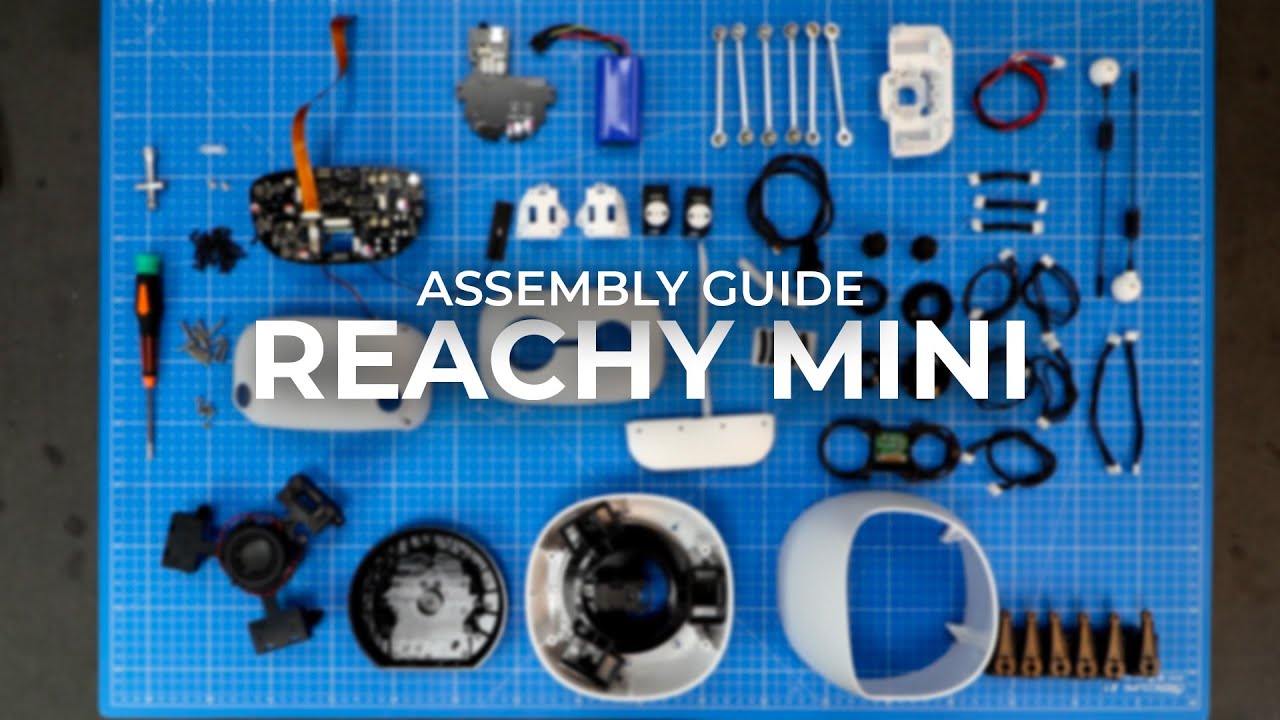 Watch on YouTube (Video with sections for each step) |
2. 🛜 First Boot & Wi-Fi Configuration
Once assembled, you need to connect the robot to your Wi-Fi network.
- Power On: Turn on your Reachy Mini.
- Download Reachy Mini Control: If you haven't already, download and install the Reachy Mini Control app from the official website.
- Run the App: Open Reachy Mini Control and click on the bottom link "First time connecting...".

- Follow the Instructions: The app will guide you through the connection process. It will ask you to connect to the robot's Wi-Fi AP and then configure your Wi-Fi.

3. 🔄 Update System
Before going further, it is highly recommended to update your robot to the latest version.
- Connect to your robot using Reachy Mini Control.
- Once connected, click on the "⚙️" settings tab.

- Go to the System Updates section.

- Install: If a new version is available, follow the on-screen instructions to install it.
4. 🕹️ Next Step: Using the Robot
Now that your robot is online and up to date, you can start controlling it!
👉 Go to the Usage Guide to learn how to:
- Use the Reachy Mini Control.
- Install and run Apps (like Conversation or Games).
- Program your Reachy with Python.
5. 💻 Advanced: Connect directly to the internal Raspberry Pi via SSH
If you need to connect to Reachy Mini's internal Raspberry Pi via SSH, credentials are:
username: pollen
password: root
Once connected via SSH, you can check the integrity of your Raspberry Pi and robot setup with:
reachyminios_check
❓ Troubleshooting
Encountering an issue? 👉 Check the Troubleshooting & FAQ Guide
Expert Mode
If you need to reinstall the Raspberry Pi from scratch or create a custom image, follow the expert guides.
Install Daemon from a Specific Branch
Development Workflow - Best practices for developing and testing code on the Wireless Reachy Mini