Vibe code a Reachy Mini App with your favorite agent 🤖
Using an AI coding agent (Claude Code, Codex, Copilot, etc.)? You can start building apps right away. Paste this prompt to your agent:
I'd like to create a Reachy Mini app. Start by reading https://github.com/pollen-robotics/reachy_mini/blob/main/AGENTS.md I want my app to do [describe your app idea here].
This AGENTS.md guide gives AI agents everything they need: SDK patterns, best practices, example apps, and step-by-step skills.
Step-by-Step Guide
1. Let the agent analyze the project
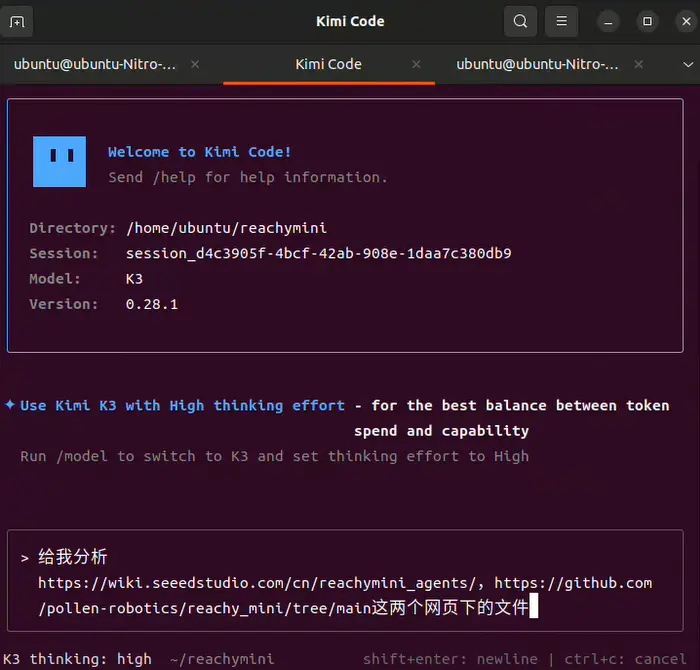
Open your agent tool (we use Kimi Code here as an example), and have it analyze the files and project on the following two pages:
Example: Analyze the project and files at https://github.com/pollen-robotics/reachy_mini/blob/main/AGENTS.md and https://github.com/pollen-robotics/reachy_mini/tree/main
2. Tell it your hardware version and start development
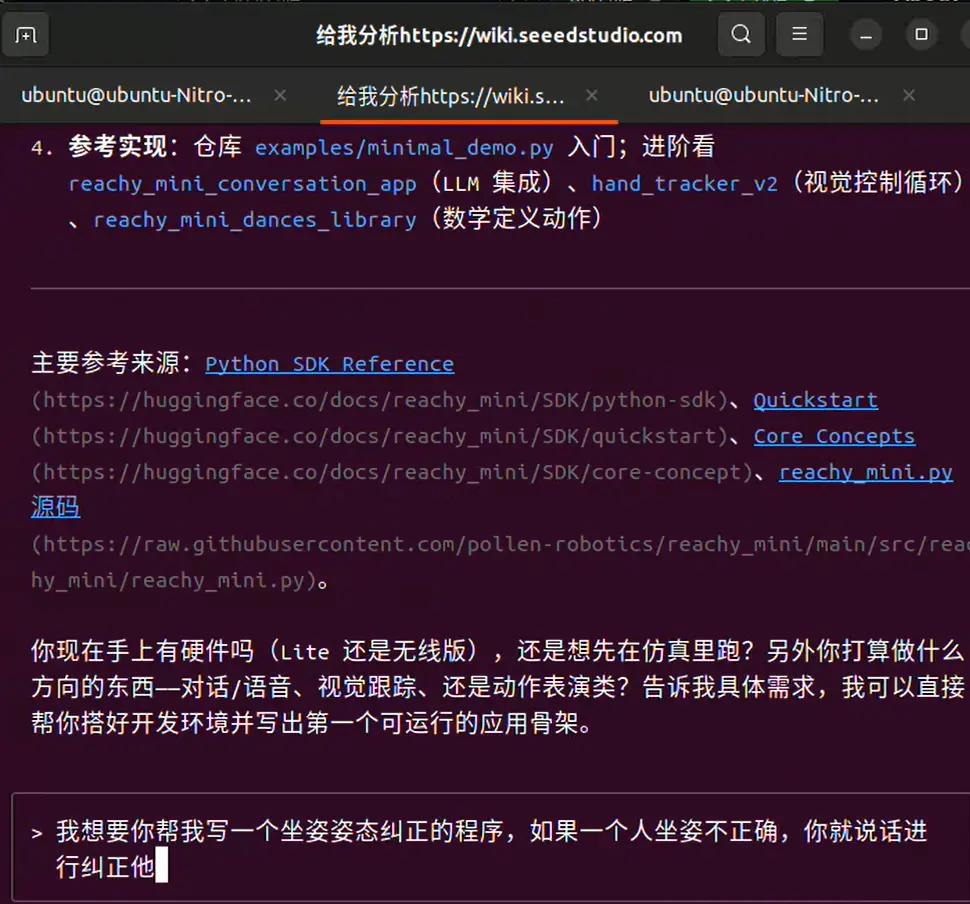
Once the analysis is done, tell the AI whether your Reachy Mini is the wired or wireless version, and ask it to start developing the project for you.
Example: I'm currently using the wired version. Make a posture correction project that gives a voice alert whenever it detects that the person is sitting with poor posture.
3. Start the daemon
After the AI finishes the project, open a terminal, enter the corresponding virtual environment, and run:
reachymini-mini-daemon
4. Run the script
Open another terminal and run the script written by the AI to get started. If you run into any small bugs or want to add features on top of the current version, just keep chatting with the AI and let it make the changes.
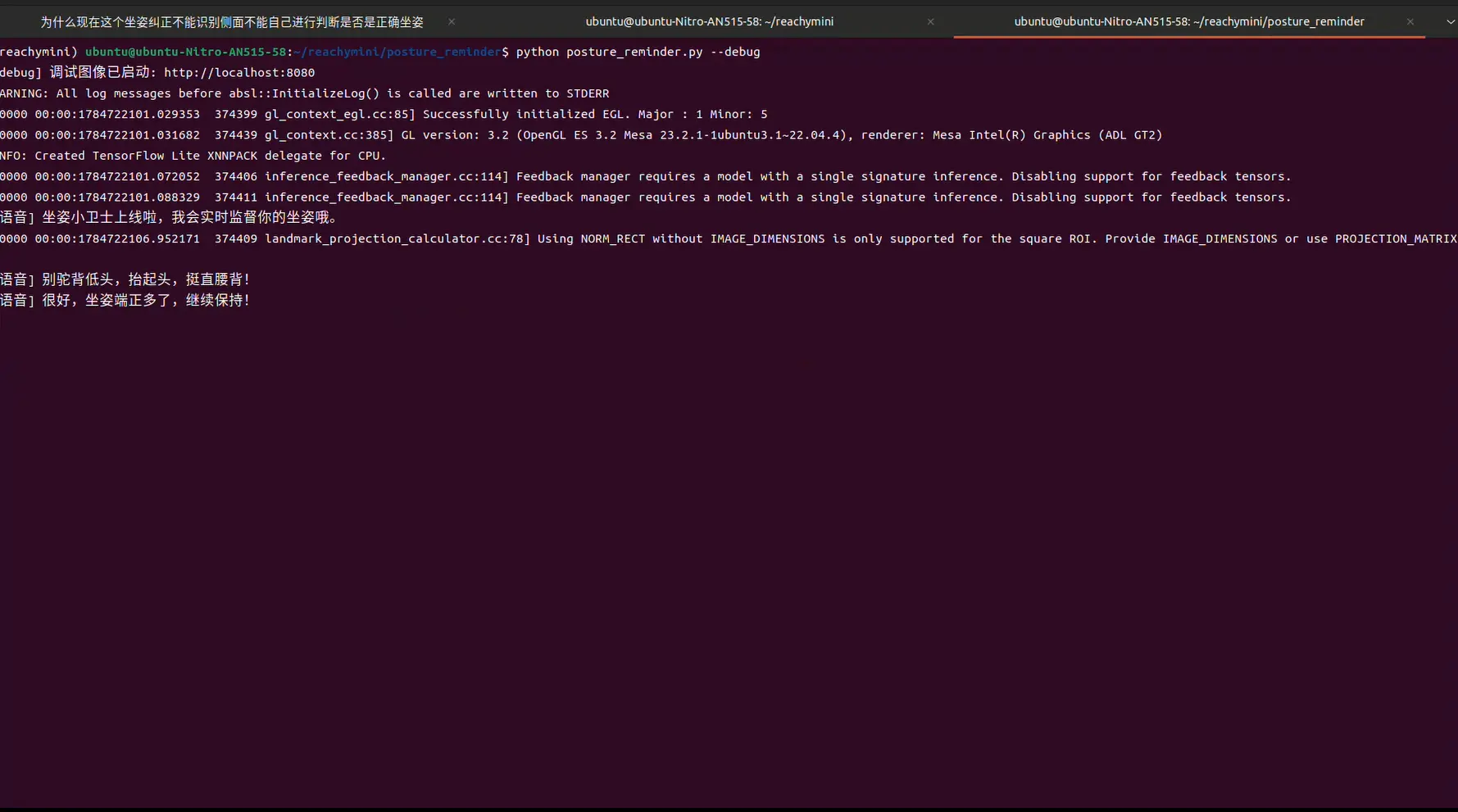
This will let you quickly do AI-powered robot development — create, test, and iterate on Reachy Mini apps. And even publish them to the Hugging Face app store for the world to use!