RealSense 3D Segmentation
Device Overview
RealSense D405
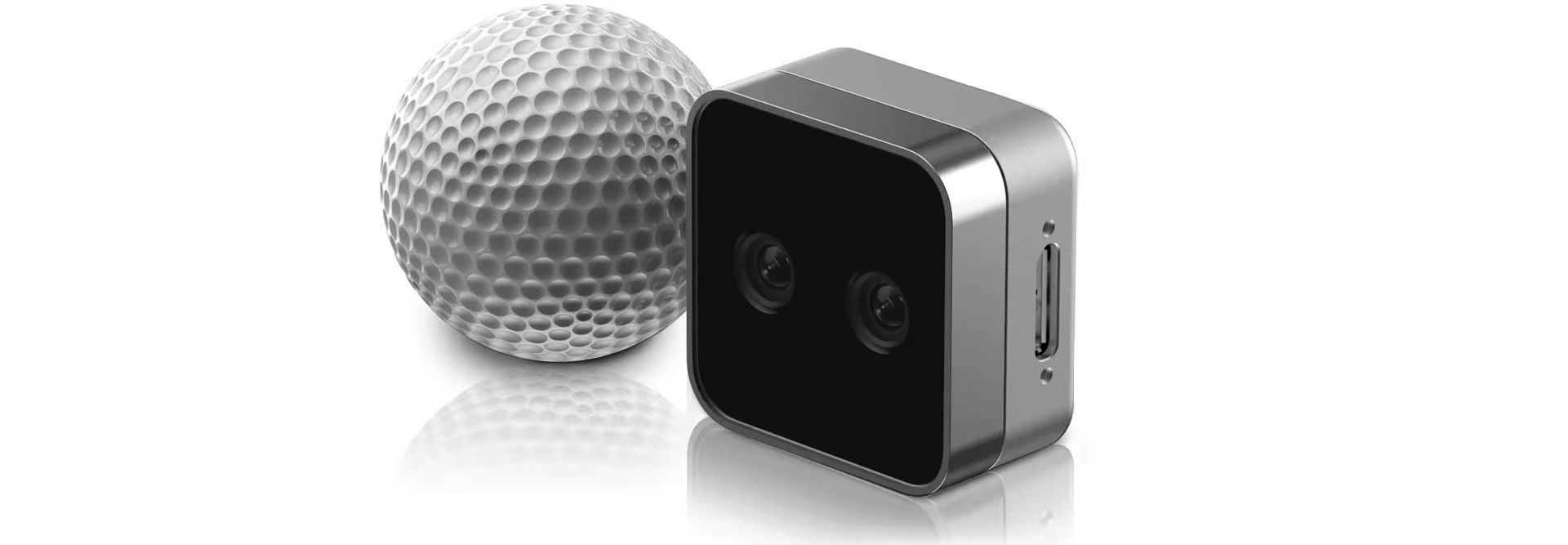
The RealSense D405 depth camera is a short-range stereo camera designed for close-up computer vision tasks with sub-millimeter accuracy. Its ideal operating range is 7 cm to 50 cm. It features high-resolution global shutter sensors and uses an image signal processor (ISP) to generate aligned RGB data without requiring a dedicated RGB sensor. This compact camera is optimized for precision robotics, medical imaging, and automated inspection scenarios.
RealSense D435i
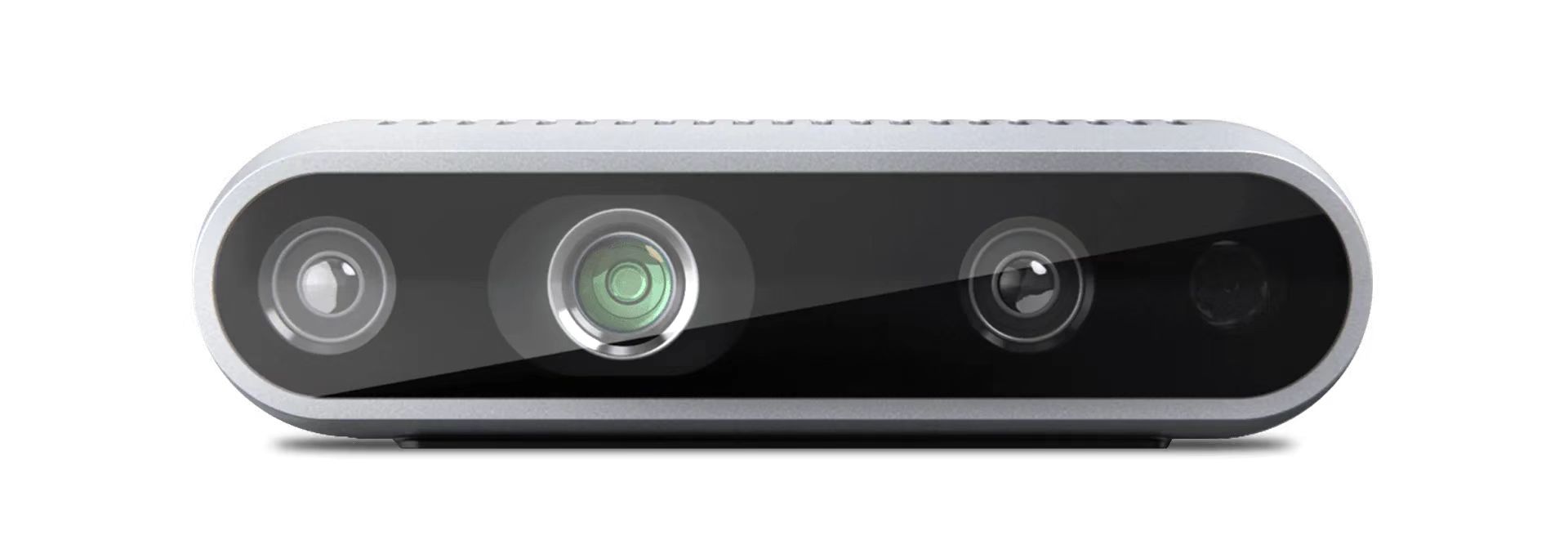
The RealSense D435i depth camera is a stereo camera that combines depth perception and motion tracking, designed for robotics, 3D reconstruction, SLAM, and automated perception applications. It uses active stereo depth technology and provides a wide field of view, global shutter depth sensors, RGB color imaging, and a built-in IMU, allowing synchronized depth, color, and motion data output. This compact camera is suitable for near- to mid-range computer vision tasks such as obstacle avoidance for mobile robots, spatial modeling, path planning, and real-time environment perception.
Introduction
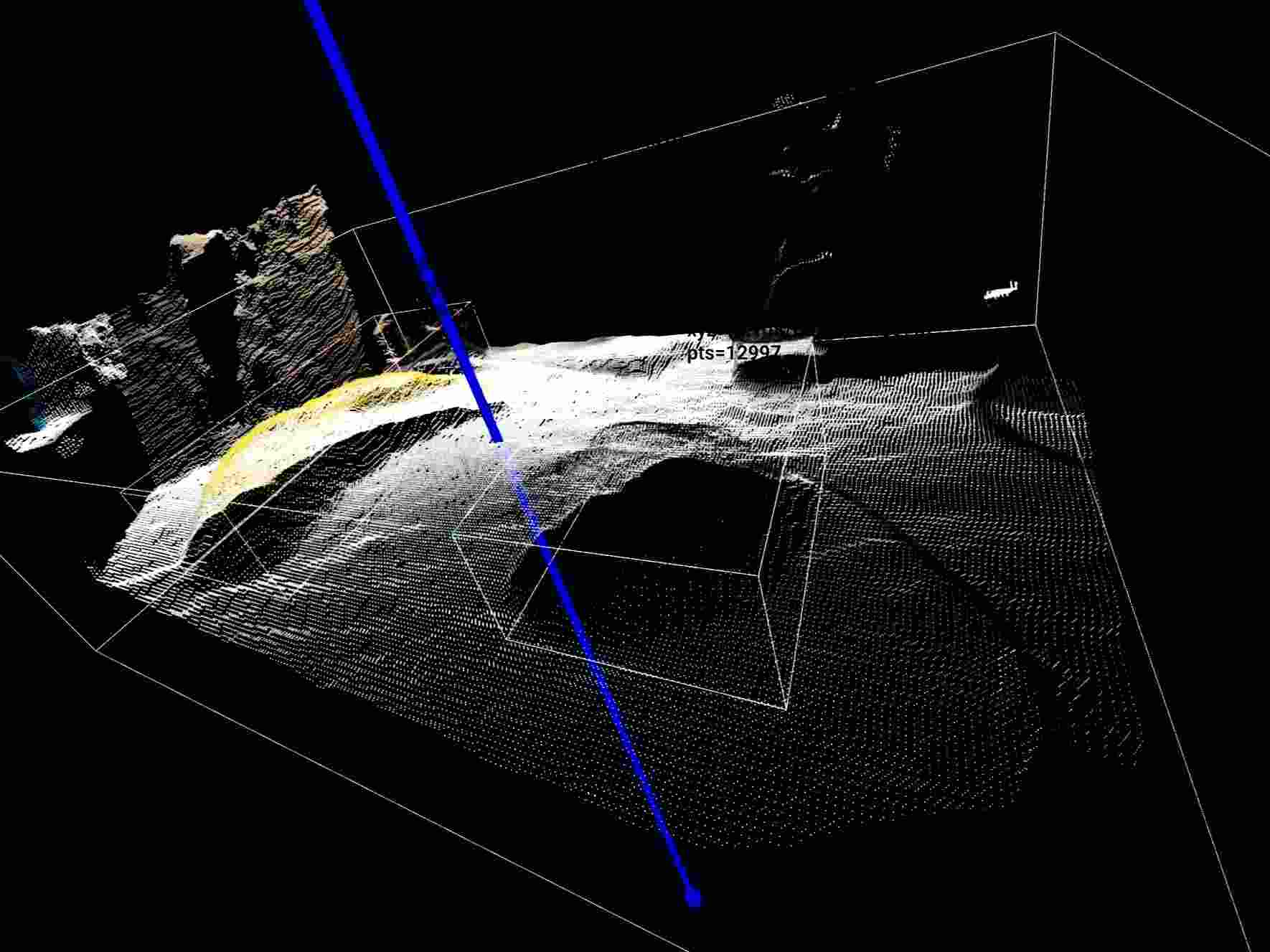
This demo is based on OpenCV segmentation and uses a depth camera for point cloud reconstruction and target object detection on the reconstructed point cloud. It outputs the following information:
- Object category
- XYZ coordinates of the object center
- Bounding box dimensions
- Bounding box yaw angle
It also supports visualization through Open3D. This solution is suitable for robotic perception tasks such as tabletop grasping, object localization, and candidate grasp pose filtering, and can provide stable 3D geometric information for robotic arm grasp planning and follow-up operations.
Prerequisites
- RealSense D435i or RealSense D405
Quick Start
1. Get the Project Code
First, clone the project locally and enter the project directory:
git clone [email protected]:Miscanthus40076/TabletopSeg3D.git
cd TabletopSeg3D
Note: All installation and runtime commands below are executed from the project root directory
TabletopSeg3Dby default.
2. Python Virtual Environment
It is recommended to use a dedicated Python virtual environment. The suggested version is Python 3.11.
Create an environment with conda:
conda create -n tabletopseg3d python=3.11
conda activate tabletopseg3d
Create an environment with venv:
python3.11 -m venv .venv
source .venv/bin/activate
3. System Dependencies
Before running this project, your system must have Intel RealSense SDK / librealsense installed to support data acquisition and driver access for the depth camera.
Notes:
- If you only want to read the code, write documentation, or perform static analysis, you can skip this dependency for now.
- If you want to connect a depth camera and actually run this demo, this dependency must be installed in advance.
4. Install Python Dependencies
This project provides two recommended installation paths:
- Default CPU installation
- GPU-accelerated installation
You can choose the appropriate option based on your hardware.
4.1 Default CPU Installation
Run the following command to install the project dependencies:
python -m pip install -r requirements.txt
4.2 GPU Acceleration
If your device has an NVIDIA GPU and a properly configured CUDA environment, you can use the GPU installation path to improve YOLO segmentation inference performance.
Before proceeding, make sure your system meets the following requirements:
- NVIDIA GPU driver is installed
- A CUDA runtime compatible with the driver is installed
- You plan to install GPU builds of
torchandtorchvisionthat match your CUDA version
Install the GPU versions of torch and torchvision that match your CUDA version:
pip install torch torchvision --index-url https://download.pytorch.org/whl/cuXXX
Where:
- Replace
cuXXXwith the actual CUDA version tag - Common examples include
cu121andcu124
5. Run
5.1 Get the Device Serial Number
python scripts/realtime_open3d_scene.py --list-devices
5.2 Launch Visualization Mode
Replace the serial number with the actual serial number of your device:
python scripts/realtime_open3d_scene.py \
  --serial 419522072950 \
  --device cpu \
  --show-labels
5.3 Run Without a GUI
If you do not need the Open3D graphical interface and want to directly obtain structured detection results for each frame, you can run in headless mode:
python scripts/realtime_open3d_scene.py \
  --serial 419522072950 \
  --device cpu \
  --frames 10 \
  --no-display
In this mode, the program outputs JSON data frame by frame, mainly including:
- Target category
- 3D coordinates of the target center
- Target bounding box dimensions
- Target bounding box yaw angle
5.4 Recommended Parameters for D405
For close-range depth cameras such as the D405, it is usually recommended to narrow the valid depth range to obtain more stable point cloud results.
python scripts/realtime_open3d_scene.py \
  --serial 409122273421 \
  --device cpu \
  --min-depth 0.02 \
  --max-depth 0.50