reBot Arm B601 × NVIDIA Jetson Getting Started
Introduction
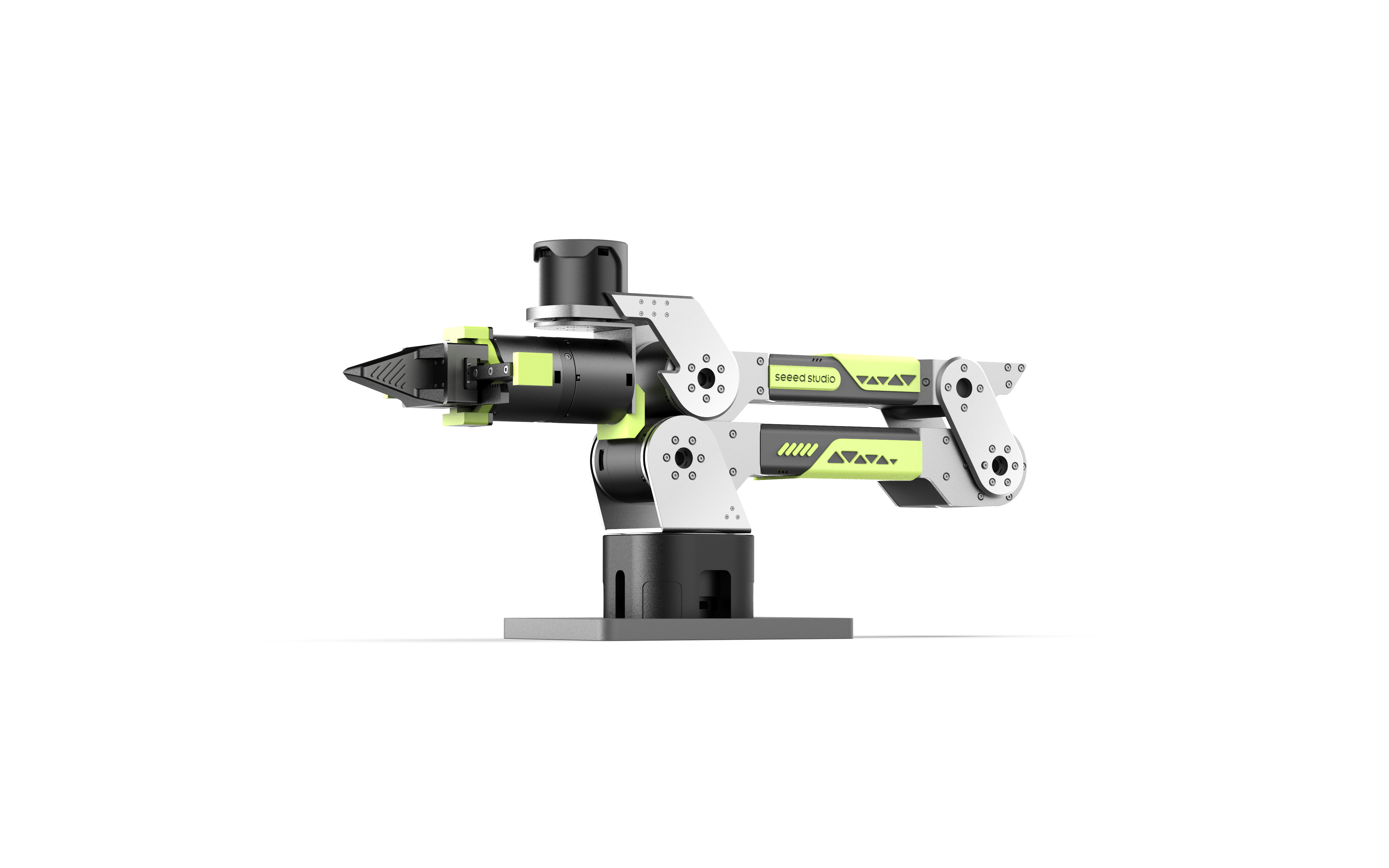
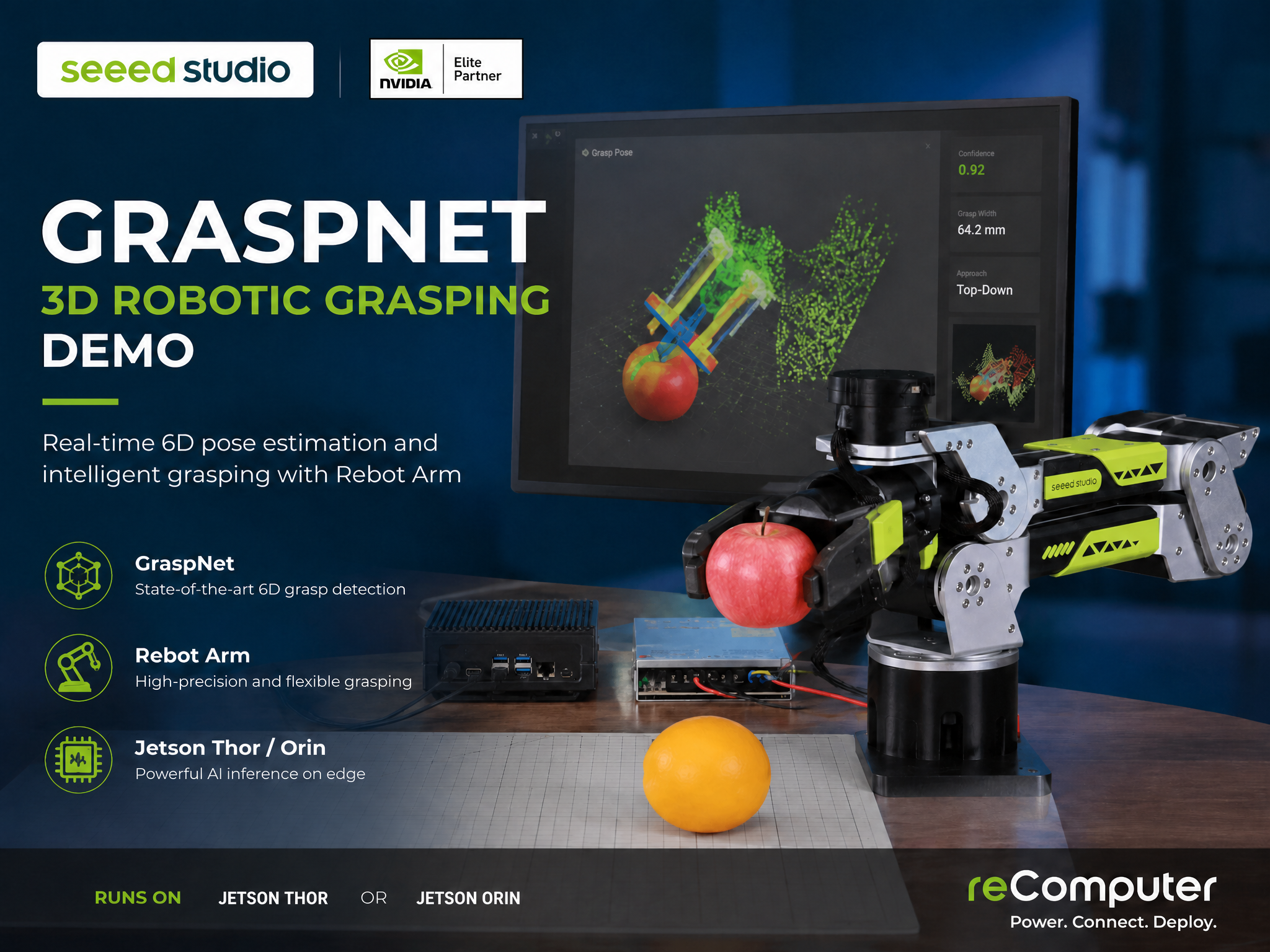
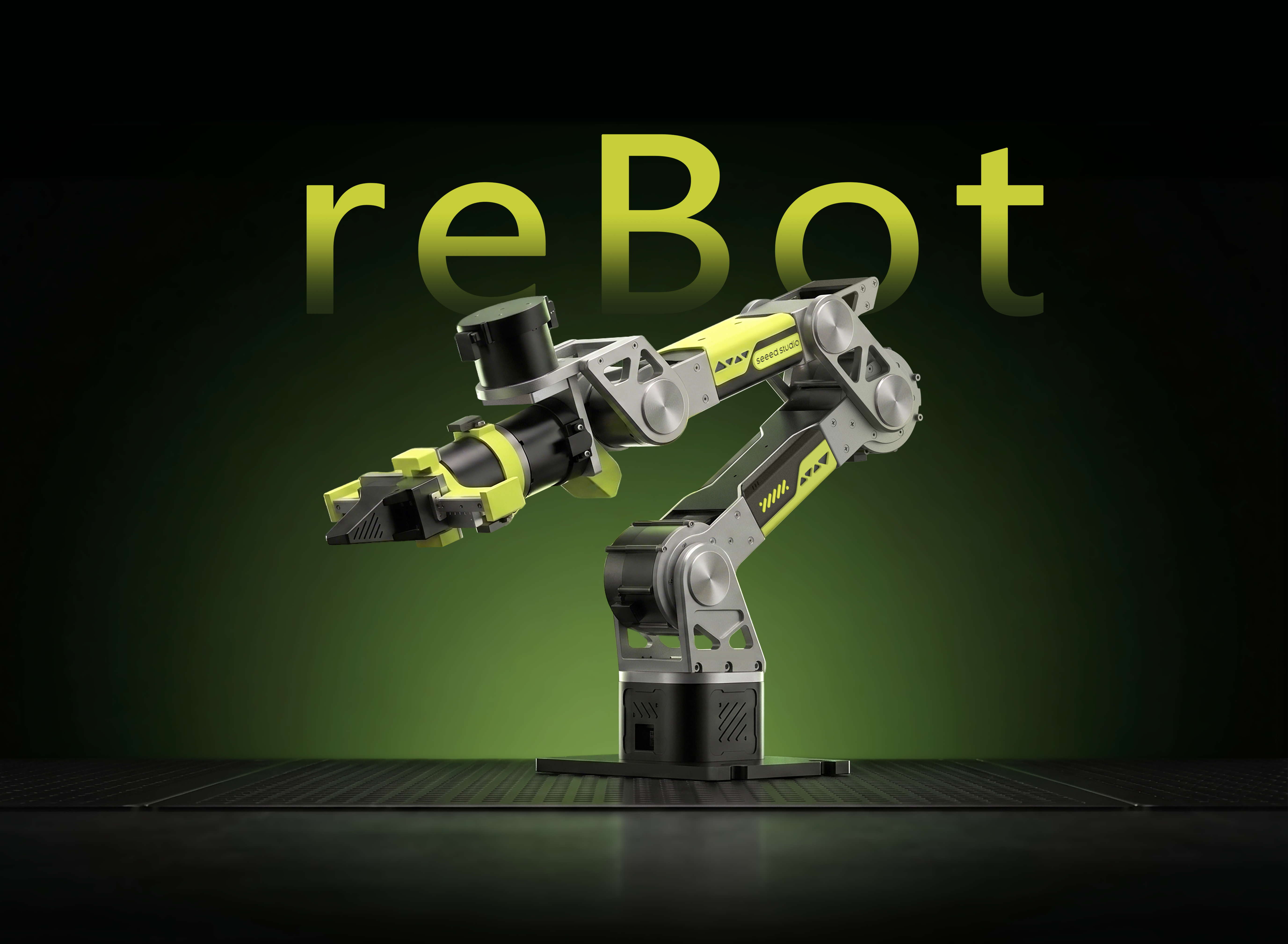
An All-in-One Embodied AI Development Platform for the New Era of Physical AI. As generative AI evolves from simply “understanding the world” to actively “interacting with the world,” robotics development is entering a new era: Physical AI. To help developers, researchers, and educators accelerate their journey into Embodied AI, Seeed Studio combines the fully open-source reBot Arm B601 with the cutting-edge NVIDIA Jetson Developer Kit to create a powerful next-generation robotics development bundle.
This bundle delivers not only precise robotic manipulation capabilities, but also the massive AI computing power required for running multimodal AI models, vision-language models (VLMs), and real-time robotic inference locally at the edge. It is a complete platform for building the next wave of intelligent robots — from learning and research to rapid prototyping and deployment.
| reBot Arm B601 DM | reBot Arm B601 RS |
|---|---|
 |  |
| NVIDIA® Jetson AGX Thor™ Developer Kit | reComputer Classic J3011 |
 |  |
Here, we use the NVIDIA Jetson Thor as an example to demonstrate how to quickly control the reBot Arm B601 robotic arm with Jetson. You can also choose other Jetson devices based on your specific needs.
Why This Bundle?
A Complete Embodied AI Development Platform
Traditional robotics development often comes with several limitations:
- Closed hardware ecosystems
- Insufficient AI computing power
- Fragmented software stacks
- High development barriers
- Difficulty validating real-world Physical AI scenarios
The reBot Arm × Jetson Bundle is designed to solve these challenges.
With this bundle, you get:
- A fully open-source 6+1 DoF robotic arm platform
- NVIDIA’s flagship edge AI computing platform powered by GPU
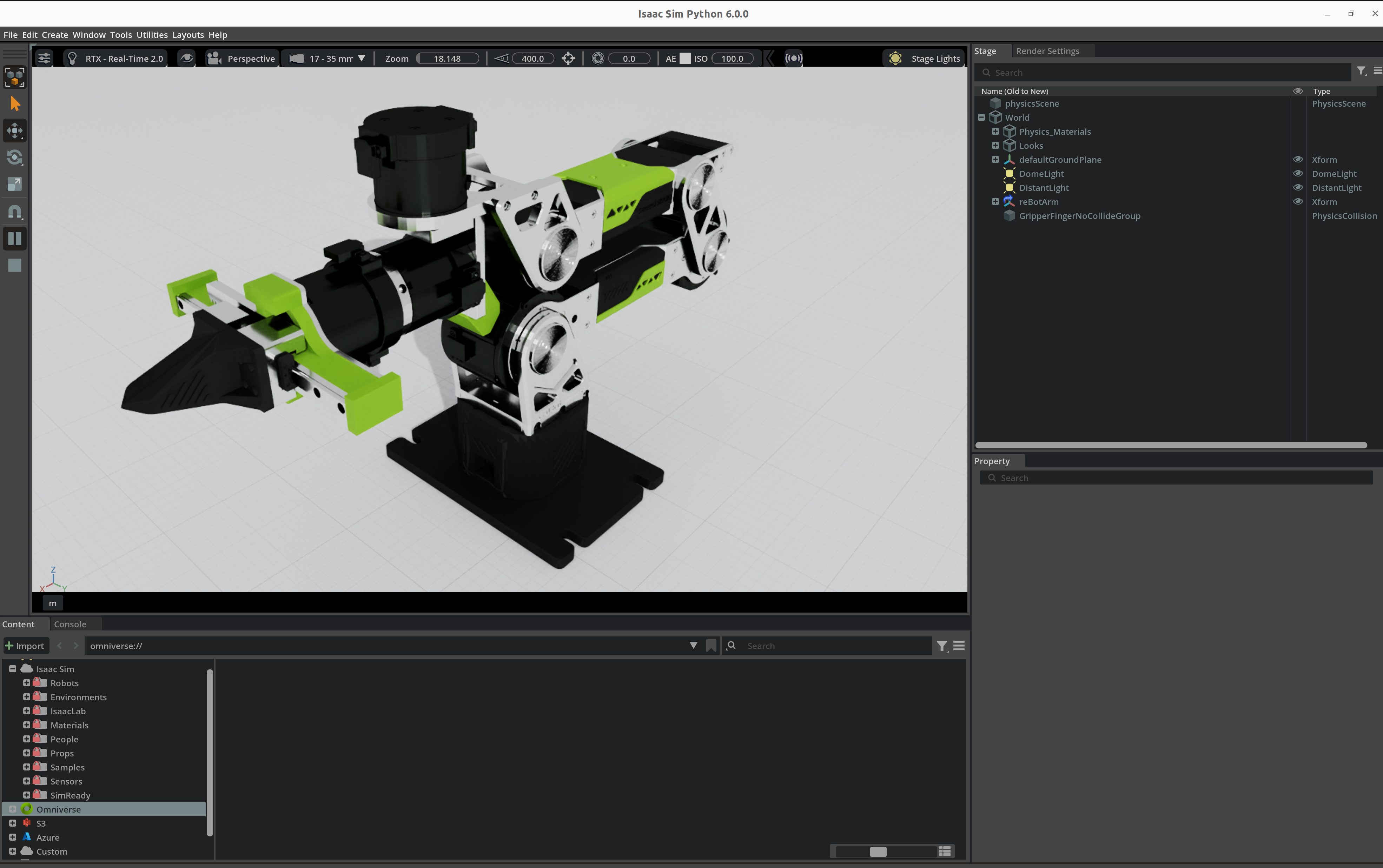
- Native support for ROS1, ROS2, Isaac Sim, and LeRobot
- Ready for multimodal AI and generative AI workflows
- A unified environment for education, research, and AI robotics prototyping
Getting Started
Hardware Connection
- Refer to this guide to assemble the robotic arm.
- Use a USB-to-CAN adapter to connect the robotic arm to the NVIDIA Jetson via the Type-C interface.
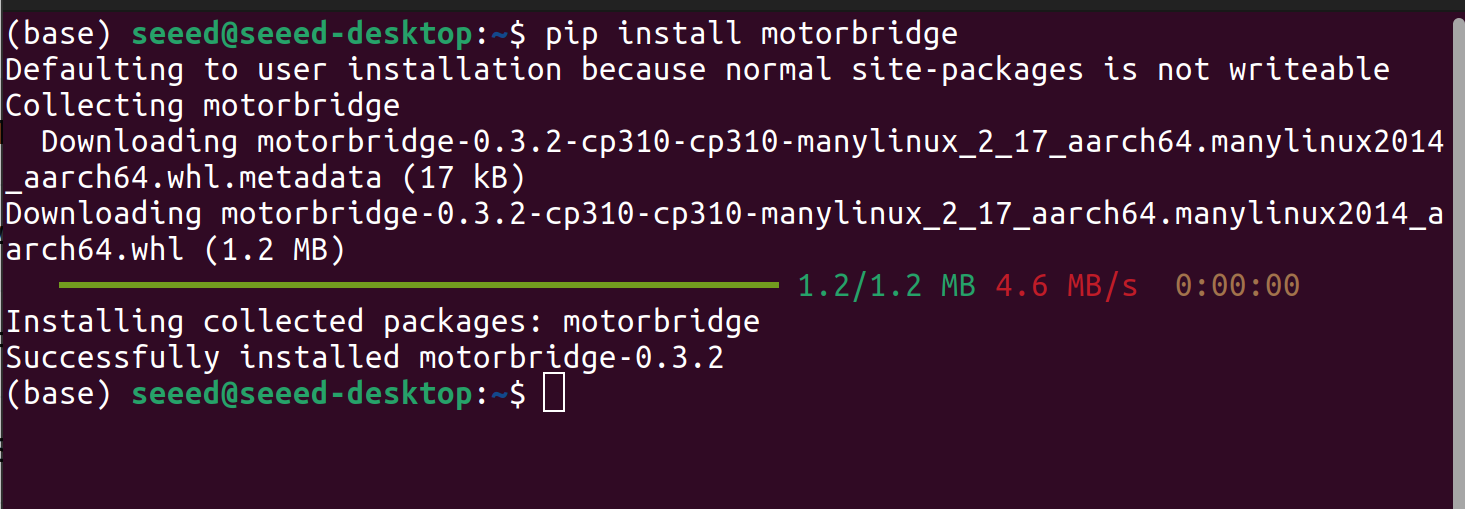
One-Click Install Arm Driver
Open the terminal window on the Jetson and run the following command.
uv pip install motorbridge
WebUI
run this command on Nvidia Jetson:
motorbridge-gateway --bind 127.0.0.1:9002 --vendor damiao --transport dm-serial --serial-port /dev/ttyACM0 --serial-baud 921600 --dt-ms 20
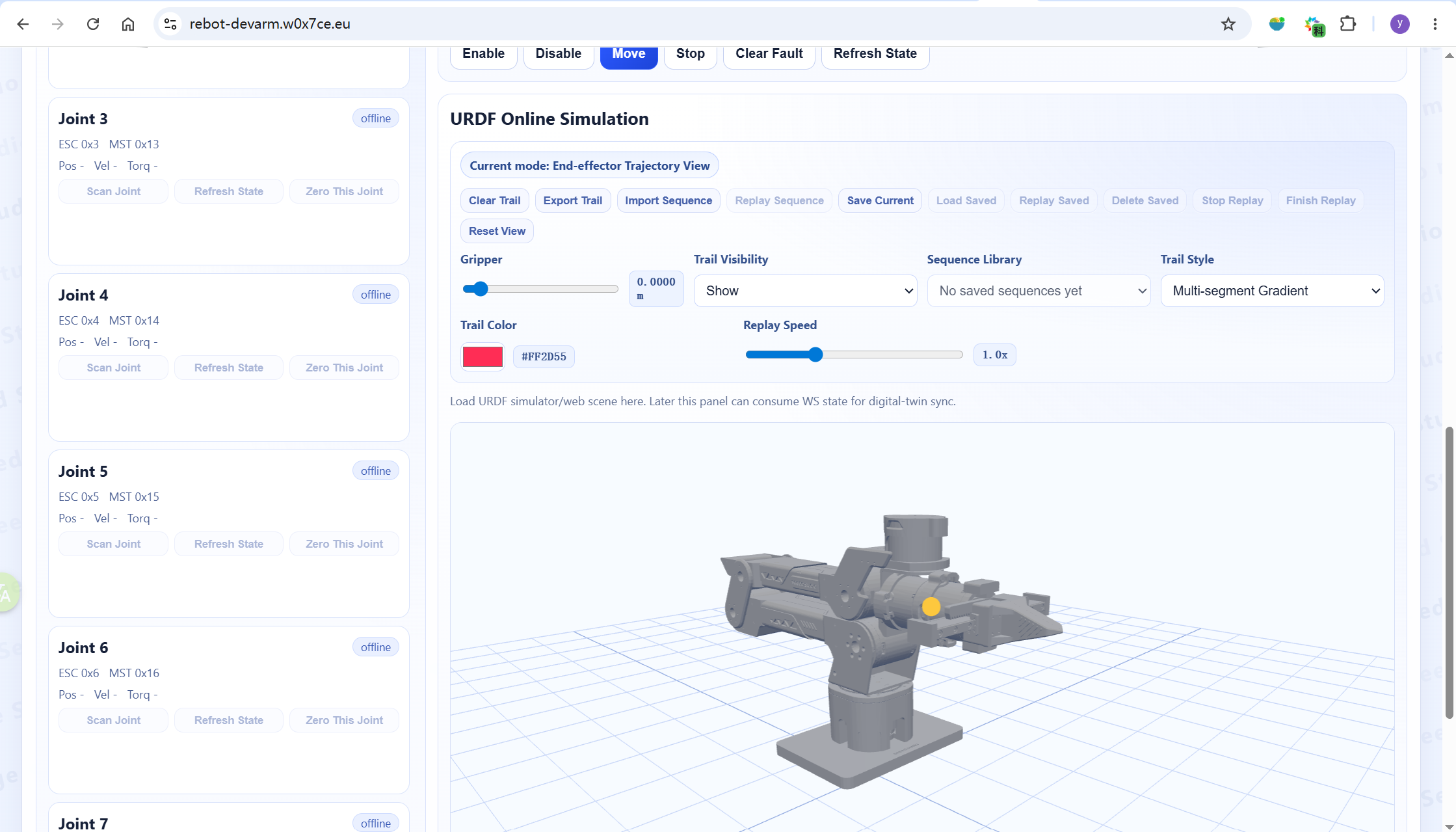
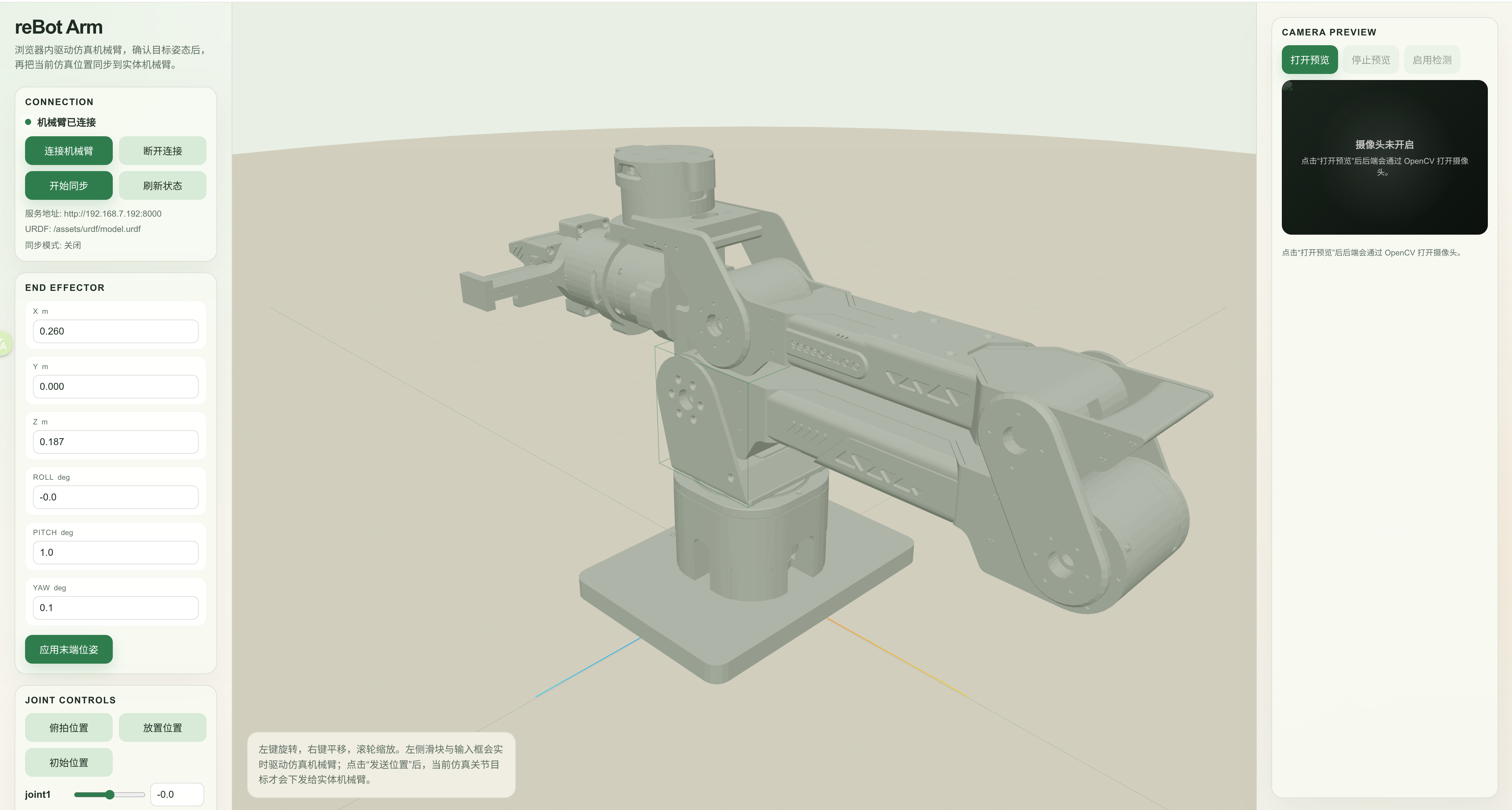
Then, Open https://motorbridge.github.io/motorbridge-studio/ in your browser, and you will see the following page. From this interface, you can adjust motor parameters, check the status of the robotic arm, and perform other operations.
Application
Tech Support & Product Discussion
Thank you for choosing our products! We are here to provide you with different support to ensure that your experience with our products is as smooth as possible. We offer several communication channels to cater to different preferences and needs.