Find Recordings and Storage
After configuring event recording triggers (see Configure Event Recording), use the Recording Settings page in the Web UI to find your files and manage device storage.
Storage Management
In Storage Management you can view the current disk usage and the location where files are saved.
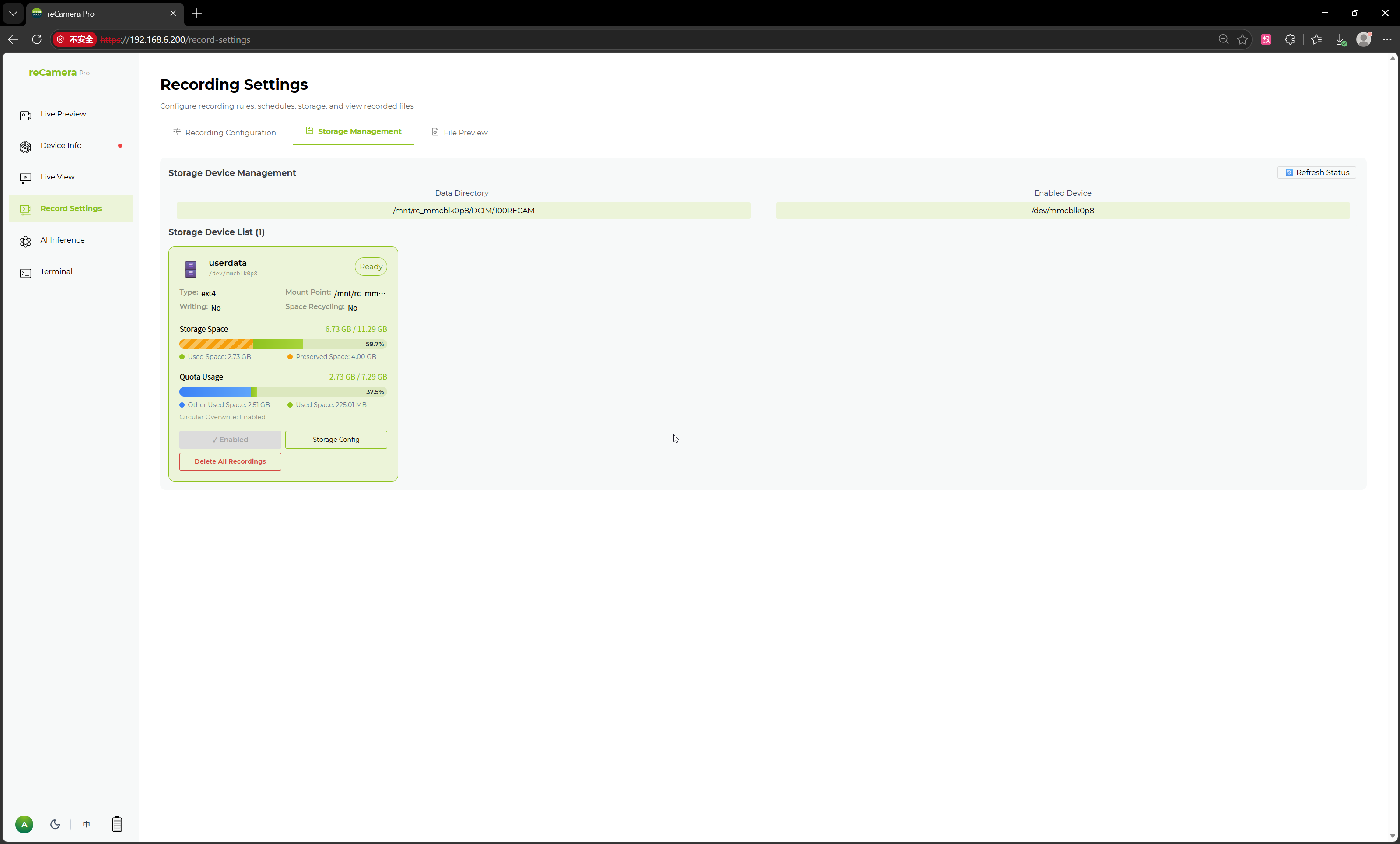
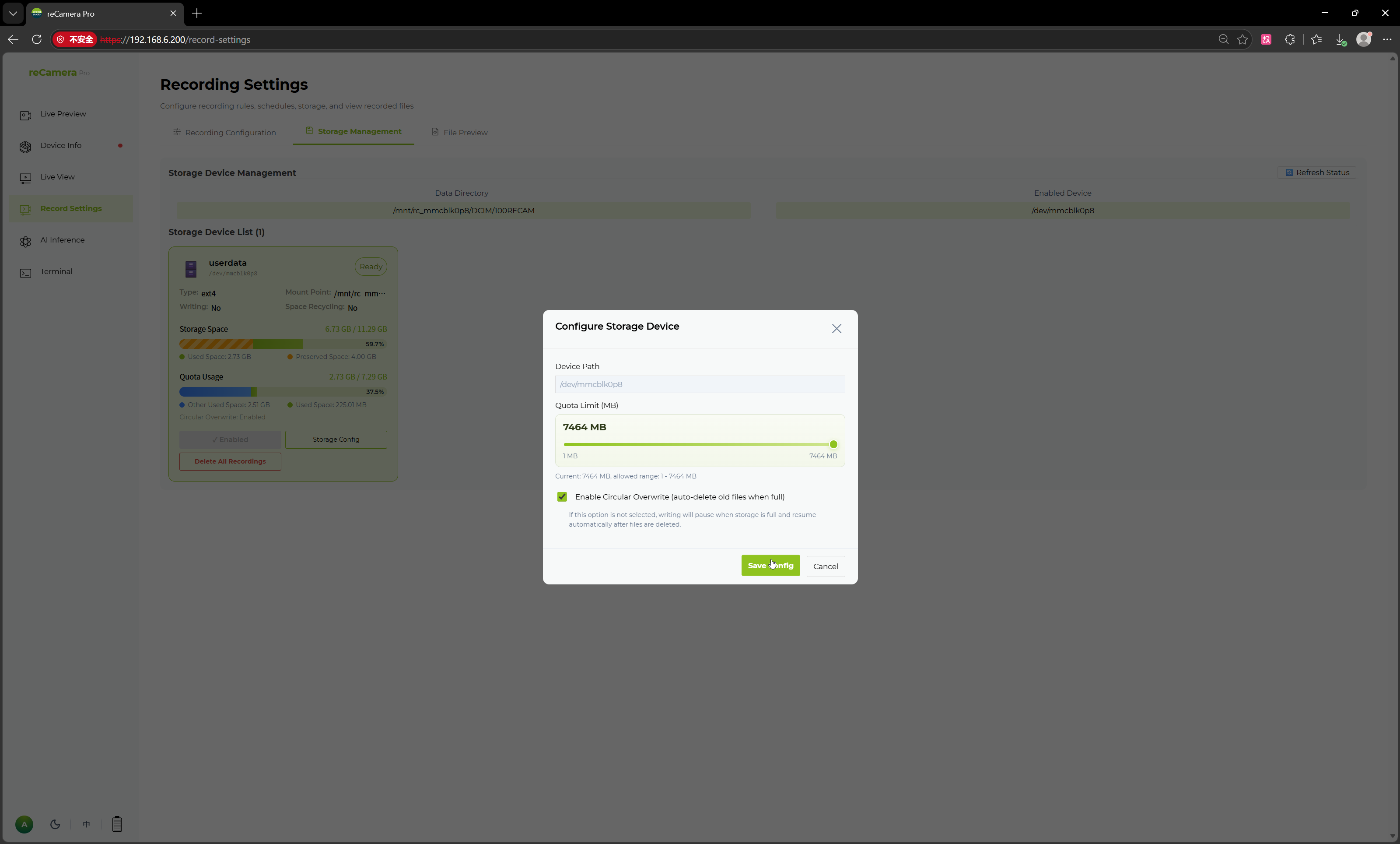
In the storage configuration area you can set the available storage size, configure quotas, and choose whether to overwrite old files so the latest recordings are always saved.
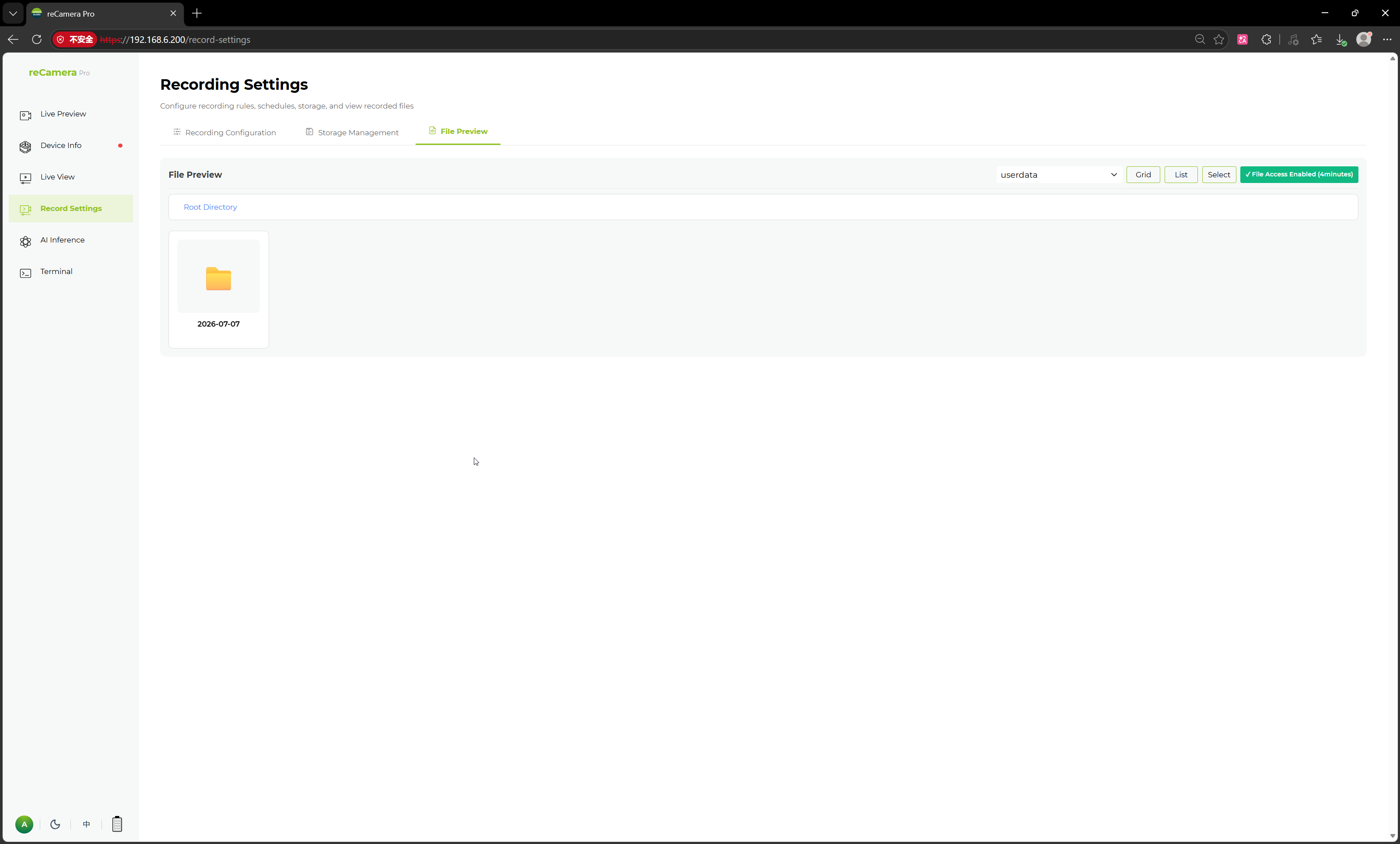
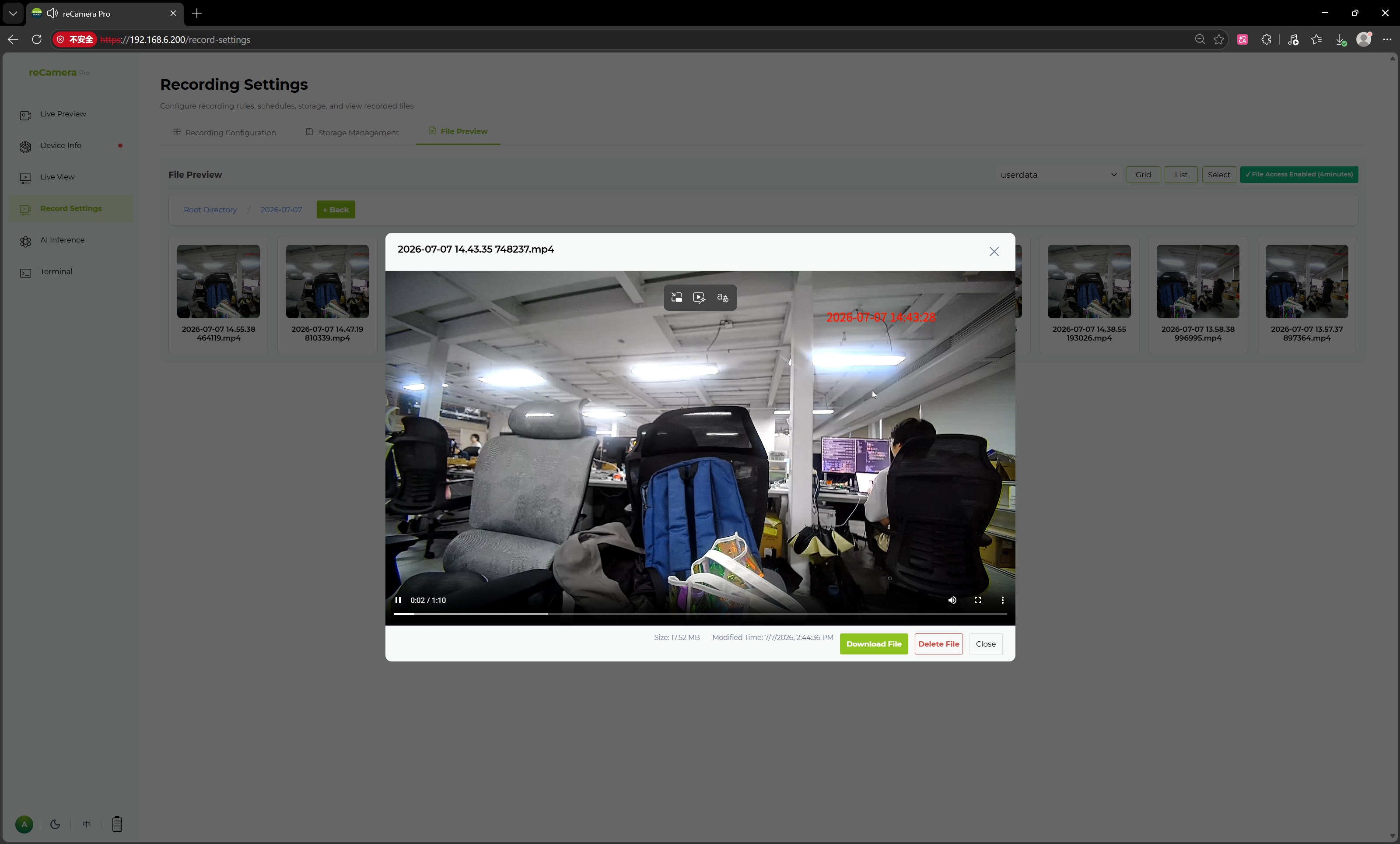
File Preview
Recorded files are organized by date in separate directories.
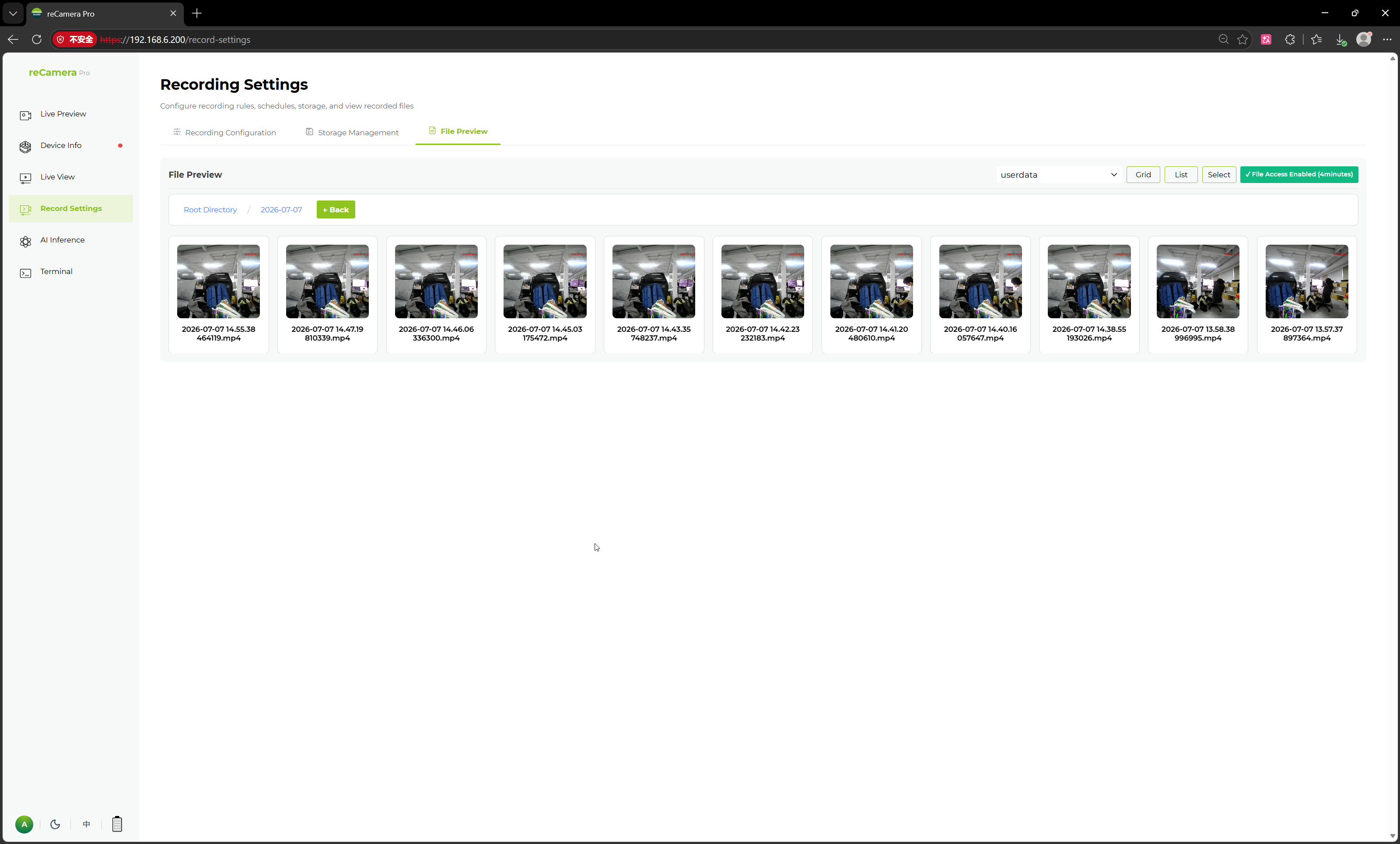
Open a file to preview it online and perform operations such as download.
Related pages
Tech Support & Product Discussion
Thank you for choosing our products! We are here to provide you with different support to ensure that your experience with our products is as smooth as possible. We offer several communication channels to cater to different preferences and needs.