Terminal, SSH, and Debug UART
reCamera Pro offers three ways to reach a command line, each useful in different situations:
| Method | Requires network | Use when |
|---|---|---|
| WebUI terminal console | Yes | Quick checks from a browser, no extra tools |
| SSH | Yes | Scripting, file transfer, long development sessions |
| DEBUG UART serial console | No | The device will not boot, the network is misconfigured, or you need boot logs |
WebUI Terminal Console
The terminal console lets you log in directly to the reCamera Pro system terminal from the Web UI, without an additional SSH tool.
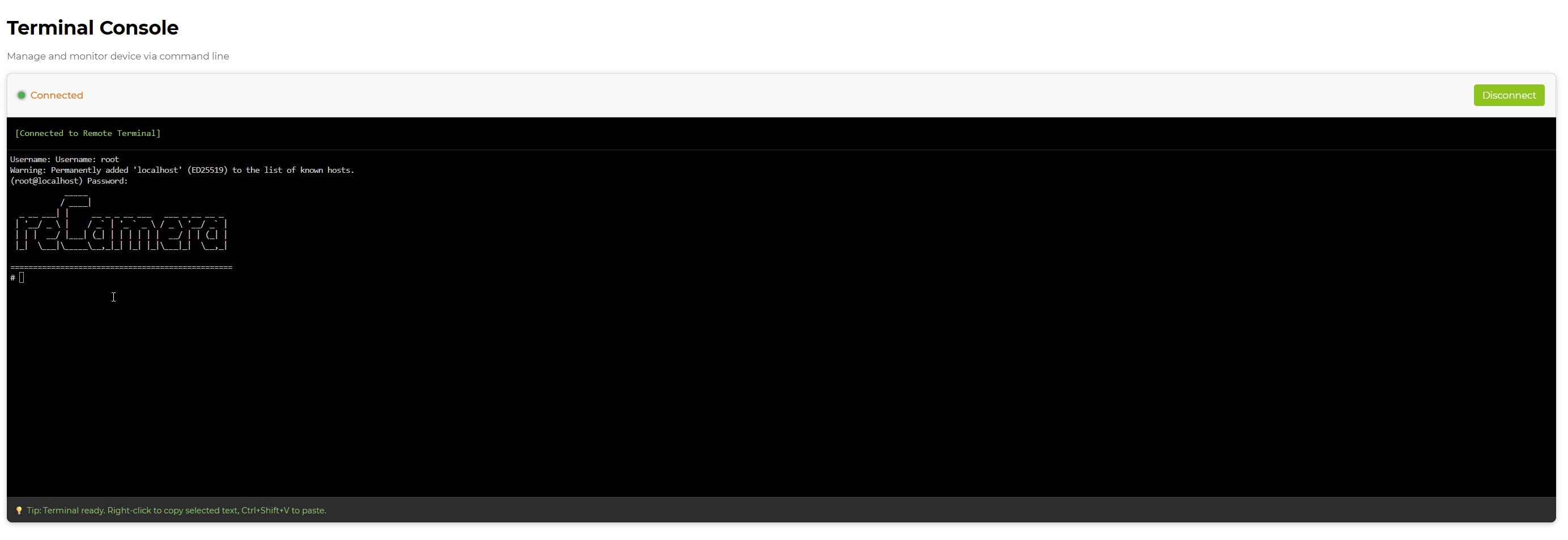
Log in with the following default account:
Username: root
Password: recamera
The same Web UI page also provides a system log view for real-time log inspection, filtering, and download — see Collect Logs.
SSH
When the device is reachable on the network, SSH is the most convenient access method for development: it supports file transfer (scp), port forwarding, and long-running sessions. From a computer on the same network (USB virtual Ethernet default address 192.168.42.1):
ssh root@192.168.42.1
DEBUG UART Serial Console
The DEBUG UART is dedicated to debugging. It works without any network configuration and shows boot-time output, making it the recovery path when the device will not boot or the IP address is unknown.
The baud rate of the debug serial port is 1500000, and the hardware interface specification is MX1.25. The pin sequence is shown below.
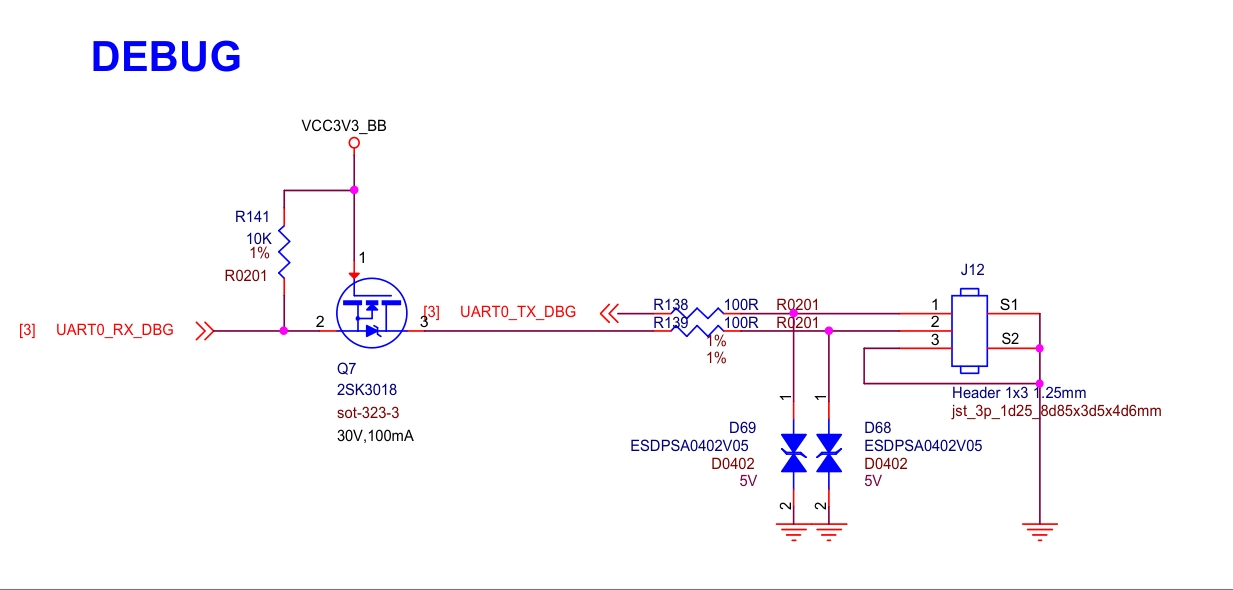
Connect the DEBUG UART
- Prepare a USB-to-serial converter. Connect the TX of the converter to the RX pin of the device, and connect the RX of the converter to the TX pin of the device. Remember to connect GND as well.
- Power on the device, and you will see the device debugging information on the converter.
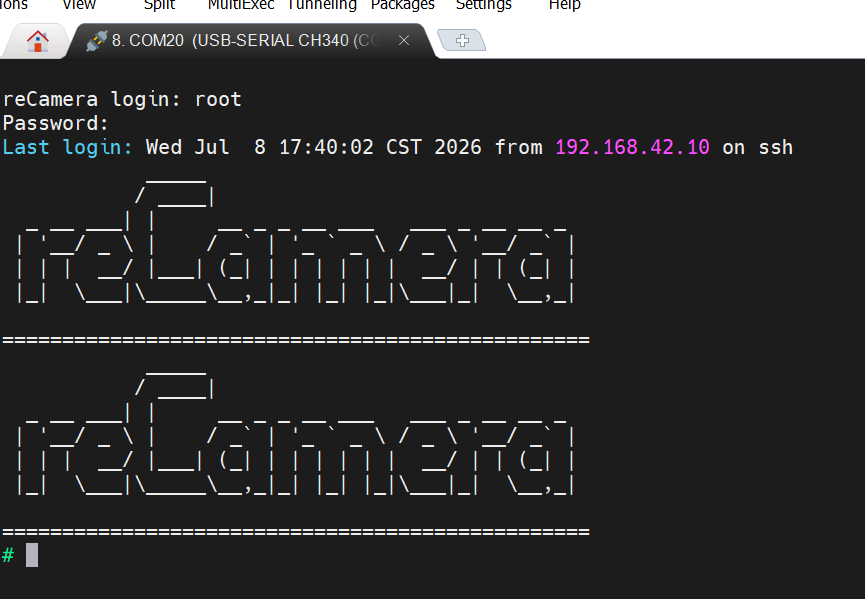
Set your serial tool to a baud rate of 1500000. A mismatched baud rate produces garbled output.
Related Pages
- UART Usage — the second serial port on the expansion interface, used for WebUI triggering and AI inference output
- Collect Logs — gather logs for troubleshooting and support
Technical Support and Product Discussion
Thank you for choosing our products! We are here to provide you with various support to ensure your experience with our products is as smooth as possible. We offer multiple communication channels to meet different preferences and needs.