reSpeaker XVF3800 Control with Python
Introduction
In this section, we are going to talk about how to control your ReSpeaker XVF-3800 using the Python SDK. It makes development more convenient for users who want to build their own applications. For instance, you can detect where the voice is coming from, perform voice activity detection (VAD), control LEDs, and much more.
Python SDK
We have a comprehensive Python guide on how to communicate with the XVF3800 using the USB firmware. This Python script can be run in your favorite IDE without requiring the XVF3800 XVF_Host. You can find more commands from this link.
You need to install the pyusb library.
How to get DOA and VAD
import sys
import struct
import usb.core
import usb.util
import time

# name, resid, cmdid, length, type
PARAMETERS = {
    "VERSION":          (48,  0,  3,  "ro", "uint8"),
    "AEC_AZIMUTH_VALUES": (33, 75, 16, "ro", "radians"),
    "DOA_VALUE":        (20, 18,  4,  "ro", "uint16"),   # 4 bytes → two uint16 words
    "REBOOT":           (48,  7,  1,  "wo", "uint8"),
}

class ReSpeaker:
    TIMEOUT = 100000  # USB timeout

    def __init__(self, dev):
        self.dev = dev

    def write(self, name, data_list):
        try:
            data = PARAMETERS[name]
        except KeyError:
            return

        if data[3] == "ro":
            raise ValueError('{} is read-only'.format(name))

        if len(data_list) != data[2]:
            raise ValueError('{} value count is not {}'.format(name, data[2]))

        windex   = data[0]
        wvalue   = data[1]
        data_type = data[4]
        data_cnt  = data[2]
        payload   = []

        if data_type in ('float', 'radians'):
            for i in range(data_cnt):
                payload += struct.pack(b'f', float(data_list[i]))
        elif data_type in ('char', 'uint8'):
            for i in range(data_cnt):
                payload += data_list[i].to_bytes(1, byteorder='little')
        else:
            for i in range(data_cnt):
                payload += struct.pack(b'i', data_list[i])

        print("WriteCMD: cmdid: {}, resid: {}, payload: {}".format(wvalue, windex, payload))
        self.dev.ctrl_transfer(
            usb.util.CTRL_OUT | usb.util.CTRL_TYPE_VENDOR | usb.util.CTRL_RECIPIENT_DEVICE,
            0, wvalue, windex, payload, self.TIMEOUT)

    def read(self, name):
        try:
            data = PARAMETERS[name]
        except KeyError:
            return

        resid  = data[0]
        cmdid  = 0x80 | data[1]
        length = data[2] + 1        # +1 for the leading status byte

        response = self.dev.ctrl_transfer(
            usb.util.CTRL_IN | usb.util.CTRL_TYPE_VENDOR | usb.util.CTRL_RECIPIENT_DEVICE,
            0, cmdid, resid, length, self.TIMEOUT)

        byte_data = response.tobytes()

        if data[4] == 'uint8':
            result = response.tolist()

        elif data[4] == 'radians':
            num_floats = (length - 1) // 4           # each float = 4 bytes
            fmt = '<' + 'f' * num_floats
            result = list(struct.unpack(fmt, byte_data[1:1 + num_floats * 4]))

        elif data[4] == 'uint16':
            # ── FIX ──────────────────────────────────────────────────────────
            # byte_data[0]      = status byte (skip it)
            # byte_data[1:...]  = payload: N little-endian uint16 words
            # Each word is 2 bytes, so num_words = data[2] / 2
            num_words = data[2] // 2                 # 4 bytes → 2 words
            fmt = '<' + 'H' * num_words              # unsigned 16-bit, little-endian
            result = list(struct.unpack(fmt, byte_data[1:1 + num_words * 2]))
            # ─────────────────────────────────────────────────────────────────

        return result

    def close(self):
        usb.util.dispose_resources(self.dev)

def find(vid=0x2886, pid=0x001A):
    dev = usb.core.find(idVendor=vid, idProduct=pid)
    if not dev:
        return
    return ReSpeaker(dev)

def main():
    dev = find()
    if not dev:
        print('No device found')
        sys.exit(1)

    print('{}: {}'.format("VERSION", dev.read("VERSION")))

    while True:
        result = dev.read("DOA_VALUE")
        # After uint16 unpacking: result = [doa_angle, vad_flag]
        # ── FIX: use decoded word indices, not raw byte offsets ──
        doa_angle     = result[0]   # 0–359 degrees (now supports > 255)
        speech_active = result[1]   # VAD flag: 1 = speech, 0 = silence
        # ────────────────────────────────────────────────────────
        print('SPEECH_DETECTED: {}, DOA_VALUE: {}'.format(speech_active, doa_angle))
        time.sleep(0.1)

    dev.close()

if __name__ == '__main__':
    main()
Using XVF_Host
Please refer to the documentation to understand what XVF_Host is. In this section, we are going to work with XVF_Host using a Python script.
Python Examples for ReSpeaker XVF3800
If you would like to explore more about controlling via xvf_host with python scripts, please read this article.
- Windows
- Raspberry Pi / Linux
For Windows
git clone https://github.com/KasunThushara/reSpeakerXVF.git
cd reSpeakerXVF
python test.py
Make sure Python is installed and the ReSpeaker XVF3800 is connected via USB.
For Raspberry Pi
git clone https://github.com/KasunThushara/reSpeakerXVF_rpi.git
cd reSpeakerXVF_rpi
chmod +x xvf_host
python3 test.py
Ensure xvf_host is executable and your board is connected via USB or I2C.
The test.py file can be explored as follows. This is for your reference on Linux.
import subprocess
import sys
import time

# Path to your xvf_host binary
XVF_HOST_PATH = "./xvf_host"  # Change this if xvf_host is in a different location

def run_command(*args):
    """Run a command using the xvf_host tool."""
    command = ["sudo", XVF_HOST_PATH] + list(map(str, args))
    try:
        print(f"Running: {' '.join(command)}")
        result = subprocess.run(command, stdout=subprocess.PIPE, stderr=subprocess.PIPE, check=True, text=True)
        print("Output:\n", result.stdout)
    except subprocess.CalledProcessError as e:
        print("Error:\n", e.stderr)
        sys.exit(1)

if __name__ == "__main__":
    # Example: Get device version
    run_command("VERSION")
    time.sleep(0.005)

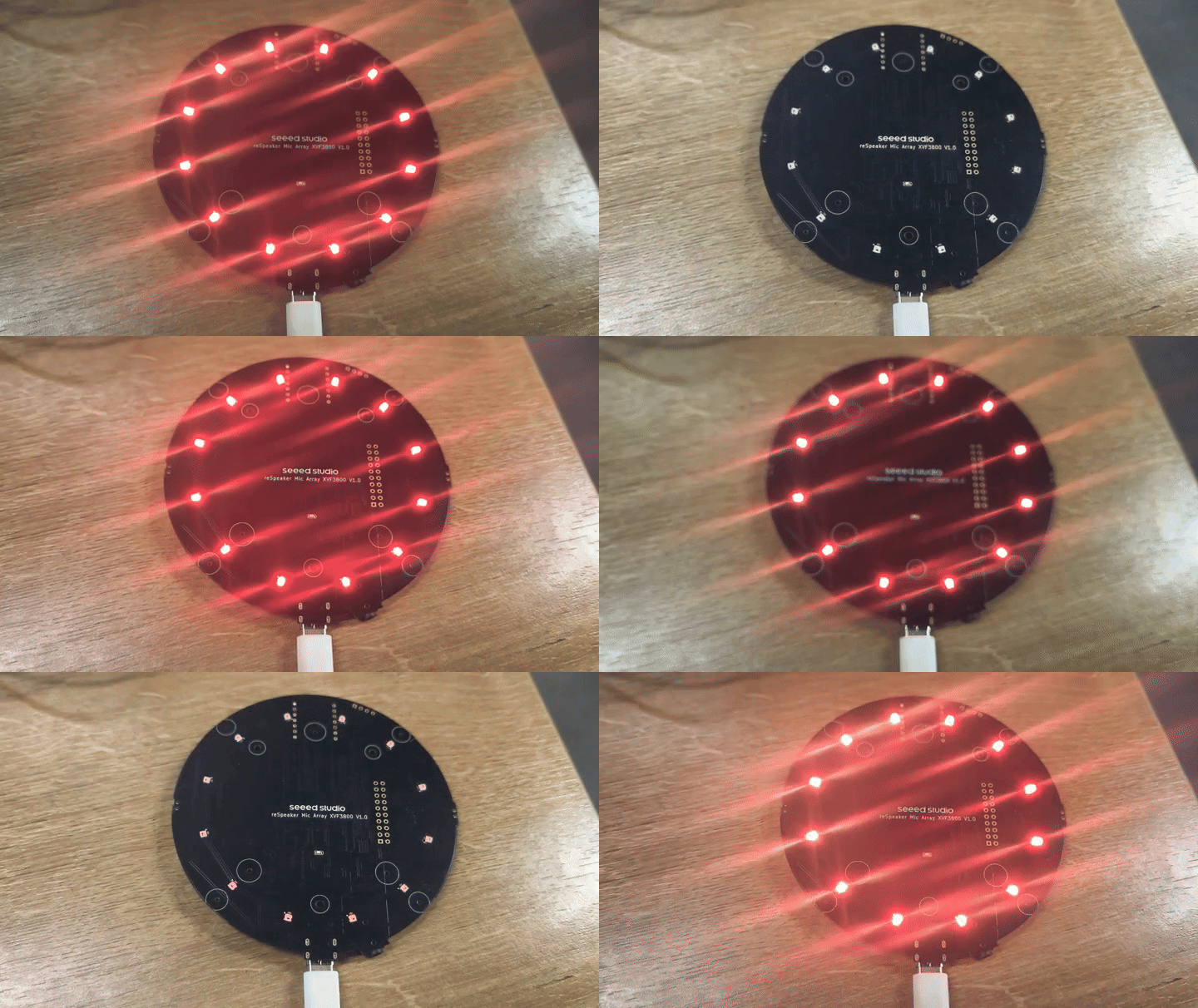
    # Example: Set LED to breath mode with orange color
    run_command("led_effect", 1)
    time.sleep(0.005)
    run_command("led_color", "0xff8800")
    time.sleep(0.005)
    run_command("led_speed", 1)
    time.sleep(0.005)
    run_command("led_brightness", 255)
    time.sleep(0.005)

    # Example: Save current configuration
    #run_command("save_configuration", 1)

    # Uncomment to clear config
    run_command("clear_configuration", 1)
    time.sleep(0.005)
Tech Support & Product Discussion
Thank you for choosing our products! We are here to provide you with different support to ensure that your experience with our products is as smooth as possible. We offer several communication channels to cater to different preferences and needs.