🤖 Robotics
"The science of today is the technology of tomorrow." - Edward Teller
Seeed Studio Robotics Wiki
Start with your robot kit
Find the right Seeed Studio robotics path by product. Pick your kit, then follow the steps from setup to advanced development.
New deviceUnbox, wire, power on, install drivers, and test motion
Build applicationsUse SDKs, LeRobot, ROS2, vision, or mobile control
AI roboticsExplore simulation, data collection, GR00T, VLA, and RL
Choose a Kit
Choose your learning path
Cards are collapsed by default. Open your kit to view its path.
Start Here
📦 Robot Kits
Each path starts with hardware setup, then moves into SDK, ROS, simulation, and AI applications.
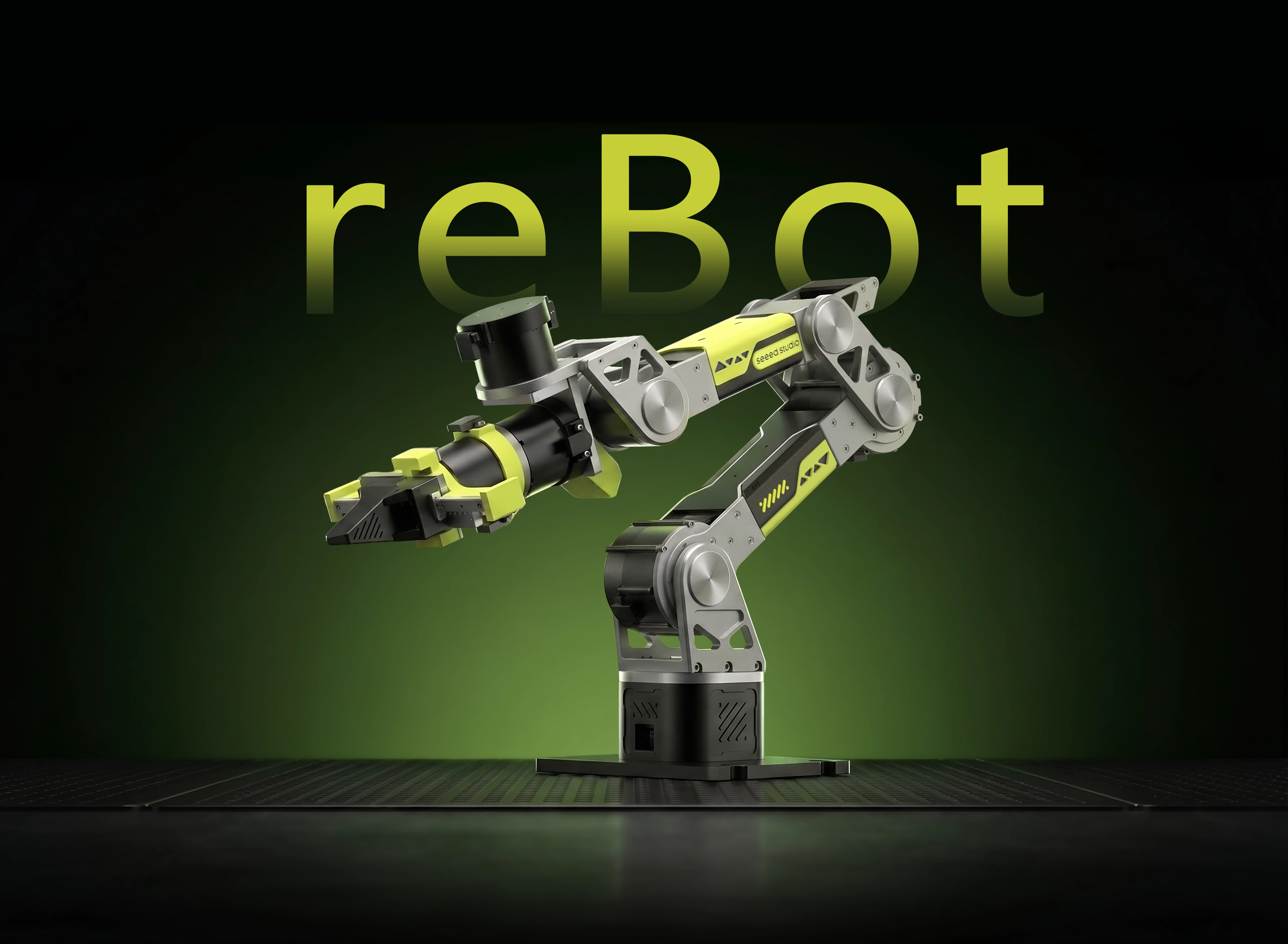
reBot B601-RS Robotic Arm
For teleoperation, visual grasping, ROS2, and AI data collectionExpand learning plan
reBot B601-RS Robotic Arm
For teleoperation, visual grasping, ROS2, and AI data collection1
Quick StartUnbox, wire, power on, check drivers, and test basic motion.
Required for beginners2LeRobot Teleoperation and Data CollectionCollect teleoperation data for imitation learning and embodied AI.
Data collection3Pinocchio Kinematics VisualizationExplore the arm model, joints, frames, and kinematics.
Advanced control4Visual Grasping DemoUse vision and grasp-pose generation to pick real objects.
Application demo5ROS2 IntegrationConnect the arm to ROS2 for perception, planning, and simulation.
System integration6ROS2 IntegrationSimulate the arm in Isaac Sim and sync with the real robot.
SimulationreBot B601-DM Robotic Arm
For Damiao-based control, LeRobot, Pinocchio, and ROS2Expand learning plan
reBot B601-DM Robotic Arm
For Damiao-based control, LeRobot, Pinocchio, and ROS21
Quick StartCheck power, CAN, drivers, and basic motion.
Required for beginners2LeRobot Data CollectionRecord teleoperation data for imitation learning.
AI data3Pinocchio and MeshcatLoad models, visualize motion, and learn kinematics.
Control basics4Visual Grasping DemoCombine the arm and vision for real-world grasping.
Application demo5ROS2 IntegrationUse ROS2 with MoveIt, perception, and system apps.
System integrationSO100 / SO101 Robotic Arm
Low-cost path for LeRobot, simulation, RL, and GR00T/VLAExpand learning plan
SO100 / SO101 Robotic Arm
Low-cost path for LeRobot, simulation, RL, and GR00T/VLA1
SO100 / SO101 Quick StartInstall hardware, connect, calibrate, and run a basic test.
Required for beginners2Servo Debugging ToolCheck servo ID, direction, zero point, and communication.
Troubleshooting basics3SO101 and NVIDIA GR00TFine-tune VLA models and deploy on Jetson.
Advanced VLA4Dual-Arm SO-ARM TrainingCollect data, train, and execute dual-arm tasks.
Complex tasks5SO-ARM with Amazing Hand Dexterous HandCombine SO-ARM101 with Amazing Hand for LeRobot.
Dexterous hand integration6LeIsaac SimulationPrepare for Sim2Real with simulated models and tasks.
Simulation basics7Isaac Lab Reinforcement LearningTrain policies in simulation and review reward design.
Advanced training+Phospho LeRobotTry third-party data collection and training platforms.
Optional extensionStarAI Robotic Arm
For basic control, MoveIt 2, ROS2 planning, and GR00TExpand learning plan
StarAI Robotic Arm
For basic control, MoveIt 2, ROS2 planning, and GR00TLekiwi Mobile Chassis
For chassis control and sound-following demosExpand learning plan
Lekiwi Mobile Chassis
For chassis control and sound-following demosStackForce Mini Wheeled-Legged Robot
For wheeled-legged control, balance, and motion planningExpand learning plan
StackForce Mini Wheeled-Legged Robot
For wheeled-legged control, balance, and motion planningReachy Mini
For desktop HRI, agents, SDK, simulation, and AIExpand learning plan
Reachy Mini
For desktop HRI, agents, SDK, simulation, and AI② Choose your platform
Simulation Quick StartReachy Mini Wireless Setup GuideUsing Reachy MiniReachy Mini Hardware DatasheetReachy Mini Lite Setup GuideUsing Reachy Mini LiteReachy Mini Lite Hardware Datasheet③ SDK and development basics
Reachy Mini SDKInstallation GuideQuick Start GuidePython SDK ReferenceCore Concepts and ArchitectureMedia ArchitectureGStreamer InstallationJavaScript SDK and Web Applications④ Applications and AI integration
Integration and ApplicationsBuild and Publish ApplicationsIntegrate the Doubao LLM APIVibe Coding with an AgentDevelopment Guide for AI Agents⑤ Media, system, and advanced operations
Wireless Advanced Media ControlsLite Advanced Media ControlsUse Dynamixel Wizard to Read Motor ParametersWireless Development WorkflowInstall the Daemon from a Specific BranchReflash the Raspberry Pi OS ImageReset via Bluetooth⑥ Example tutorials
Minimal DemoGoto Interpolation PlaygroundLook at an ImageHead Position GUIJoystick ControllerIMU ExampleCustom Media ManagerCompliant Mode DemoRecorded MovesRerun ViewerSequence DemoSound Direction of ArrivalSound PlaybackSound RecordingTake a PictureReference
⚙️ Joint Actuators
For motor debugging, communication protocols, and joint troubleshooting.
Reference
👁️ Sensors
For visual grasping, SLAM, voice interaction, and robot state perception.
Reference
💻 Software Ecosystem
After setup, move into ROS, Isaac, PX4, or VLA.