RTL8852BE Wireless Module for Jetson
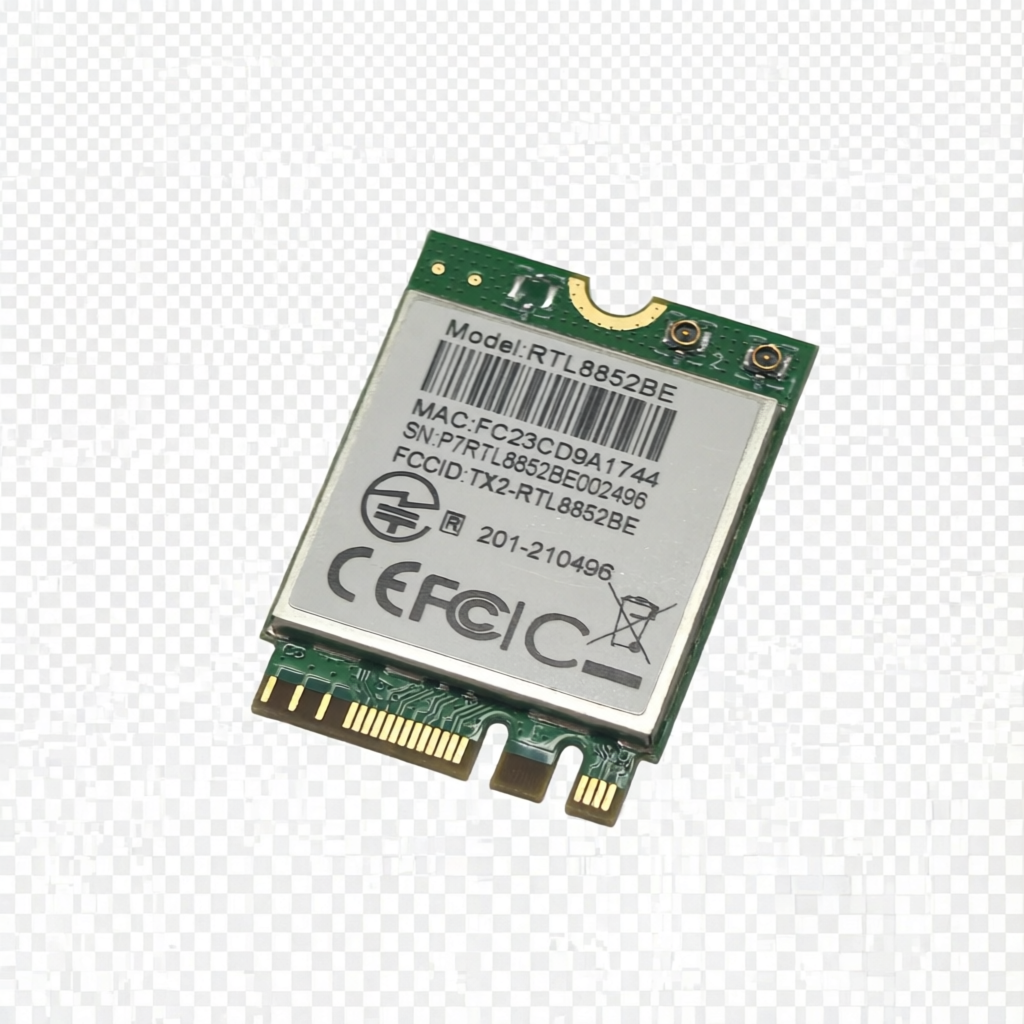
The RTL8852BE is a Wi-Fi 6 (802.11ax) M.2 wireless module based on the Realtek chipset. It integrates a PCIe interface for WLAN and a USB interface for Bluetooth, delivering significantly higher throughput and lower latency compared to previous-generation Wi-Fi 5 modules. It is ideal for embedded devices such as reComputer J4012 that require high-performance wireless connectivity.
Features
- Supports 2.4 GHz / 5 GHz dual-band
- IEEE 802.11 a/b/g/n/ax (Wi-Fi 6)
- PHY rate up to 1200 Mbps on 5 GHz band
- Form factor: M.2 2230, A key or E key
- Power Supply: DC 3.3V
- Supports Linux (JetPack 5 / JetPack 6), Windows 10/11
Specifications
| Chipset | RTL8852BE |
| WLAN Standards | IEEE 802.11 a/b/g/n/ax (Wi-Fi 6) |
| BT Specification | Bluetooth 5.2 |
| Host Interface | PCIe 2.1/2.0 for WLAN & USB 2.0 for Bluetooth |
| Antenna | Connect to the external antennas through MHF4 connector |
| Dimension | M.2 2230 (22 x 30 x 2.15 mm) |
| Power Supply | DC 3.3V |
| Max Wireless Speed | Up to 1200 Mbps |
| Operation Temperature | -20°C to +70°C |
| Operation Humidity | 10% to 95% RH (Non-Condensing) |
Supported Devices
All reComputer Seri
- All reComputer Series
Driver Installation
The RTL8852BE module may be detected by the Jetson as a PCIe device but may not have its driver loaded automatically. You will need to install the driver manually depending on your JetPack version.
lspci | grep -i network

JetPack 5.x
For JetPack 5, use the lwfinger/rtw8852be driver:
git clone https://github.com/lwfinger/rtw8852be.git
cd rtw8852be/
sudo apt-get update
sudo apt-get install make gcc linux-headers-$(uname -r) build-essential git
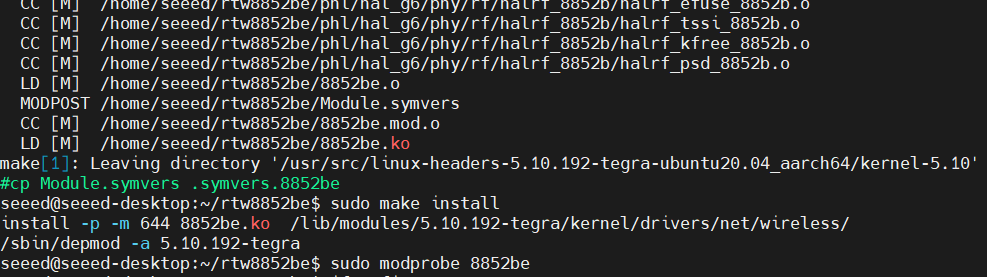
make
sudo make install
sudo modprobe 8852be
JetPack 6.x
For JetPack 6, use the rtw89 driver:
git clone https://github.com/a5a5aa555oo/rtw89
cd rtw89
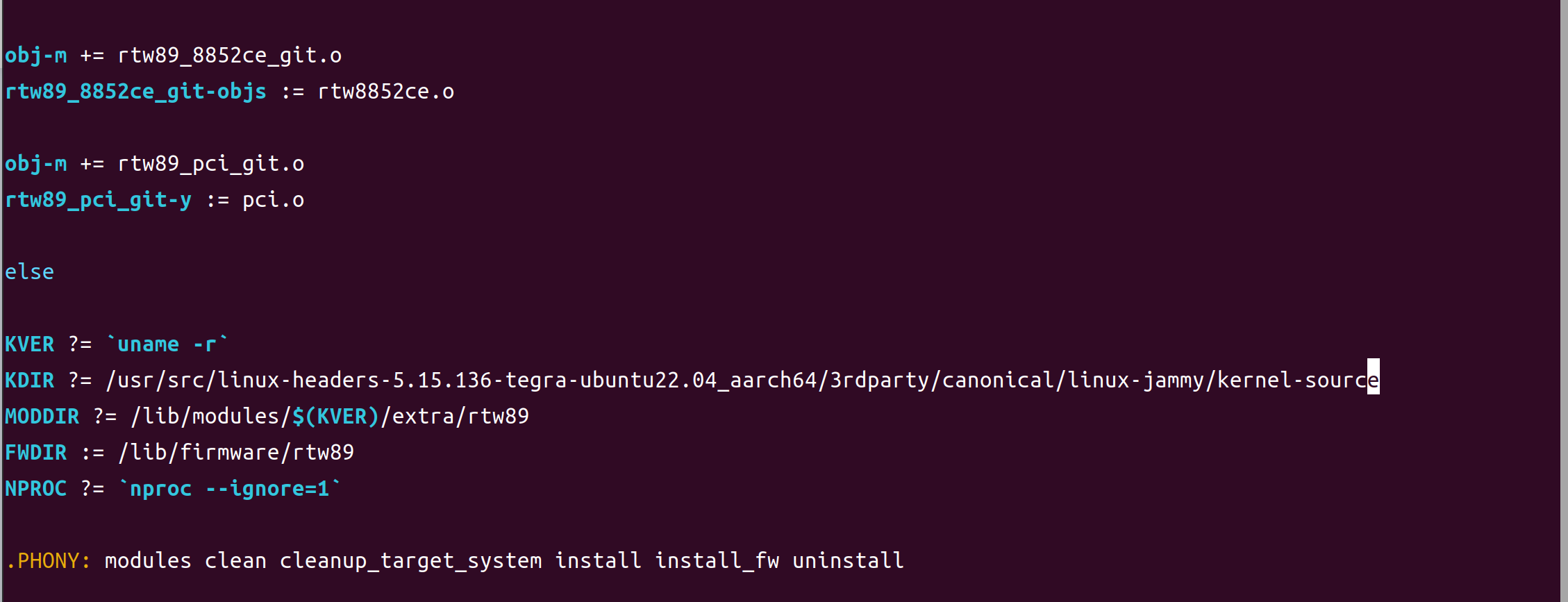
Edit the Makefile to set the correct kernel headers path:
# JP 6.2
KDIR ?= /usr/src/linux-headers-5.15.148-tegra-ubuntu22.04_aarch64/3rdparty/canonical/linux-jammy/kernel-source/

# JP 6.0
KDIR ?= /usr/src/linux-headers-5.15.136-tegra-ubuntu22.04_aarch64/3rdparty/canonical/linux-jammy/kernel-source
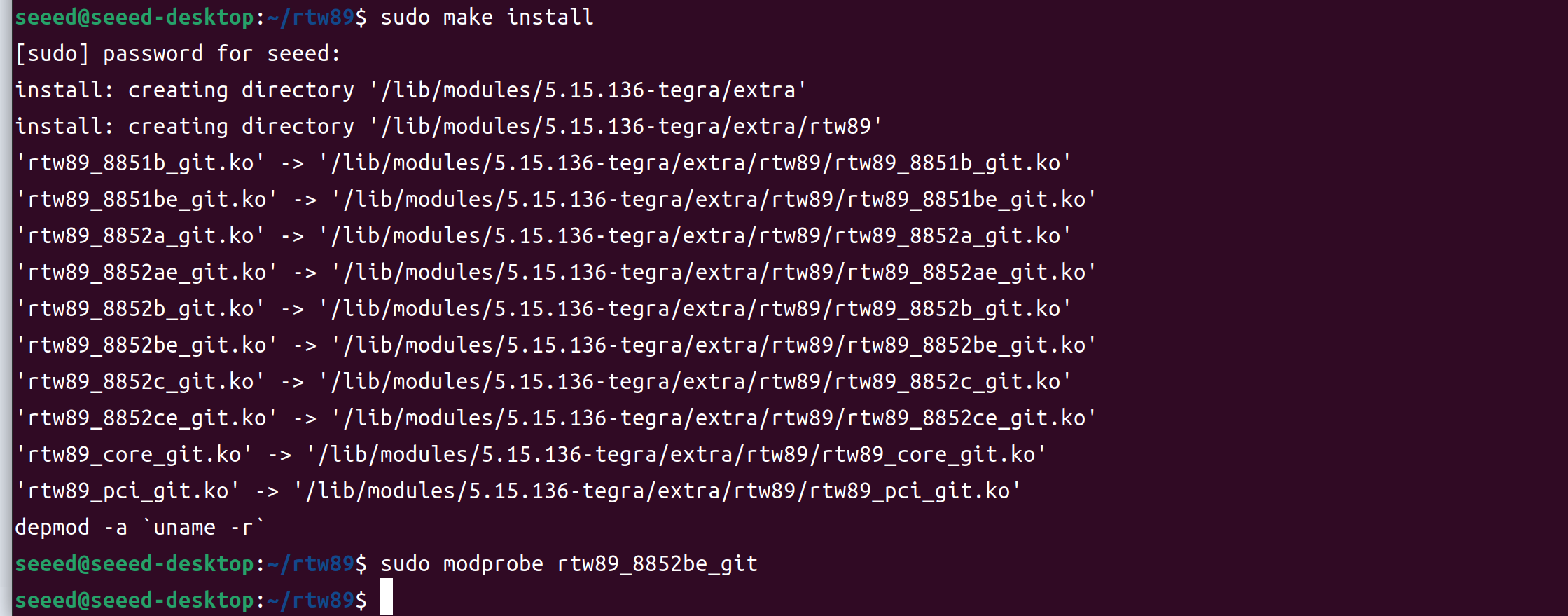
Then build and install:
make
sudo make install
sudo modprobe rtw89_8852be
Verify the Wireless Module
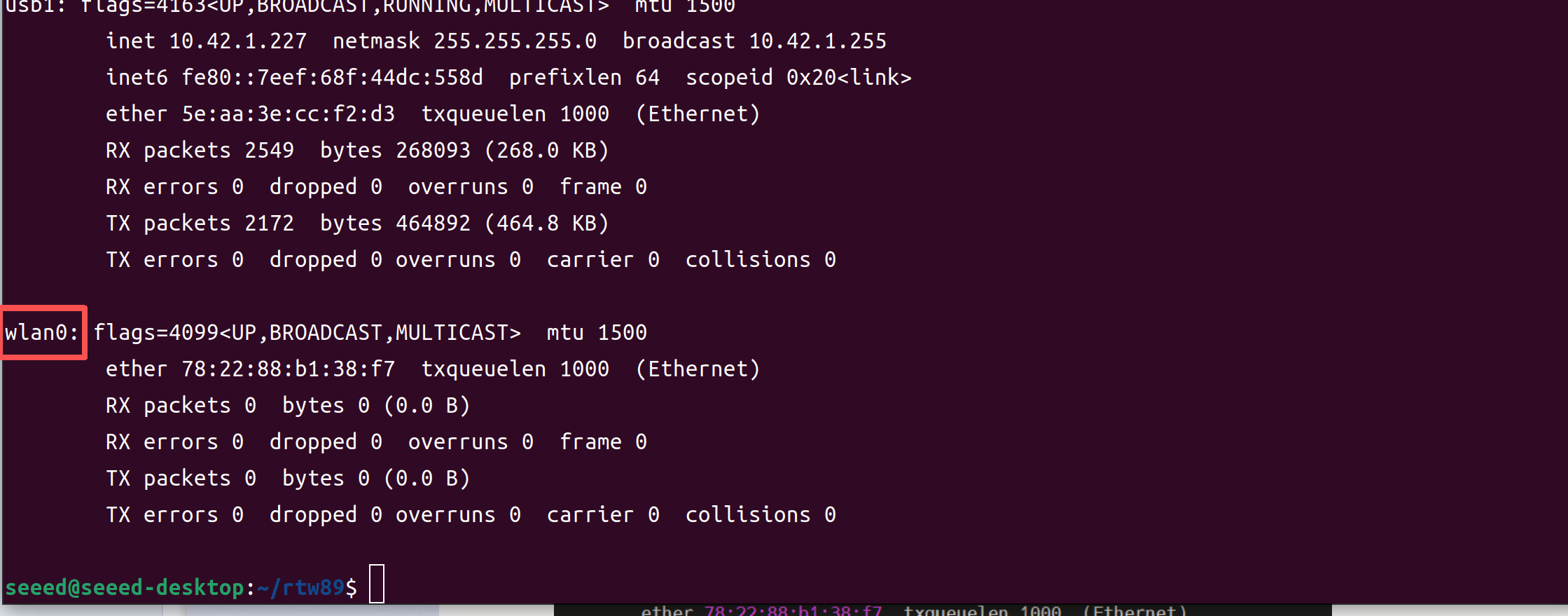
The interface name may vary depending on the JetPack version:
- JetPack 5: typically
wlan0 - JetPack 6: may appear as
wlP1p1s0
Adjust the interface name in the commands below accordingly.Use following command to figure out:
ifconfig
Configure the Wireless Network
Scan for Nearby WiFi Networks
sudo iw dev wlan0 scan | grep -E "SSID|freq"
Replace wlan0 with your actual interface name if different.
Connect to a WiFi Network
sudo nmcli device wifi connect "YOUR_SSID" password "YOUR_PASSWORD" ifname wlan0

Verify WiFi 6 Connection
Check the current link status:
iw dev wlan0 link
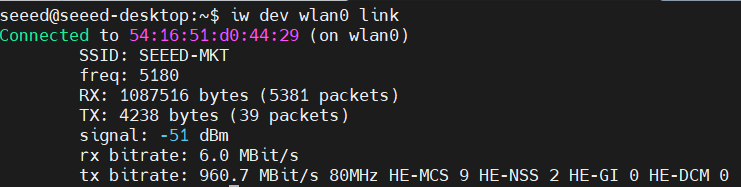
The output will show information such as:
- freq: The operating frequency (e.g., 5180 MHz corresponds to 5 GHz band)
- HE-MCS: The Wi-Fi 6 modulation and coding scheme (e.g., MCS 9 represents the highest coding efficiency)
- TX/RX rate: The current transmit and receive speeds
Bluetooth Configuration
The Bluetooth functionality of the RTL8852BE module can be configured using bluetoothctl:
bluetoothctl

Tech Support & Product Discussion
Thank you for choosing our products! We are here to provide you with different support to ensure that your experience with our products is as smooth as possible. We offer several communication channels to cater to different preferences and needs.