Zephyr Development
How ZephCore relates to MeshCore
MeshCore lets LoRa devices exchange messages off-grid. ZephCore project is a community port of MeshCore built on the Zephyr operating system. You can try ZephCore on one device and send a message to a friend running MeshCore. Both radios need matching settings.
| What changes for you? | MeshCore firmware | ZephCore firmware |
|---|---|---|
| Firmware Platform | Arduino-based MeshCore firmware | A port built on Zephyr RTOS |
| LoRa Network | A MeshCore LoRa mesh | The same MeshCore mesh |
| Mobile APP | MeshCore app with a BLE Companion | Same app with a supported BLE Companion build |
What is Zephyr?
Zephyr is an open-source real-time operating system for small devices. On a tracker, it can wake the processor when a button is pressed, read a GPS receiver, or update a display. ZephCore uses those services to run a mesh node.
Choose your device
Choose Companion if you want to send messages from your phone over Bluetooth. Choose Repeater if you want the device to forward messages for nearby nodes.
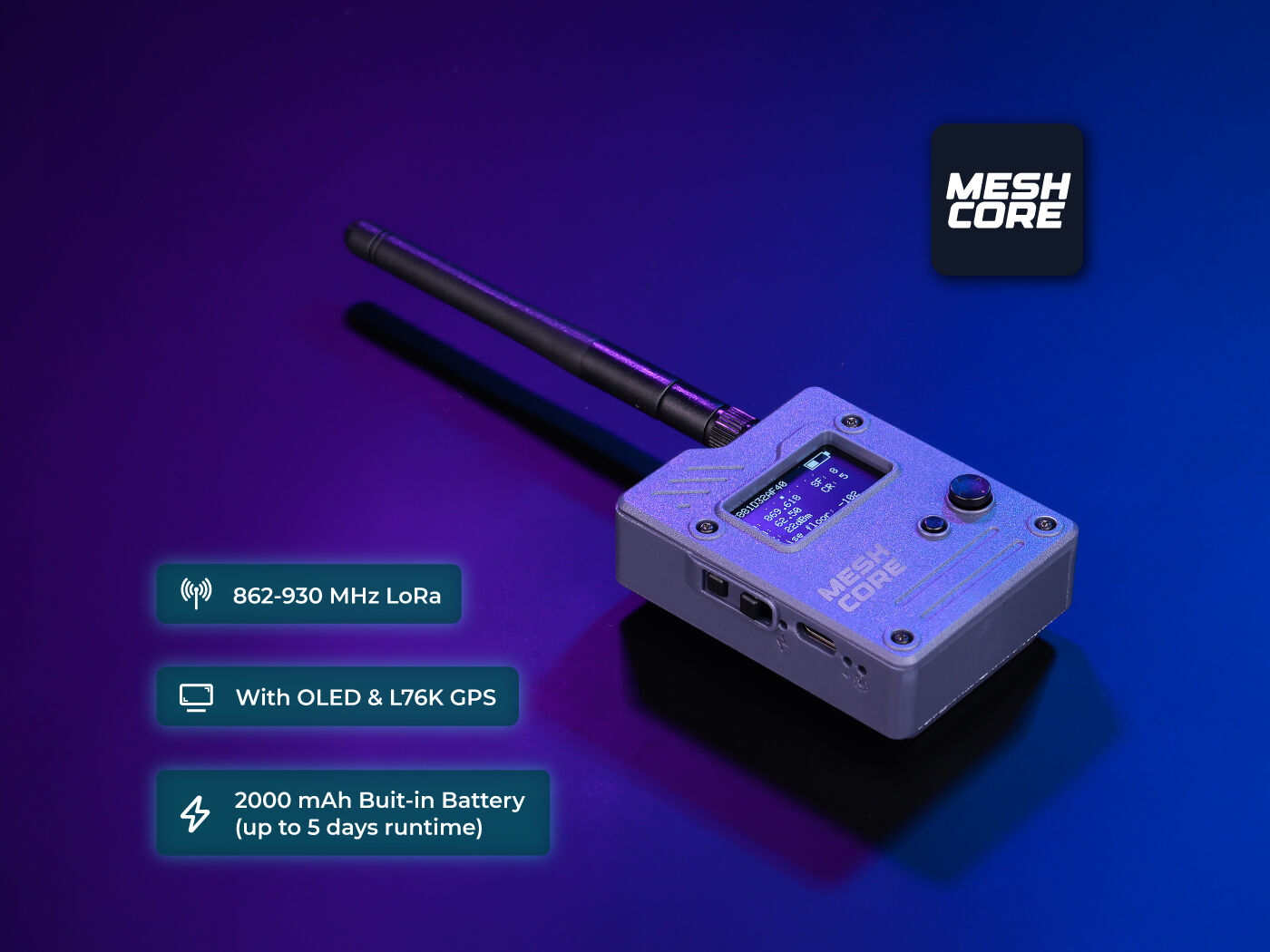
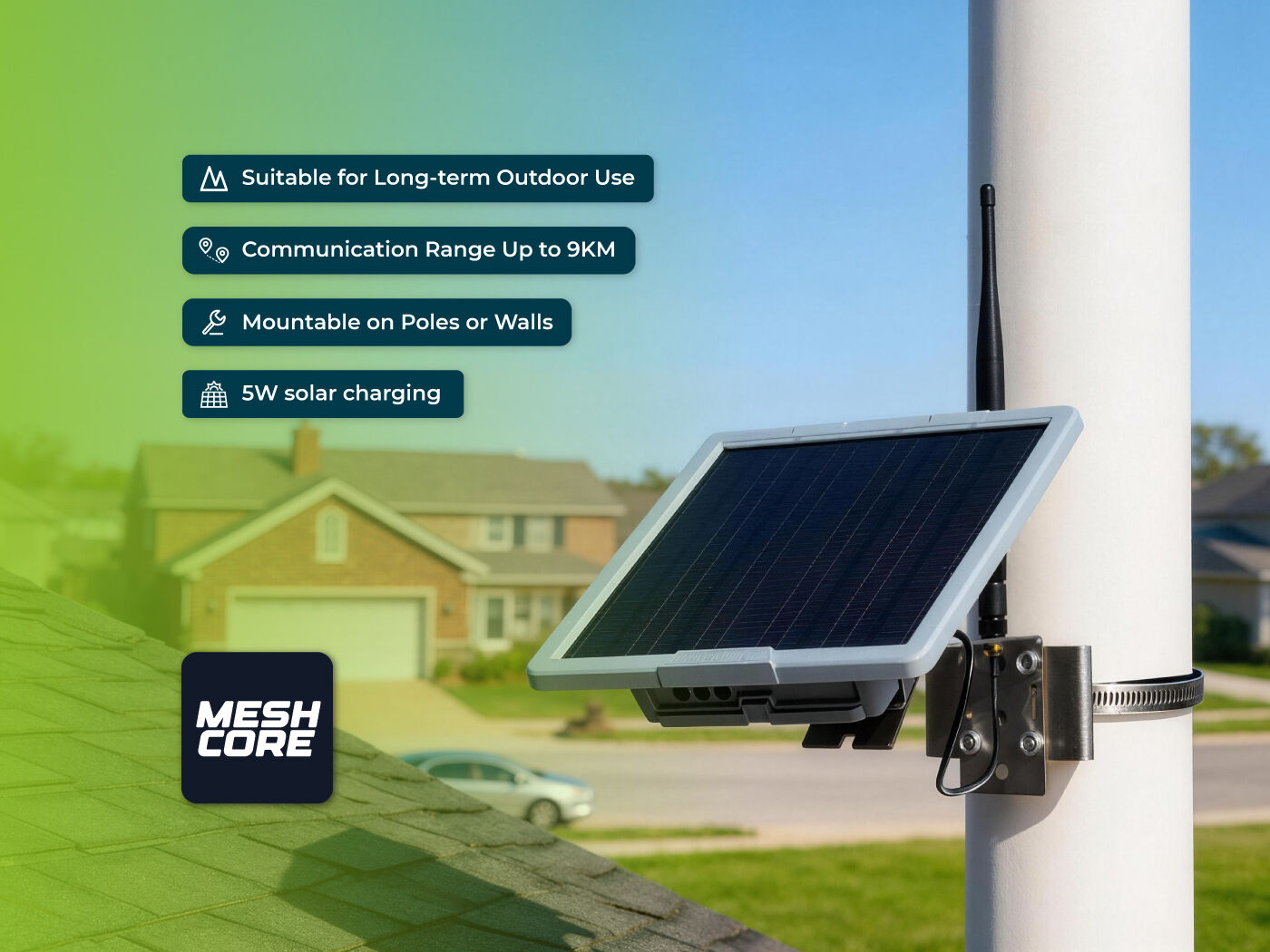
| Device | Image | Board name in ZephCore |
|---|---|---|
| Wio Tracker L1 Pro |
| wio_tracker_l1 |
| SenseCAP MeshTracker X1 |
| meshtracker_x1 |
| SenseCAP T1000-E |
| t1000_e |
| SenseCAP Solar Node P1 Pro |
| sensecap_solar is the related board name |


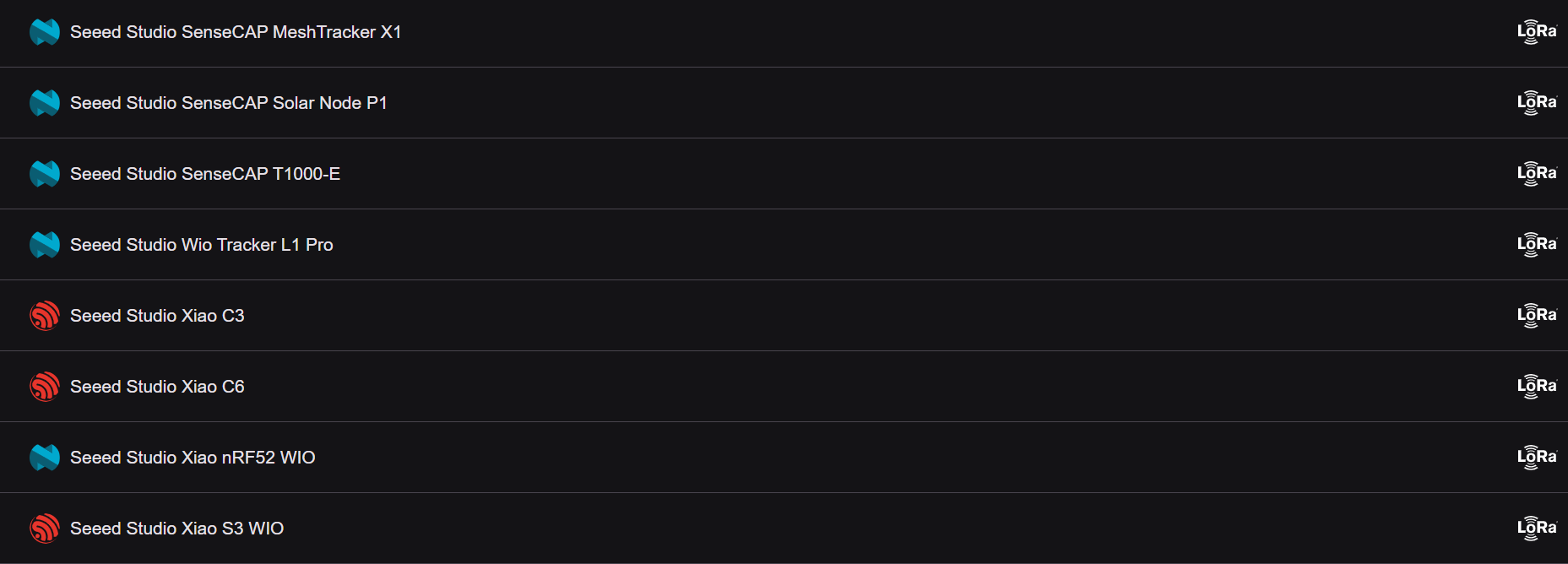
Check which builds are available for your board in the board list and firmware releases.
Flash ZephCore
Before switching firmware, save your radio settings and back up your node identity if you want to keep it. Switching firmware requires setting up the node again.
- Connect. Plug the device into your computer with a USB data cable. Open the ZephCore Web Flasher in Chrome or Edge.
- Select. Choose your exact board and role using the table above.
- Flash. Follow the prompts to select the USB device and install the firmware. Wait for the flasher to report completion.
- Test. Select the same regional radio preset as a nearby MeshCore node. For a Companion, pair in the MeshCore app, send a message, and ask for a reply. For a Repeater, check that a message reaches a second node through the relay.
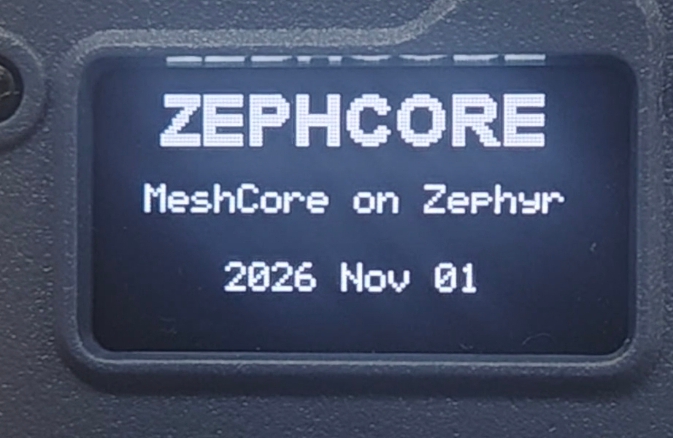
What can you try with ZephCore?
Measure battery use
Listening for LoRa packets uses power even when nobody sends a message. On supported SX126x radios, ZephCore can listen in short windows to reduce average current.
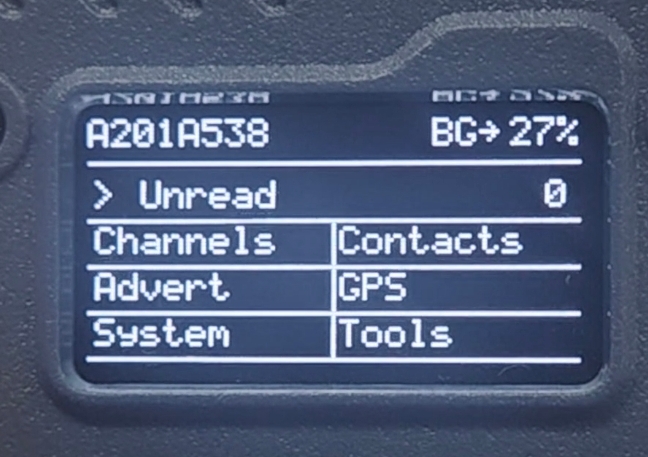
Check the L1 Pro without taking out your phone
On the L1 Pro, use the joystick to browse the OLED status screens and check the battery level on the device. This is handy when the tracker is in your hand and your phone is packed away. On the screenless X1 and T1000-E, use the MeshCore app to view Companion status.
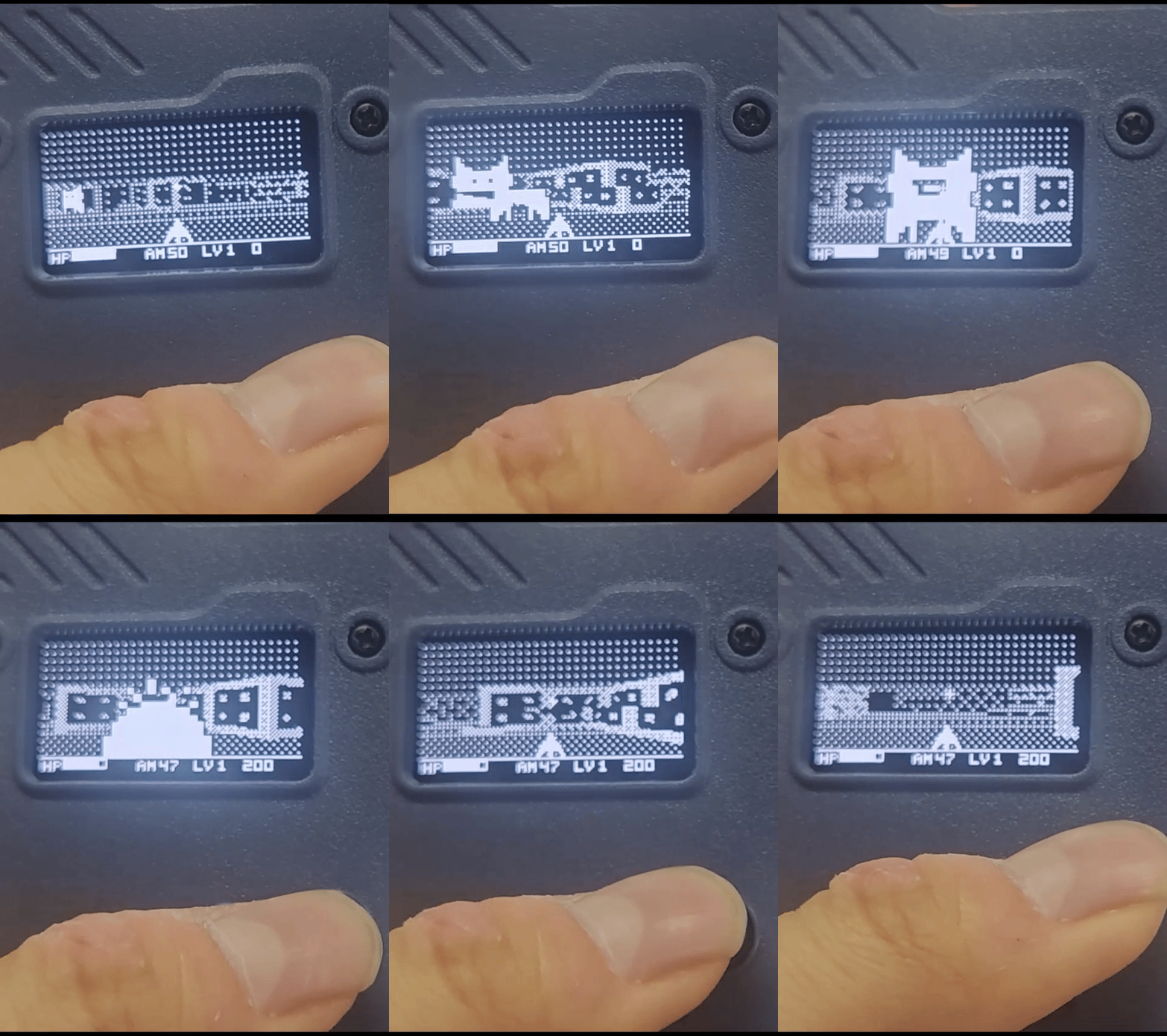
Explore games on Zephyr
Build your first ZephCore firmware
Install Git, the Zephyr tools, and the SDK required by your ZephCore revision. ZephCore build instructions
From a new folder, download the project and its dependencies:
git clone https://github.com/liquidraver/ZephCore.git zephcore
west init -l zephcore
west update
From the same folder, build the L1 Pro firmware:
west build -b wio_tracker_l1 zephcore --pristine
Here, west is Zephyr’s command-line tool and -b selects the board. The command compiles the firmware on your computer. To try a first edit, change a label on the L1 Pro status screen, rebuild, and follow the project’s instructions to install your local build. The new label gives you a visible check that your own firmware is running.
As you explore the source, look for Devicetree to see how hardware is connected and Kconfig to see which features a build enables.
Tech Support & Product Discussion