Find the right SenseCraft product
Start with what you want to create, connect, visualize, or operate. This guide maps each goal to the right SenseCraft product, platform, download, and user guide.
SenseCraft brings together software for building AI and hardware applications, training robots, connecting IoT devices, creating human-machine interfaces, and operating deployed edge systems. The products are related, but each serves a different stage of the workflow.
Choose by goal
| Your goal | Start with |
|---|---|
| Create, train, or deploy an edge-AI application | SenseCraft AI |
| Turn an idea into runnable hardware code | CodeCraft |
| Run optimized AI models and tools on reComputer hardware | reComputer AI Lab |
| Collect demonstrations, train, and validate a robotic-arm behavior | SenseCraft Robotics |
| Connect IoT devices and collect or view sensor data | SenseCraft Data Platform |
| Configure supported devices and monitor them from a phone | SenseCraft App |
| Create dashboards and display experiences for reTerminal | SenseCraft Seeedash |
| Operate distributed edge devices and roll out applications | SenseCraft Device Management Platform |
| Deploy or manage SenseCAP gateways for decentralized networks | SenseCAP MX / Hotspot |
Create AI and hardware applications

SenseCraft AI
Use the model library, no-code training, and application community to move from an AI idea to inference on supported edge devices. SenseCraft AI includes more than 400 models for SBC devices and supports one-click deployment from community applications.
CodeCraft
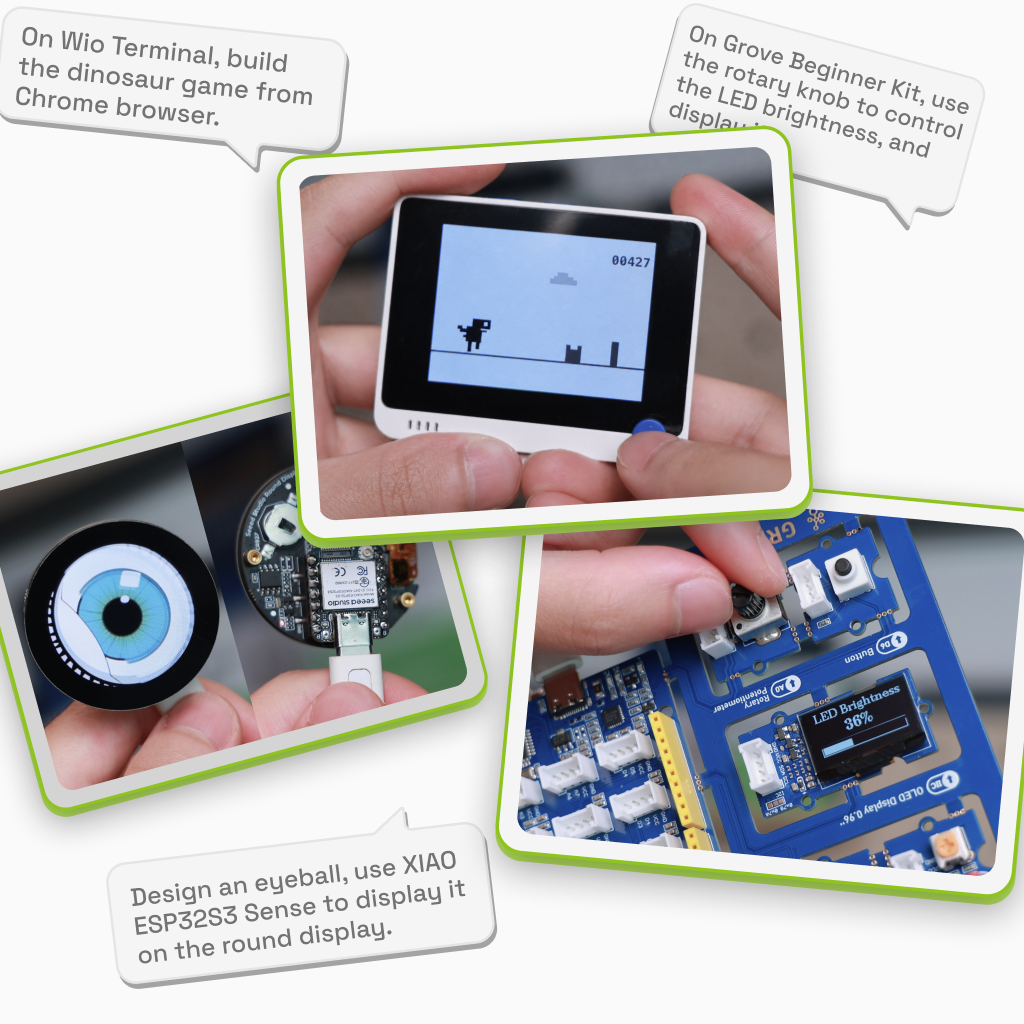
Describe the hardware project you want to build, generate its code, compile it in the cloud, and flash it from the browser. CodeCraft supports practical prototyping and learning workflows with Wio Terminal, XIAO, Grove, Arduino projects, and browser-based WebSerial.
reComputer AI Lab
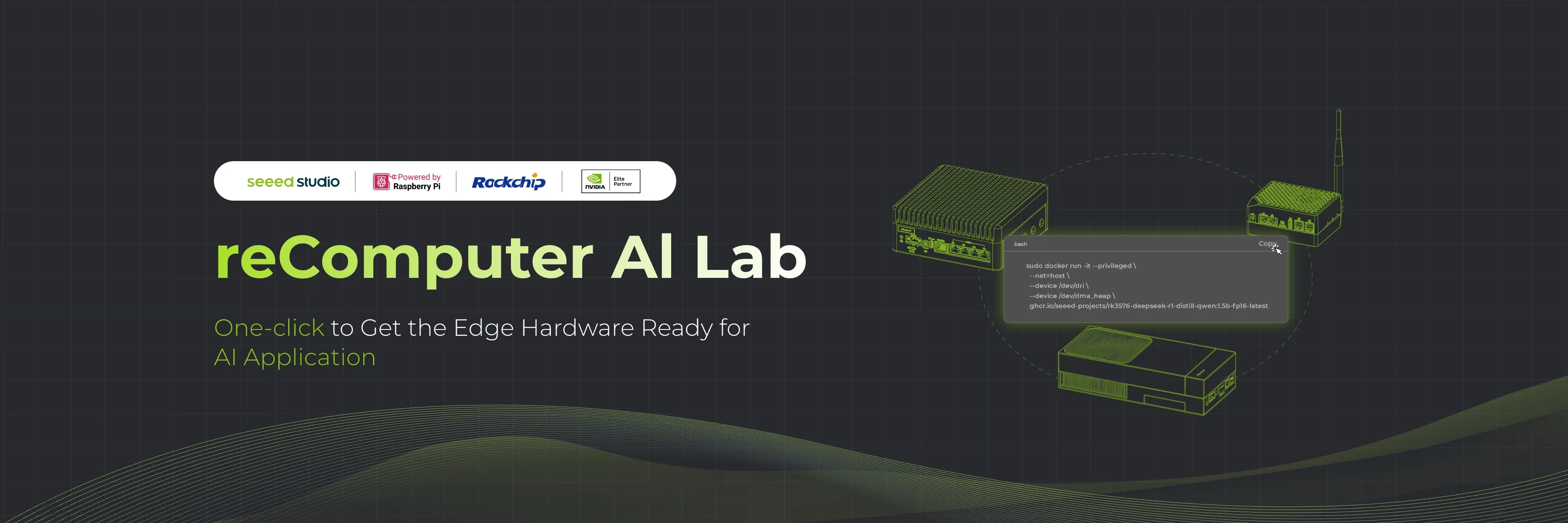
Browse more than 100 optimized computer-vision, LLM, and VLM models, then run them on NVIDIA Jetson, Rockchip, or Raspberry Pi based reComputer devices. Models include benchmarks and ready-to-run deployment commands, with conversion tools, tutorials, and community projects in the same developer resource center.
SenseCraft Robotics
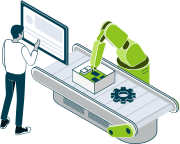
Follow one connected workflow for calibration, demonstration data collection, cloud training, and validation. It is designed for education and labs, robotics R&D proofs of concept, and early integration validation without requiring a high-end local training machine.
Connect, visualize, and operate


SenseCraft Data Platform
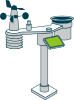
Pair supported gateways and sensors, collect data, and inspect device status and telemetry from one cloud platform. It serves as the data hub for SenseCAP devices and common IoT workflows using LoRaWAN, MQTT, Wi-Fi, weather, and environmental sensing.

SenseCraft App
Use the app to add supported devices, monitor their data and status, change available settings, review events, and perform supported Bluetooth configuration or upgrades. Use this app for general SenseCAP device and data workflows; it is separate from the SenseCAP Hotspot App.
SenseCraft Seeedash
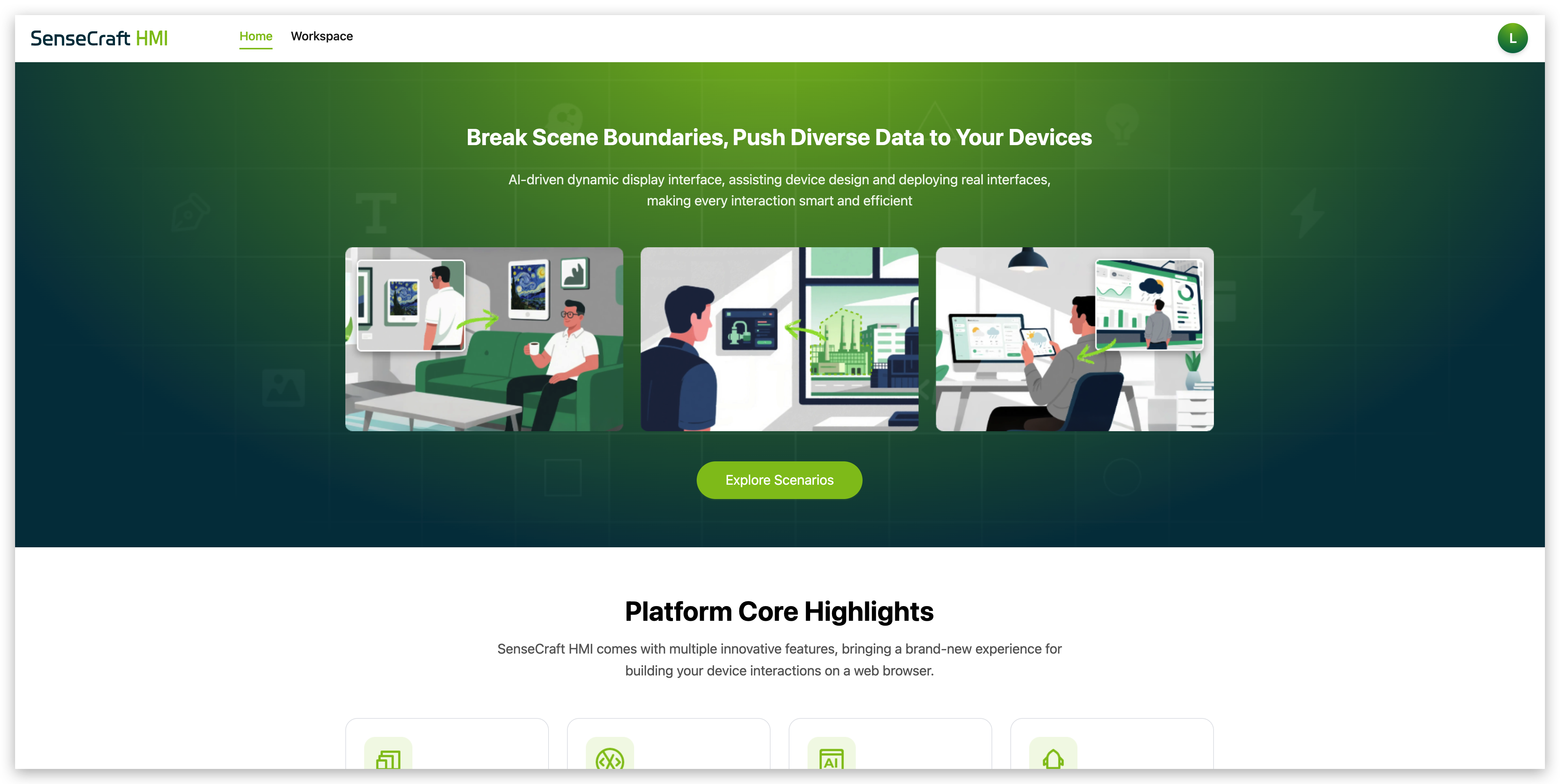
Start from a dashboard template or design your own display on the canvas, then manage and push the result to supported reTerminal devices. SenseCraft Seeedash is intended for information displays, control interfaces, and data-rich device experiences.
SenseCraft Device Management Platform
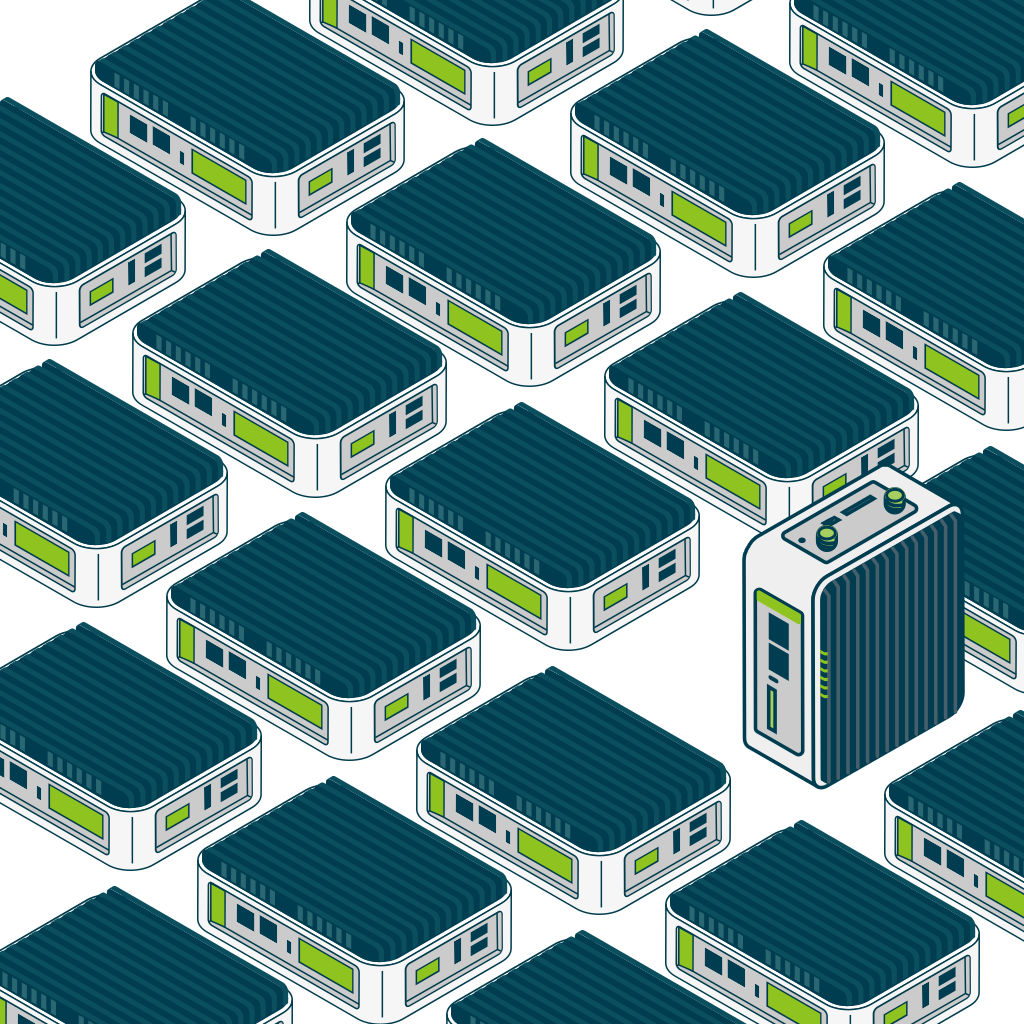
Use the platform after deployment to monitor supported edge nodes, apply consistent runtime policies, and manage application lifecycles across multiple devices. It supports mainstream edge hardware including NVIDIA Jetson, Rockchip, Raspberry Pi, and x86 edge PCs.
SenseCAP MX and Hotspot products

SenseCAP MX / Hotspot
Explore SenseCAP MX gateway products, documentation, and service status for supported decentralized network workflows. Use the separate SenseCAP Hotspot App to deploy and manage supported SenseCAP gateways and hotspot devices; do not confuse it with the general SenseCraft App.
- reComputer AI Lab is the current official name of the reComputer-focused models, tools, tutorials, and project resource center.
- SenseCraft Device Management Platform is the operations layer for managing deployed edge devices and applications; start with a concrete application or solution, then use device management to operate it at scale.
- SenseCraft App and SenseCAP Hotspot App are different mobile products. Use SenseCraft App for supported IoT devices and data workflows, and SenseCAP Hotspot App for supported gateway and hotspot workflows.